You Don't Need Photoshop to Make Poster Mockups
Somewhere along the way, "I need a mockup" turned into "I need Photoshop." It doesn't. Photoshop is one way to place a poster into a room photo — a slow, expensive, skill-heavy way. It's not the only way, and for most people selling or sharing a poster, it's not even a good way to start.
If you've put off making a listing photo, a portfolio piece, or a gift preview because you don't own Photoshop, can't justify the subscription, or opened it once and closed it again five minutes later — this is for the version of the tool that skips all of that. Upload a poster, pick a room, download a finished mockup. No software, no template hunting, no layers.
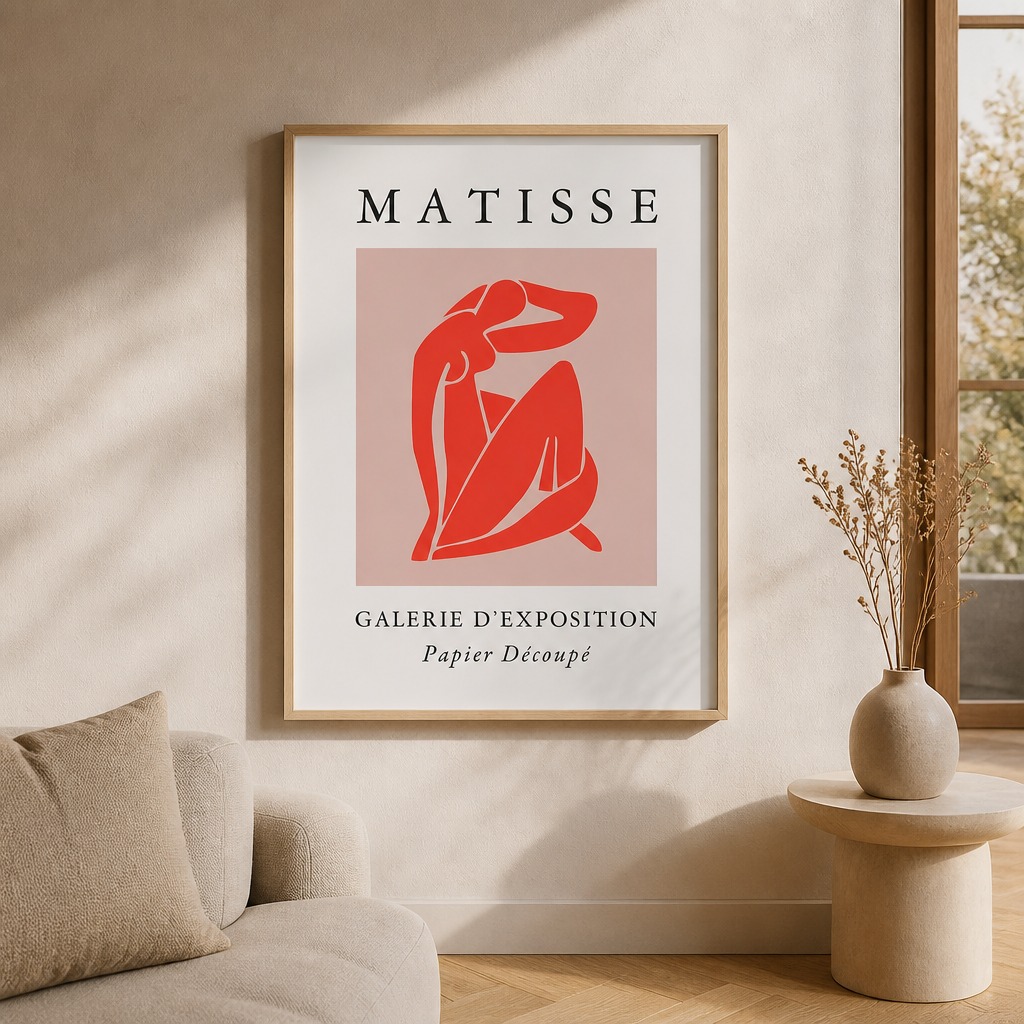
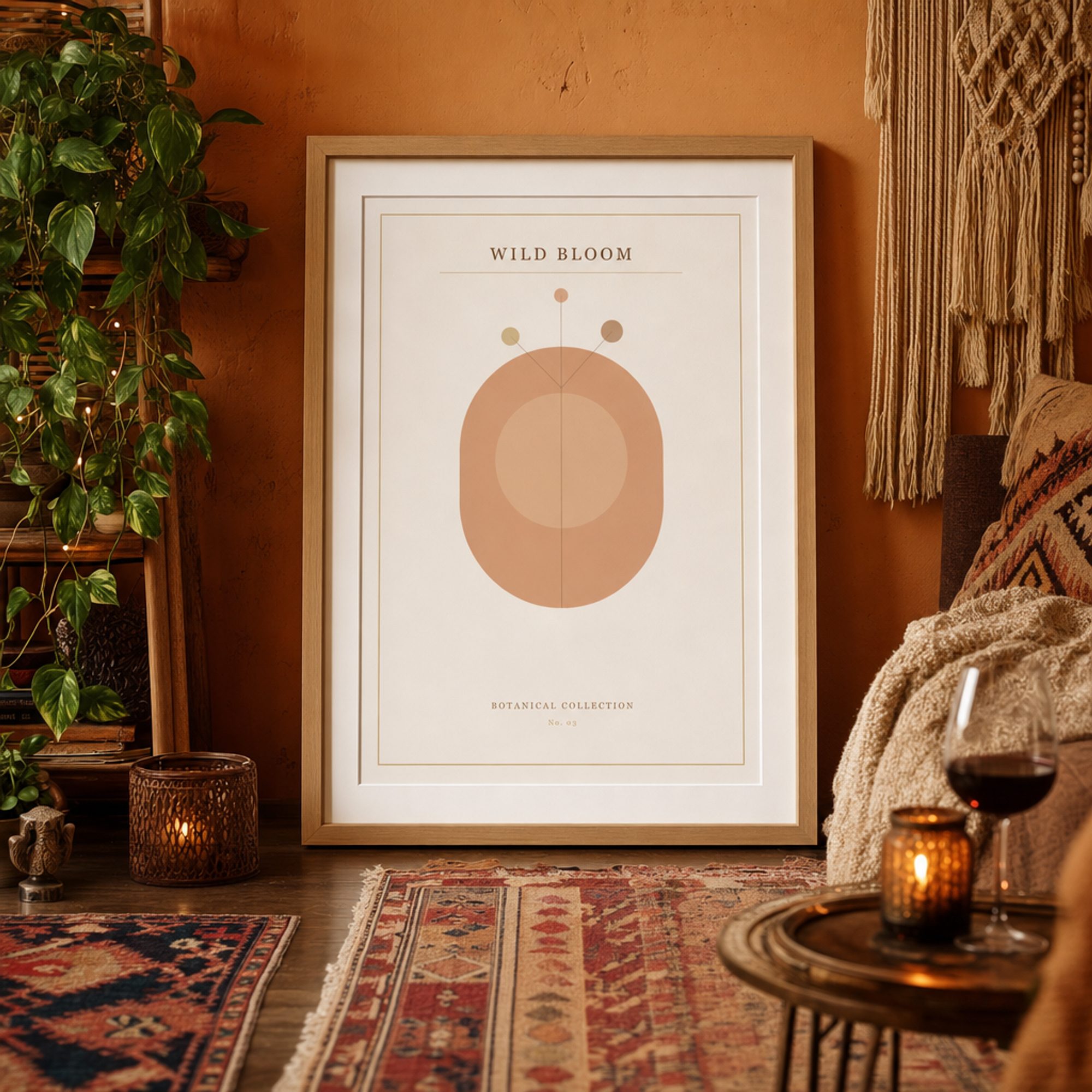
Both made from a single poster upload — no template, no Smart Object, no manual placement.
What making a mockup in Photoshop actually involves
It's worth being specific about this, because "just use Photoshop" undersells what that actually requires:
- A subscription. Photoshop alone is $22.99/month, or you're paying more for the full Creative Cloud bundle — for something you might use once.
- A mockup template. Photoshop doesn't generate a room for you. You need a separate PSD file, usually bought from a marketplace like Creative Market or Etsy, that already has a room photo with a Smart Object layer built in.
- Knowing what a Smart Object is. Double-clicking the right layer, pasting your poster inside it without distorting the perspective, and saving back correctly is a real skill — not hard once you know it, but genuinely confusing the first time.
- Matching perspective and lighting by eye. If the template isn't a true Smart Object (a lot of cheap ones aren't), you're manually warping and shading your poster to match the room's angle and light — that's actual design work, not a checkbox.
- Exporting at the right size and DPI. Flattening, resizing to 2000×2000px, setting 300 DPI — easy to get wrong if you don't already know why it matters.
None of that is a criticism of Photoshop — it's an extremely capable tool, and if you already own it and a template library, it's genuinely great (more on that below). The point is just that all of the above is the actual cost of "just use Photoshop," and most people who need one mockup for one listing don't need to pay it.
What it looks like without Photoshop
Upload your poster
Go to postermockai.com/app and drag your JPEG or PNG in — no account, no install. Any resolution works.
Pick a room style
Choose from ready-made room styles — Minimalist, Cozy, Industrial, Scandinavian, and more. There's nothing to build; the AI generates the room around your poster from scratch.
Choose a frame
Black, white, natural wood, or no frame at all — one click, no Smart Object, no layer to find.
Generate and download
About 20–30 seconds. Output is 2000×2000px at 300 DPI, ready to upload wherever you need it — no flattening, no export settings to remember.
That's the entire process. There's no step where you need to already know what a Smart Object is, and no step where the result depends on how steady your hand is with the perspective tool.
Photoshop vs. no software at all
| Photoshop + template | PosterMock AI | |
|---|---|---|
| Cost | $22.99+/mo subscription, plus templates | Free to start, no card required |
| Software to install | Yes — several GB | None, runs in your browser |
| Design skill required | Layers, Smart Objects, perspective warp | None — upload, click, done |
| Need a template file | Yes, bought separately | No — AI builds the room per upload |
| Time to first mockup | 30–60+ min the first time | Under a minute |
| Every result unique | No — same template as other sellers | Yes — a new room every generation |
Where this doesn't apply: if you already own Photoshop and a library of PSD mockup templates you like, that combination gives you more manual control per image than an AI tool will. This comparison is about the much more common case — someone who doesn't already have both of those things and just wants a finished mockup.
Who this is actually for
- First-time Etsy or Redbubble sellers who need a listing photo today, not after a weekend learning Photoshop.
- Artists and photographers who want to show their print on a wall for a portfolio or social post without a photo studio.
- Gift and personalization sellers who need a quick preview image for a custom poster, one at a time, without a batch workflow.
- Anyone who tried Photoshop once for exactly this and bounced off the Smart Object step.
If you do own Photoshop and a template library
Worth saying plainly: if that's your situation, keep using it — you already paid the cost this article is about avoiding, and a real Smart Object template gives you pixel-level control an AI room can't match. PosterMock AI also builds AutoMockup Desktop for exactly that case — it drives your own installed Photoshop to batch-place designs into your existing PSD templates automatically, so you're not clicking through each one by hand. Different tool, different audience: this article and the free web app are for the much larger group who don't have that setup and don't want to build it just to get one mockup.
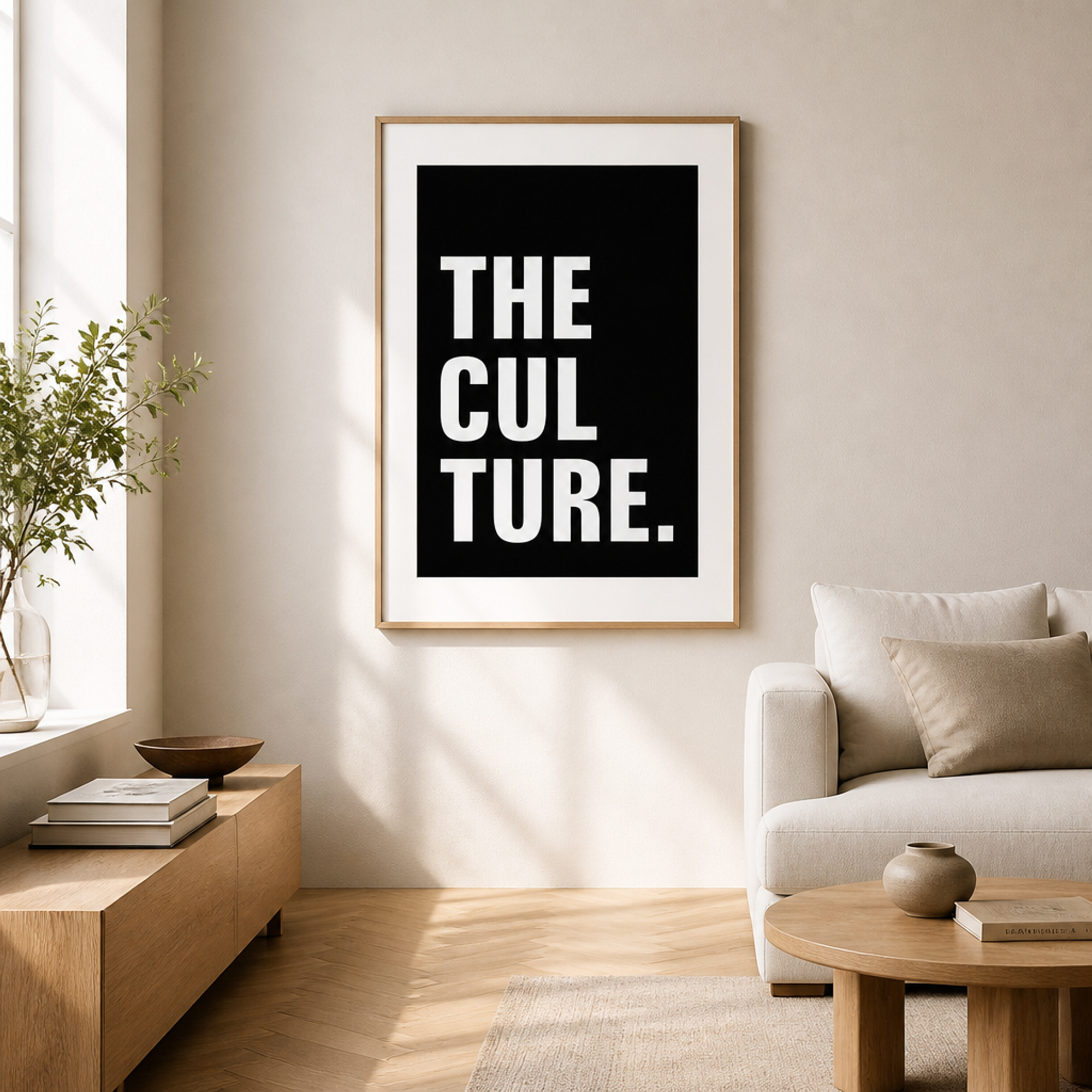
No template file, no Smart Object — every room is generated fresh around your upload.
Make your first mockup without opening any software
Upload a poster, pick a room and frame, download the result. No Photoshop, no account, no learning curve.
Try free — no account needed →2 free generations a day · No watermark · No install
Frequently asked questions
Do I need any design experience at all?
No. The whole flow is upload, pick a style, click generate. There's no layer, mask, or Smart Object to understand — the AI builds the room and places the poster in it.
Is it really free, or is that just to get me to sign up?
Guest users get 2 free full-resolution generations per day with no account and no watermark. A free account (just email, no card) adds more monthly credits and a trial of every room style — but you can get a usable mockup without ever creating one.
What if I already have Photoshop mockup templates I paid for?
Keep using them if they work for you — that setup still gives more manual control than any AI tool. If you're placing designs into those templates repeatedly, AutoMockup Desktop automates that specific workflow through your own Photoshop instead of replacing it. If you want a different piece of software to open those templates instead of Photoshop, see our comparison of free Photoshop alternatives like GIMP and Photopea.
What file do I need to upload?
Just your poster artwork as a JPEG or PNG — any resolution. No PSD, no pre-made template, nothing else required.