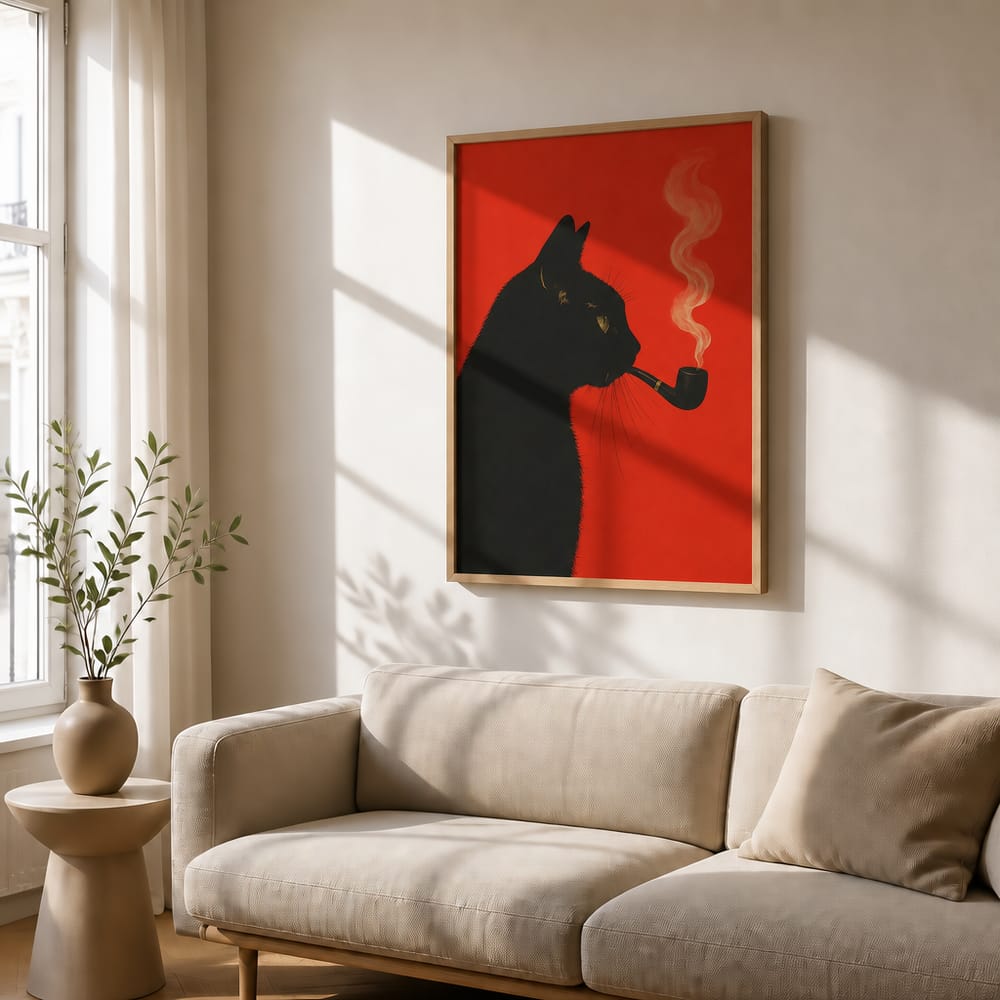
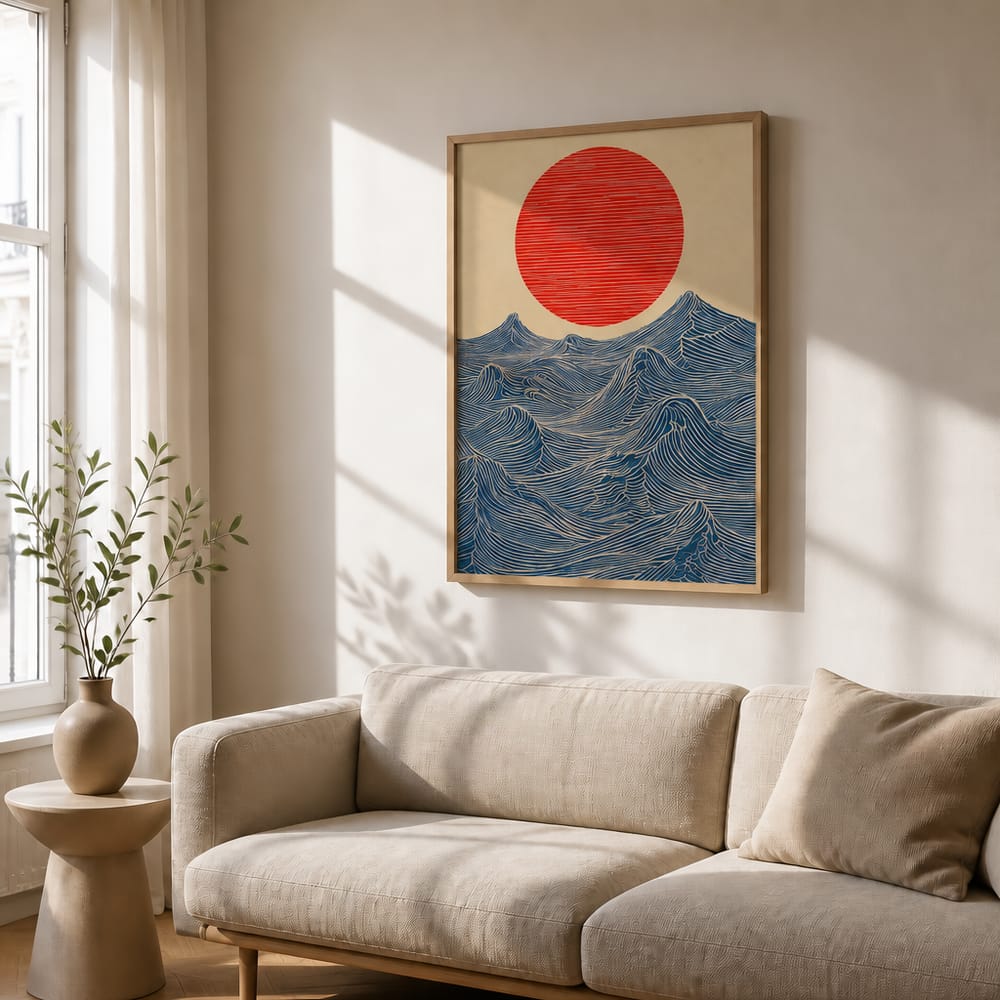
No sign-up · 2 free mockups
One design.
Every product photo.
Drop your artwork in and the AI photographs it — on a wall, on a laptop, on a tote, on a tee, on a mug. Listing-ready in about twenty seconds.
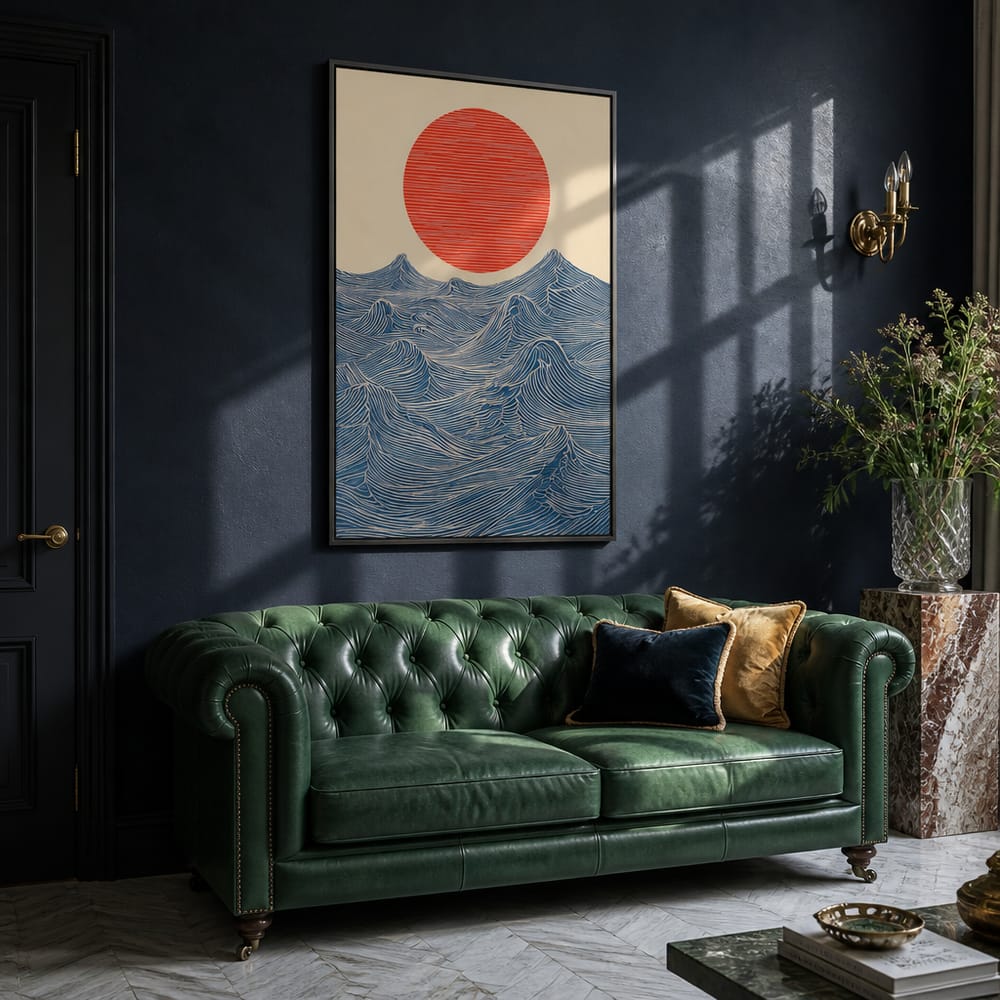


Drop your artwork in and the AI photographs it — on a wall, on a laptop, on a tote, on a tee, on a mug. Listing-ready in about twenty seconds.
Same credits, same upload, five different sets of scenes. Switch in one click inside the app.
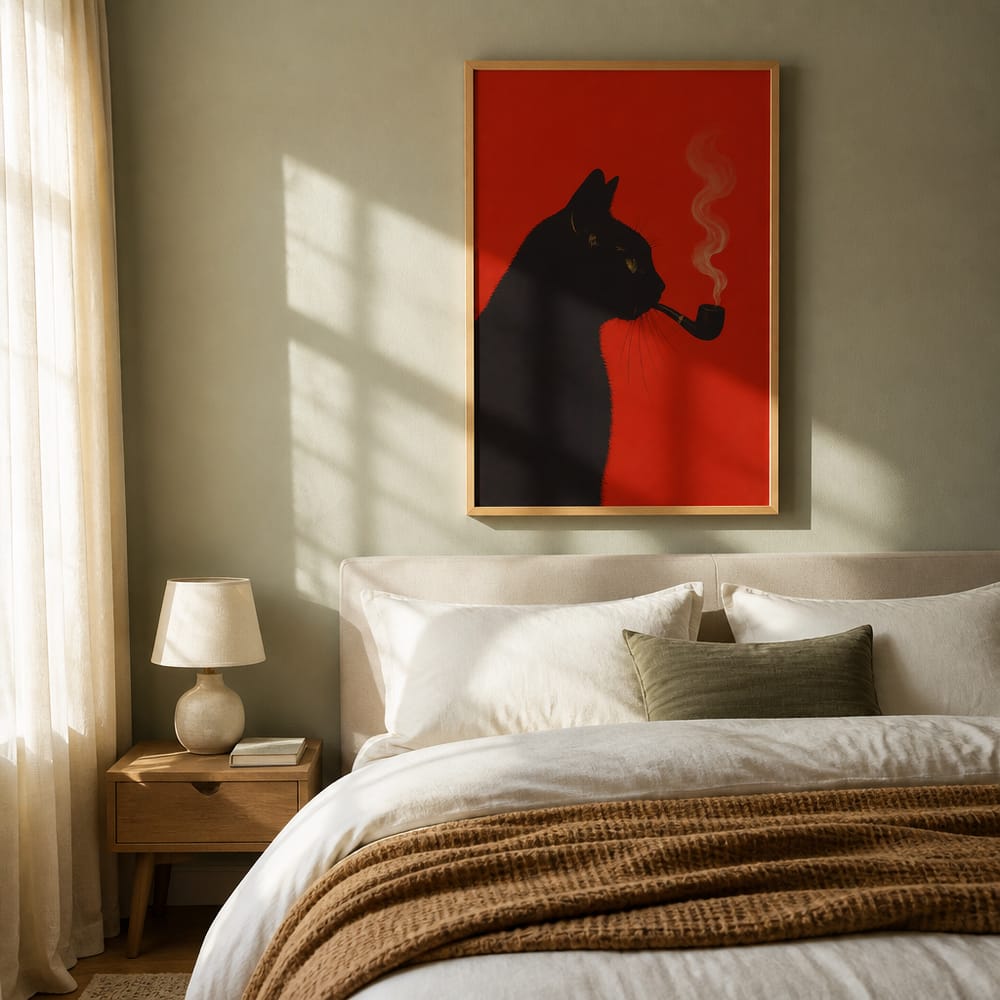
Photorealistic rooms built around your art — shadows, reflections and perspective included.
14 rooms · 4 frames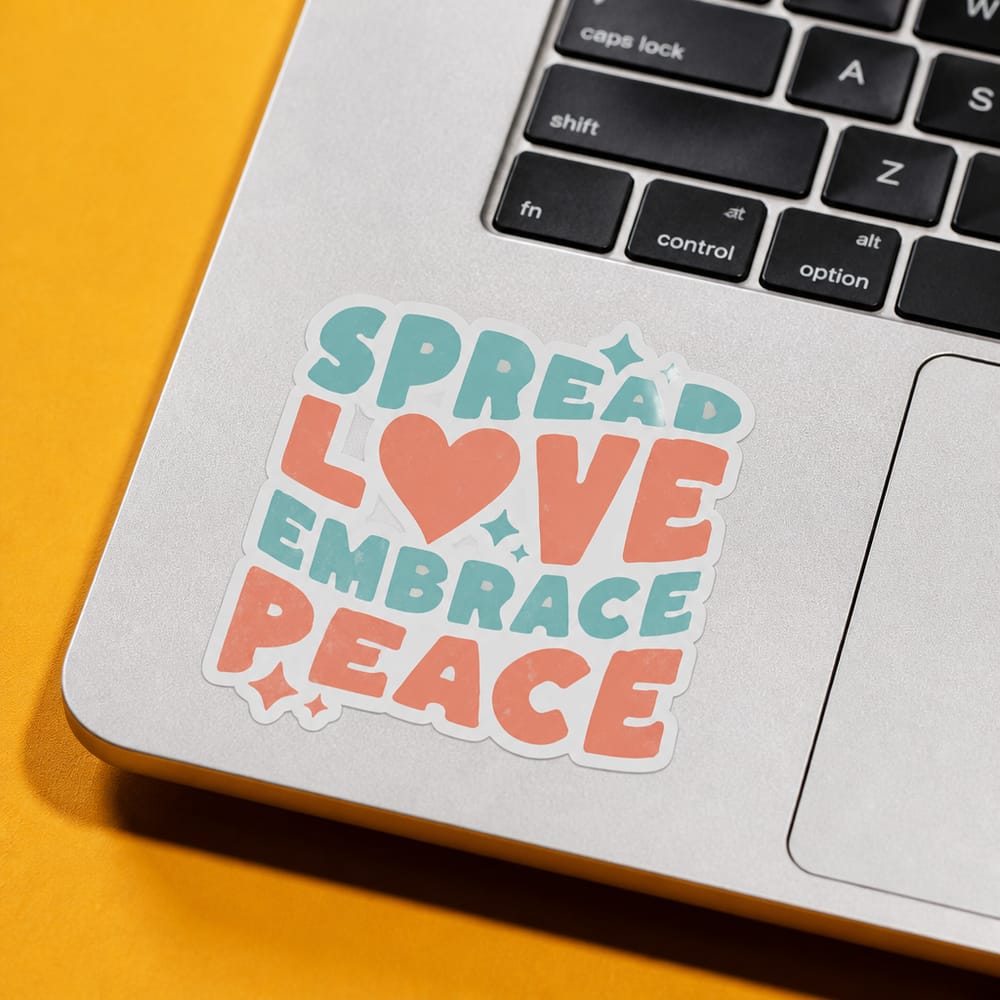
On a laptop, a water bottle, a phone case, a notebook, or a kiss-cut sheet being peeled.
6 surfaces · 3 finishes
Hanging, flat lay, held by a model, over a chair, or out at a weekend market.
5 scenes · 5 colours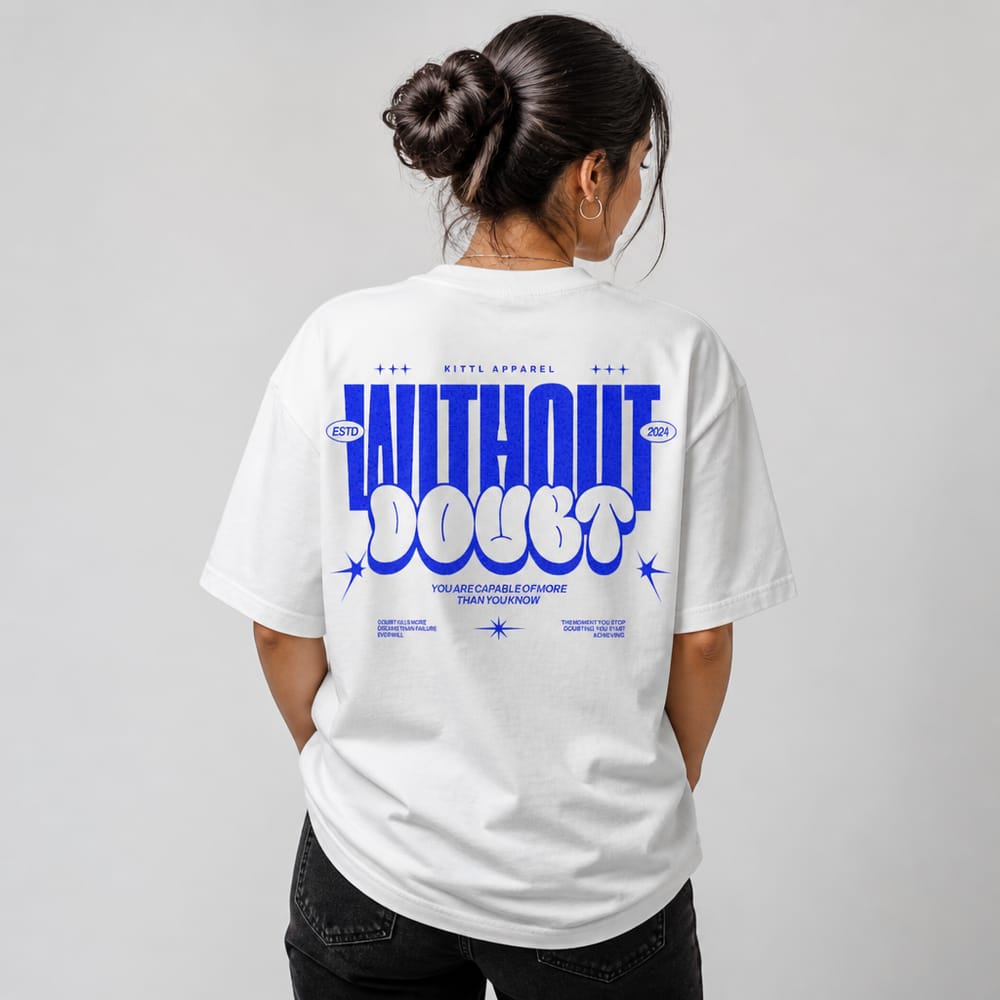
Worn, folded, hanging or on a mannequin — male or female model, five colours.
5 scenes · 5 colours
Studio, café table, held, desk or lap — standard or full-wrap print, six mug types.
5 scenes · 6 mugsNo Photoshop, no studio, no staging. The first two are free and you don't need an account.
Any JPG or PNG. Drag it in, click, or paste straight from your clipboard.
Pick a room, frame and light — or describe the space and let the AI build it.
2000×2000 at 300 DPI, saved to your library so you can come back to it.
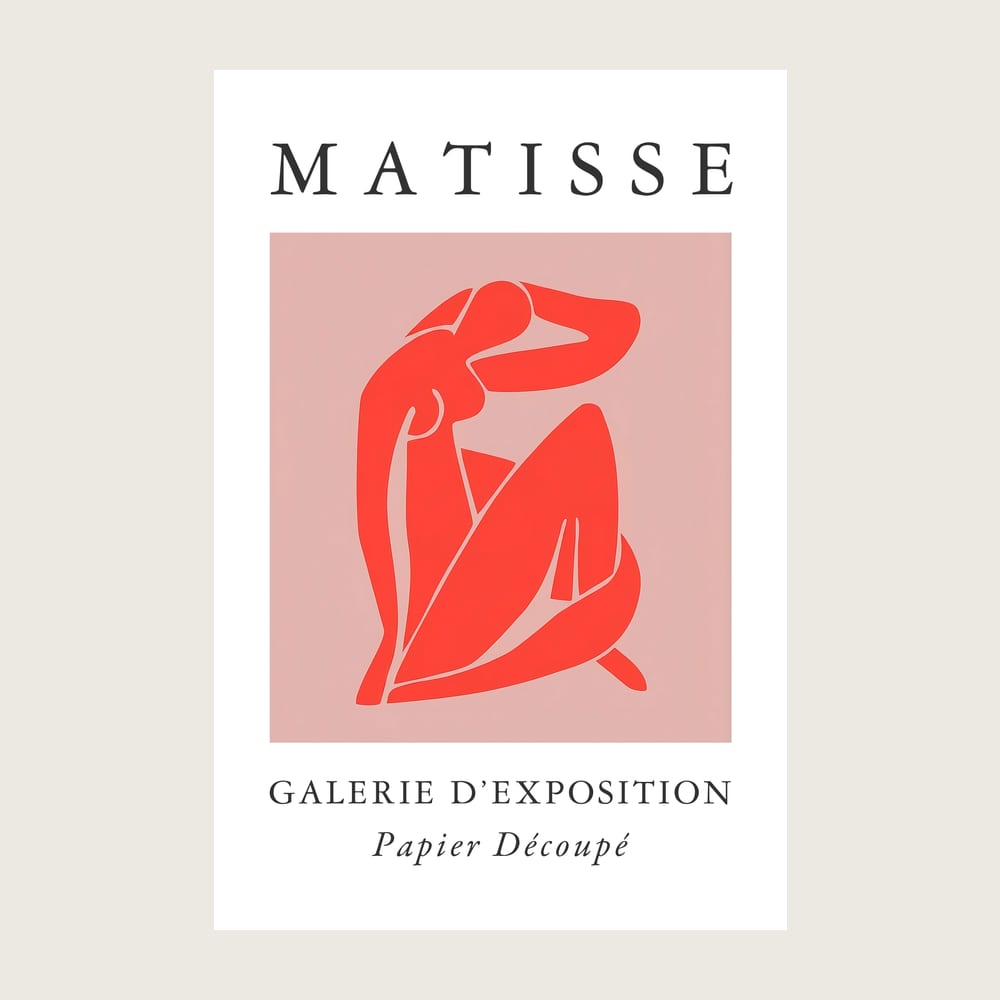
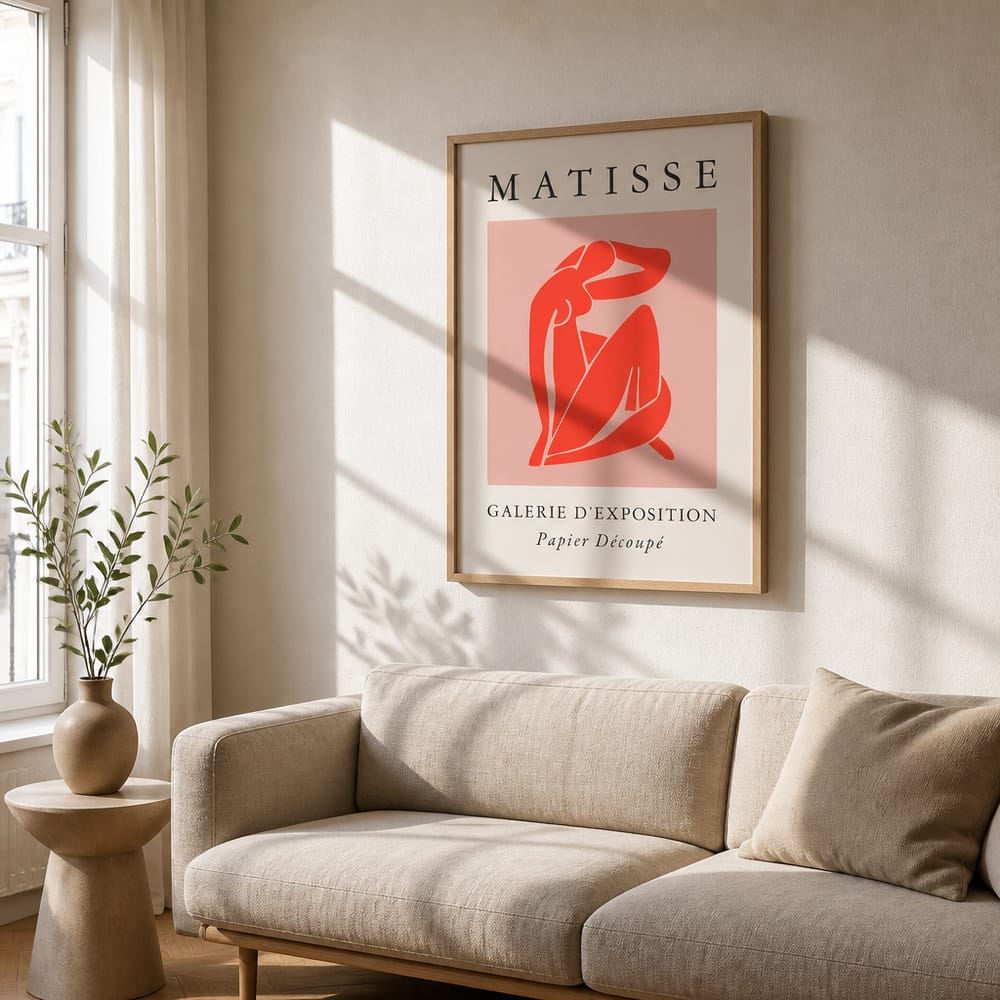
The AI doesn't paste your poster onto a stock photo. It builds the room around it — frame, mat, wall, light source, and the shadow the frame casts.
 19s
19s
Every scene was generated around a real seller's upload — not pasted onto a template.
Included on Starter and Pro. Built for shops that need a consistent look across everything.
Save any room as a template, then drop in a new poster — the AI replaces only the artwork inside the frame. Same room, same light, same composition across your whole catalogue.
Objects, mood, time of day, a client's actual furniture — write it in and the AI works it into the scene naturally.
Queue up to ten files against a saved room, walk away, and download the finished set as a ZIP.
Anyone who has to show a design on a product before the product exists.
Listing photos for every SKU without paying for a shoot or buying template packs you have to learn Photoshop to use.
Portfolio and client presentation shots of work that only exists as a file, in whatever room style fits the brand.
Show a client the piece on their wall before they commit — describe their actual space and generate the preview.
The desktop app drives your own copy of Photoshop to batch every design against every template you own — full blend modes and layer effects, exactly as Photoshop renders them. One-time purchase, no subscription.
Every generation costs 5 credits on any product. Cancel any time.
PlaceIt charges $14.95/mo and Smartmockups $9/mo for stock-template compositing.
Only want to buy credits? Get 50 credits for $2, no subscription →
Two free generations. No account, no card, no watermark.
Open the generator