AI Sticker
Mockup Generator
Upload your design and get a real-looking sticker photo in about twenty seconds, die-cut to the right shape: on a laptop, a water bottle, a notebook, a phone case or a kiss-cut sheet.
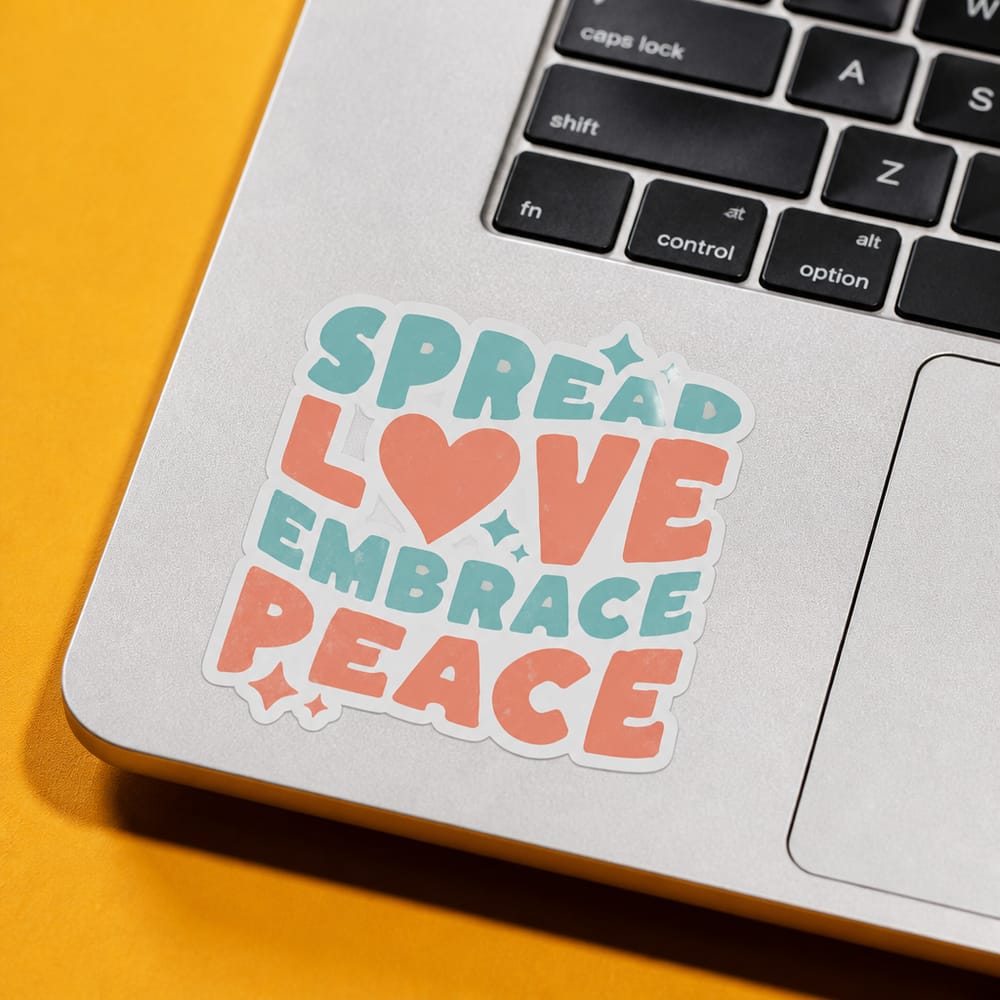
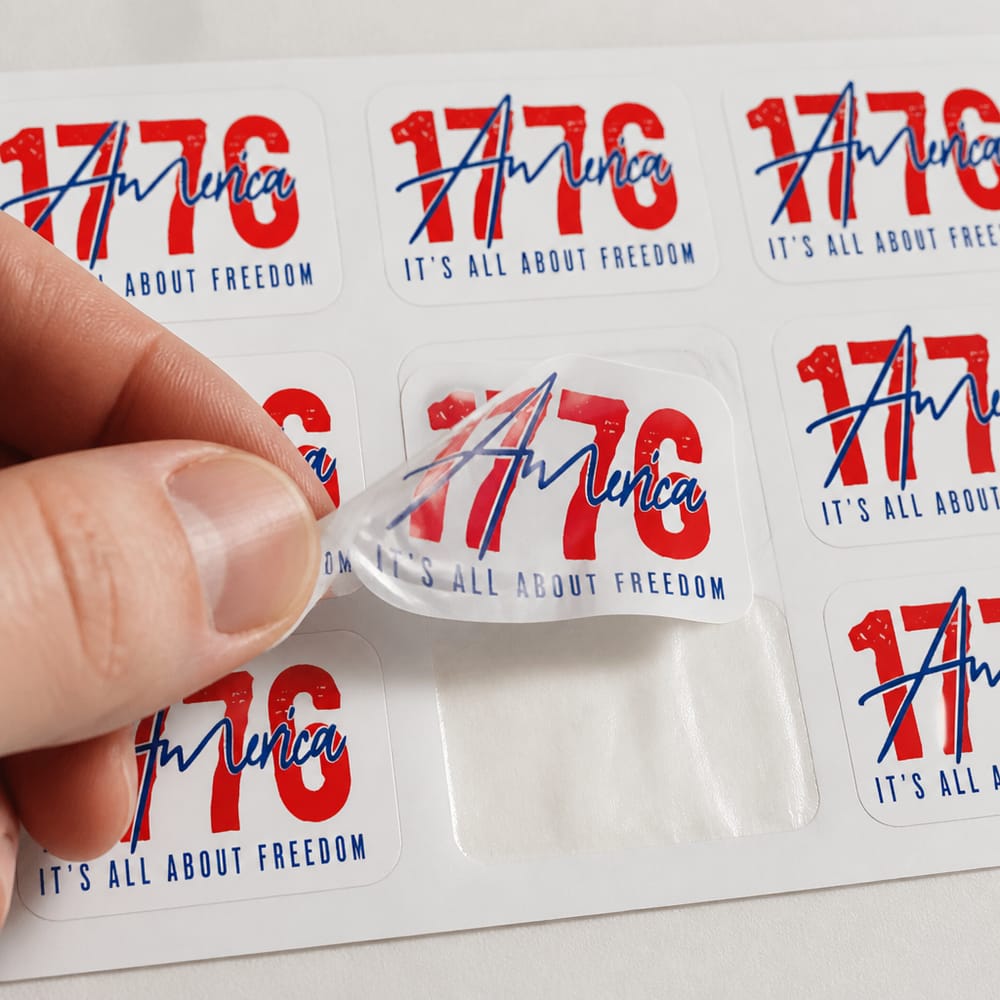
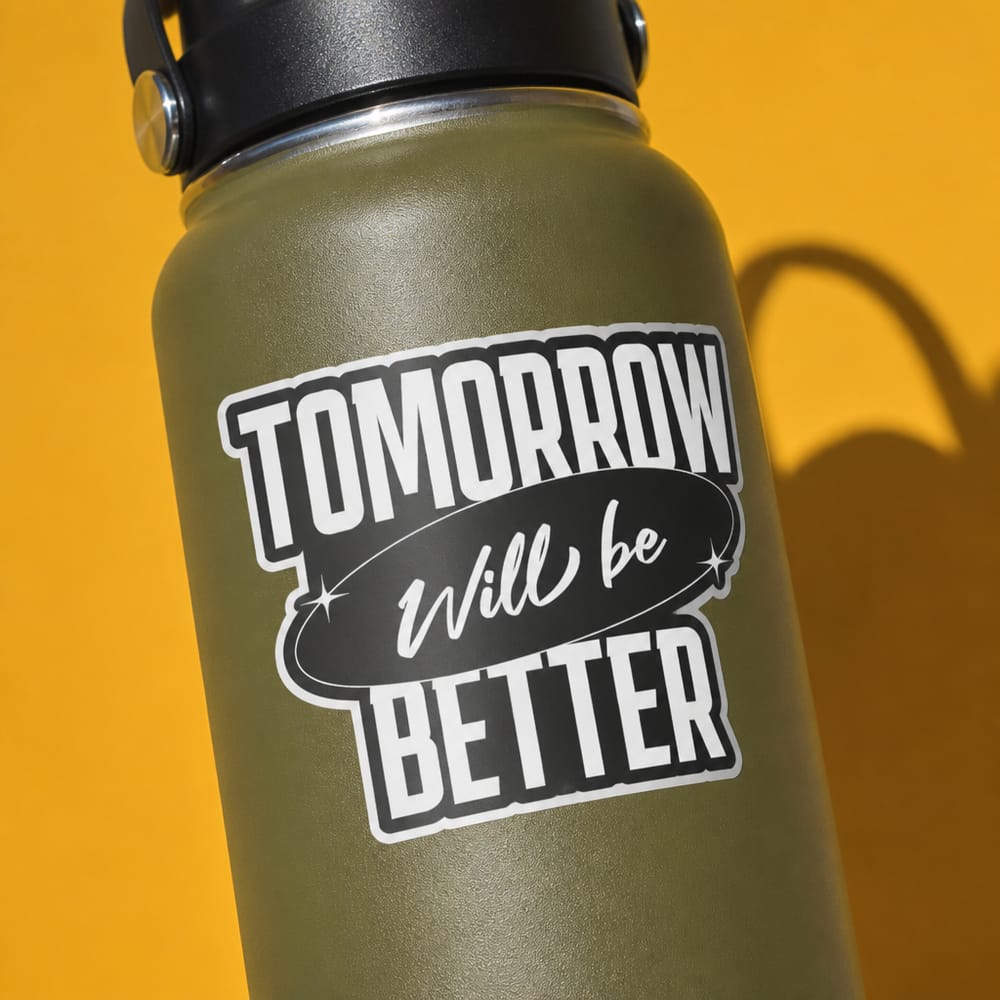
Flat file in. Real sticker out.
The AI doesn't paste your artwork onto a stock photo. It die-cuts your design to a sensible sticker shape, prints it on vinyl in the finish you pick, and photographs it on a real surface.
Every photo made from one upload.
No stock templates: each scene is generated fresh around the design, so your listing doesn't look like everyone else's.
How to make a sticker mockup
Three steps, about a minute. Your first mockups are free and you don't need an account.
Upload your design
Any PNG or JPG. A single shape is cut along its outline; a design with separate pieces, like an illustration with text under it, is cut as one clean rounded rectangle.
Pick a surface and finish
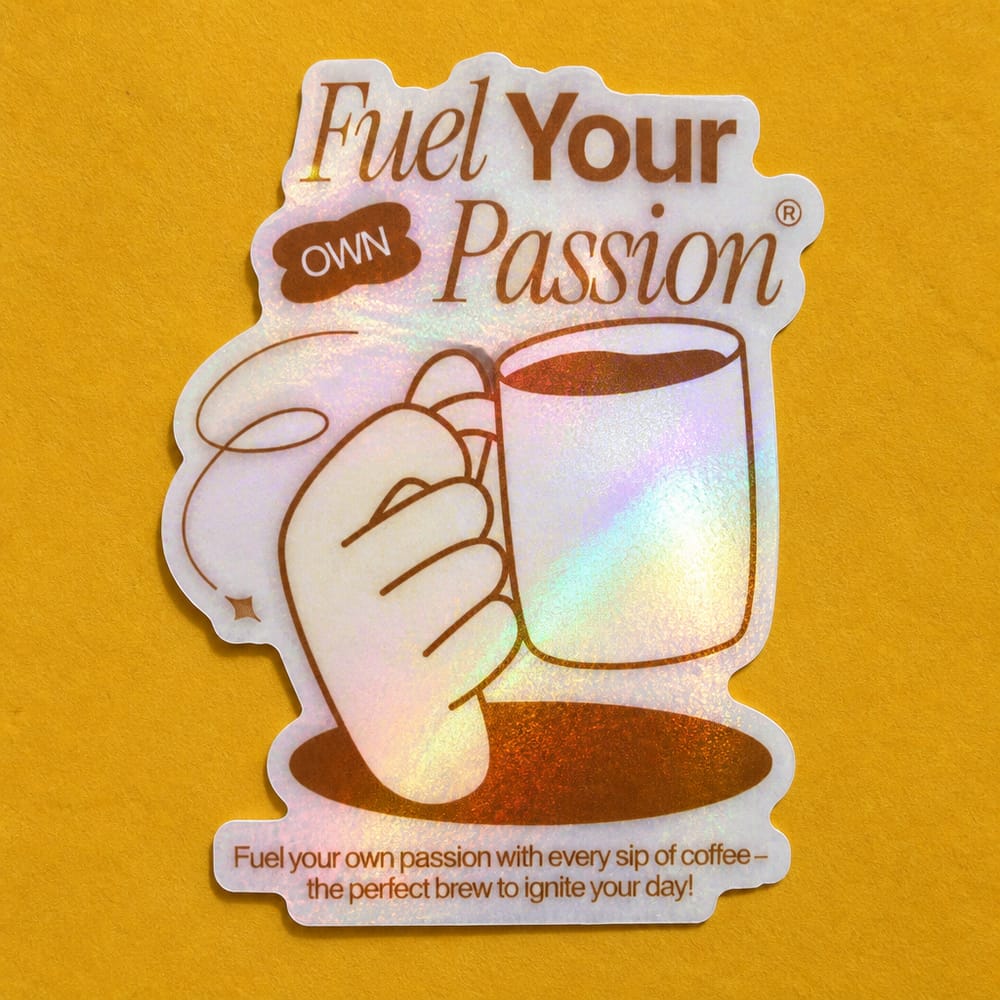
Flat lay or laptop for free, plus water bottle, notebook, phone case and sticker sheet on Pro. Glossy or matte for free, holographic on Pro.
Download and list
A 2000×2000 photo at 300 DPI in about 20 seconds, with no watermark, ready for Etsy, Redbubble or your own shop.
Six surfaces, three finishes
Flat lay
FreeLying flat on a bold, solid-color background picked to suit your design.
Laptop
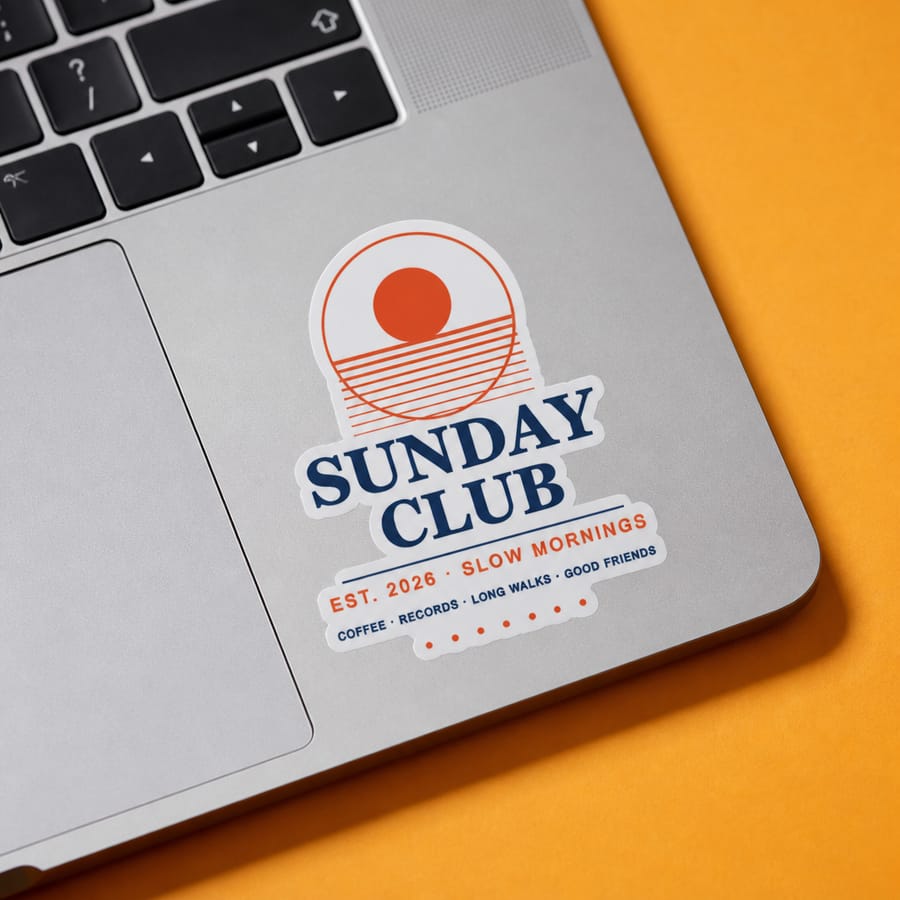
FreeOn a silver laptop, on the palm rest or the lid, whichever composes best.
Water bottle
ProOn a powder-coated bottle, curving naturally with its shape.
Notebook
ProOn the cover of a leather-bound notebook resting on a cork board.
Phone case
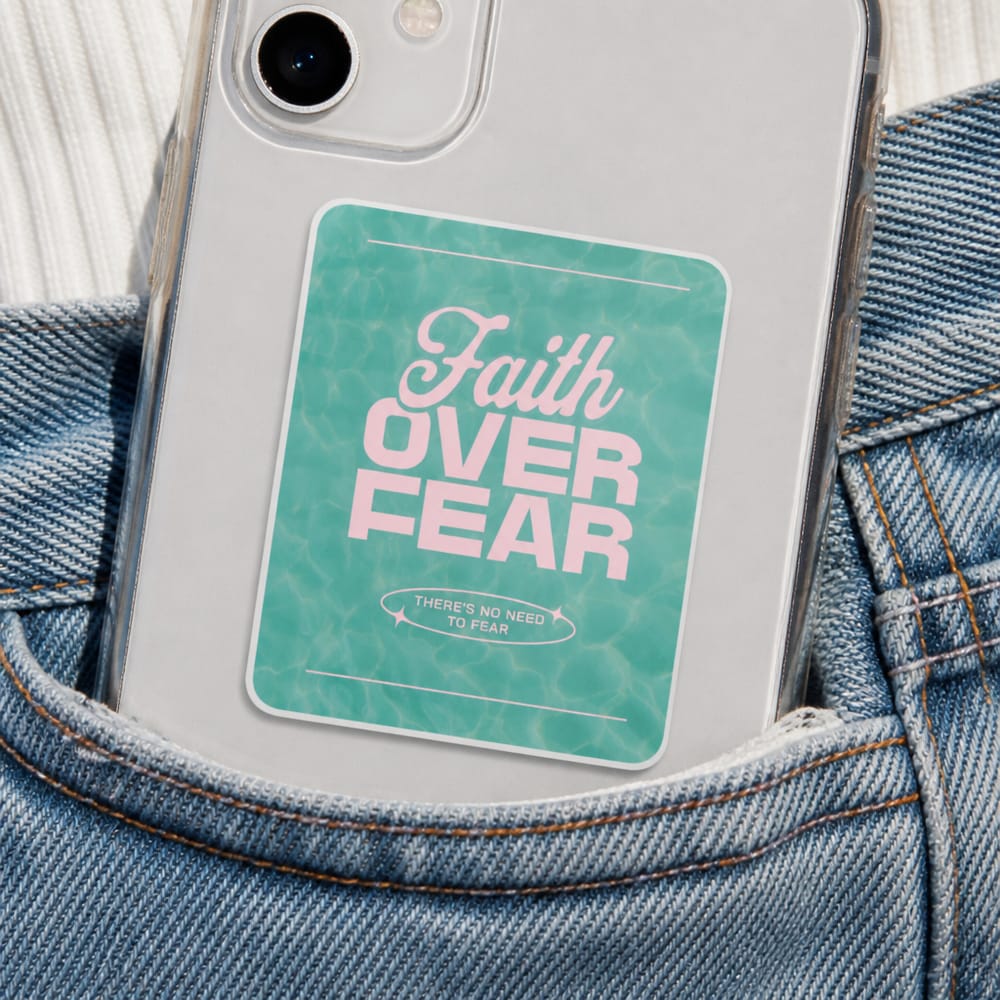
ProOn a phone case tucked into the pocket of a denim jacket or jeans.
Sticker sheet
ProA kiss-cut sheet of 6 to 9 copies, with a hand peeling one off.
Not another shared template.
Unique to your shop
Template sites give every seller the same few photos. Here the scene is generated for your design, so no two listings look alike.
Built to look like a real photo
Each generator was tuned against real product photography: true material texture, natural light and believable people. How we do it.
No Photoshop, no PSD files
No smart objects to edit and nothing to install. Upload in the browser and download a finished photo.
| Tool | Price | How the photo is made | Unique to your design |
|---|---|---|---|
| PosterMock AI | Free · $7.99/mo | AI-generated scene | Yes |
| Placeit | $14.95/mo | Stock template | No |
| Canva Mockups | Free · $15/mo | Stock template | No |
| Printful Mockup Generator | Free with Printful | Stock template | No |
Competitor prices as listed on their sites in 2026, monthly billing.
Get a better sticker listing photo
Sticker mockup generator FAQ
Is the sticker mockup generator free?
Yes. You can make 2 mockups a day as a guest with no account, and a free account adds 25 credits a month. The flat lay and laptop surfaces and the glossy and matte finishes are free; the other surfaces and the holographic finish are on Pro, from $7.99 a month.
Can I use the mockups commercially?
Yes. Everything you generate is yours to use in Etsy, Redbubble or Shopify listings, ads and social media, with no watermark.
What size are the images?
Every mockup is a 2000×2000 pixel square at 300 DPI, which fits Etsy's recommended listing photo size. Download it as JPEG or PNG.
How is the sticker shape cut?
A design that is one connected shape is die-cut along its outline with a small even border. A design with separate pieces is cut as one rounded rectangle around everything, the way real sticker printers handle it, so you never get a warped outline.
Can I make a sticker sheet mockup?
Yes, on Pro. The sticker sheet surface shows 6 to 9 kiss-cut copies of your design on one sheet, with a hand peeling one off.
Should my design have a transparent background?
It helps: a transparent PNG gives the cleanest edge. A design on a plain background usually works too, because the sticker is cut around the design itself.
See your design as a real sticker.
Two free mockups a day. No account, no card, no watermark.
Make a sticker mockup