Canva Tote Bag Templates vs. AI Mockups: An Etsy Seller Comparison
Canva's tote bag mockup templates are genuinely convenient: free, built into a tool most sellers already have open, and fast to drop a design into. That convenience has a cost that's easy to miss until you're scrolling Etsy search results yourself — the same free templates are available to every other seller on the platform, which means a meaningful share of tote listings in any given search share the exact same stock photo, just with a different print pasted on.
What Canva templates are actually good at
- Speed for a single mockup — dragging a design onto a Smart Mockup template takes a couple of minutes once you know the tool.
- Zero cost — no subscription needed beyond a free Canva account for most templates.
- Full manual control — you can nudge, scale, and rotate placement by hand if you want precise positioning.
None of that is wrong. The limitation shows up specifically in differentiation: the photo behind your design is identical to every other seller who reached for the same template.
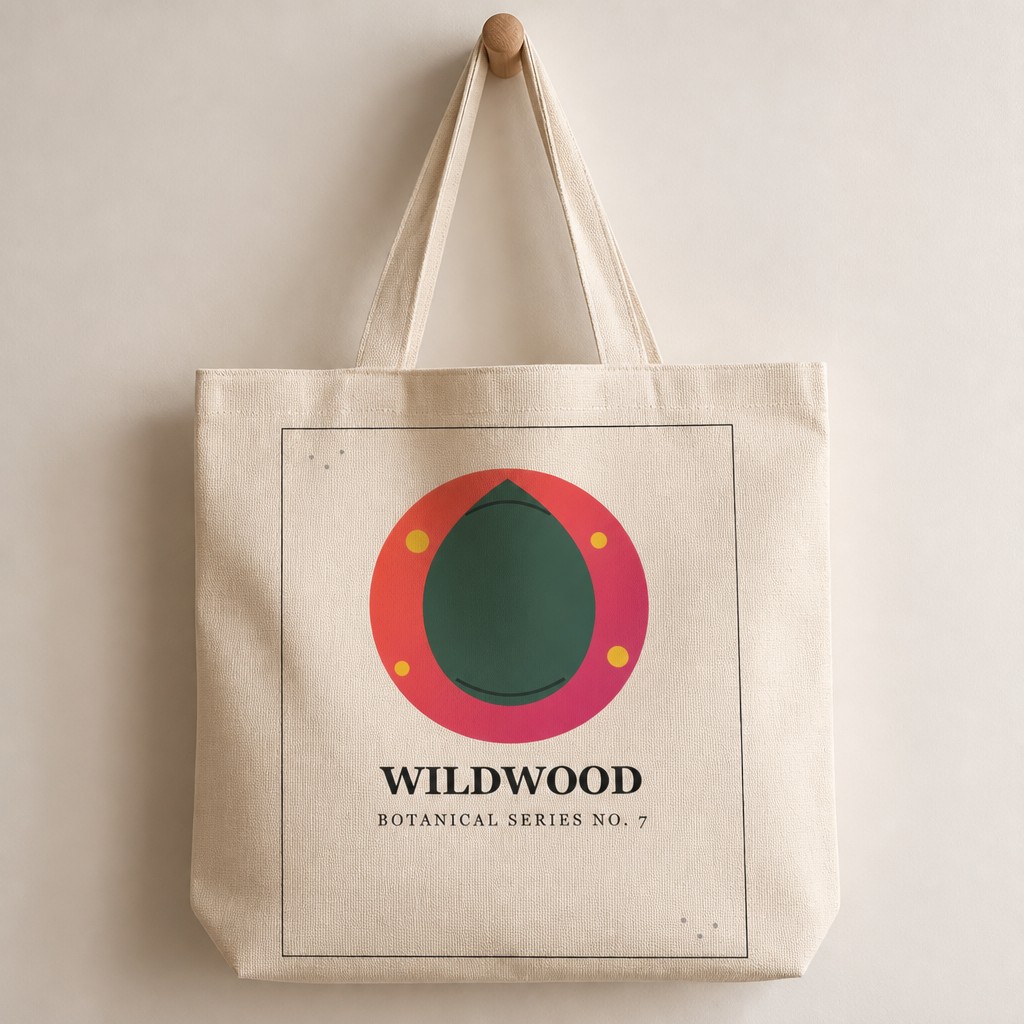
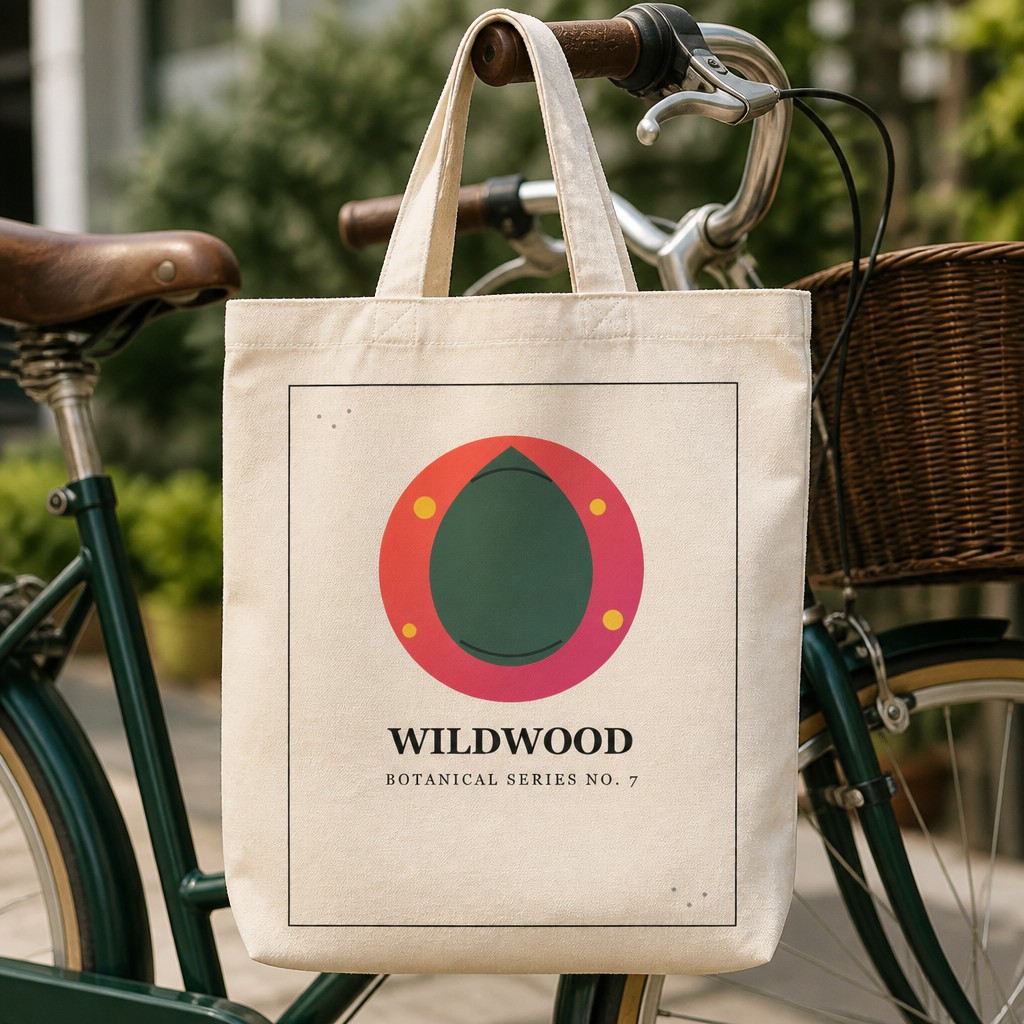
Both generated fresh from an uploaded design — no shared template with any other shop.
Template vs. generated: the real difference
| Canva templates | PosterMock AI | |
|---|---|---|
| Cost per mockup | Free | 5 credits (~$0.05–0.15 depending on plan) |
| Photo uniqueness | Shared with every other user of that template | Generated fresh around your design each time |
| Scenes available | Whatever the template pack includes | Hanging, Flat Lay, Held, Chair, Market |
| Colors available | Limited to what the template was designed in | Natural, Black, White, Denim, Navy |
| Manual editing needed | Yes — resize, align, adjust per template | None — upload and pick options |
When Canva is still the right call
If you're prototyping an idea and don't yet know whether a design is worth investing in, a free Canva template is a perfectly reasonable first look. The tradeoff only starts to matter once you're actually listing and competing for clicks in search results next to other sellers who reached for the same free tool.
A quick way to check this yourself: search your product niche on Etsy and look for repeated backgrounds across different shops. If you spot the same tote-on-a-chair photo more than once with different designs, that's the template-reuse problem in action.
Why generated mockups differentiate better
Because PosterMock AI builds the entire photo — surface, lighting, shadows, background — around your uploaded design rather than compositing it onto a fixed stock image, two sellers uploading different designs get two genuinely different photos, even if they pick the same scene and color. That's the mechanical reason generated mockups don't accumulate the "I've seen this exact photo before" problem that spreads through template packs as they get popular.
Generate a tote mockup that isn't shared with anyone else
Upload your design once and get a photo built specifically around it — no template, no Smart Object, no manual editing.
Try free — no account needed →5 scenes · 5 colors · 2000×2000 · 300 DPI
Frequently asked questions
Is Canva actually free for tote bag mockups?
The templates themselves are typically free or included with Canva Pro, yes. The cost isn't monetary — it's that thousands of other sellers have access to the exact same templates, so the photo itself doesn't differentiate your listing.
Can I still use Canva for anything in my listing?
Sure — Canva remains a solid tool for banners, sale graphics, and text overlays. The comparison here is specifically about product mockup photos, where template reuse is the actual drawback, not Canva as a design tool generally.
Do I need design skills to use an AI tote bag generator?
No — you upload your design and pick scene and color from preset options. There's no canvas to arrange elements on, no layers, and no need to align your design to a template's Smart Object.
How fast is generating an AI mockup compared to editing a Canva template?
About the same for a single mockup — usually under a minute either way. The difference shows up at scale: generating five scenes and five colors from one upload takes a few minutes total, versus manually re-editing a template for each combination.