How to Create AI Room Mockups for Etsy Listings (Free)
If you sell prints on Etsy, you already know the problem: a plain poster on a white background does not sell. Buyers want to see how it looks in a room — on a wall, with furniture, in the right lighting. That means you need mockups. Good ones.
The traditional options are expensive or time-consuming: PlaceIt charges $14.95/month, Smartmockups $9/month, and they all use the same stock photo templates everyone else uses. Hiring a photographer is even more expensive. And Photoshop compositing takes hours if you don't already know what you're doing.
There's a better way. AI can now generate a complete, photorealistic room scene around your poster — not paste it over a stock photo, but actually build a room from scratch with your artwork naturally displayed in it. Here's how to do it for free.
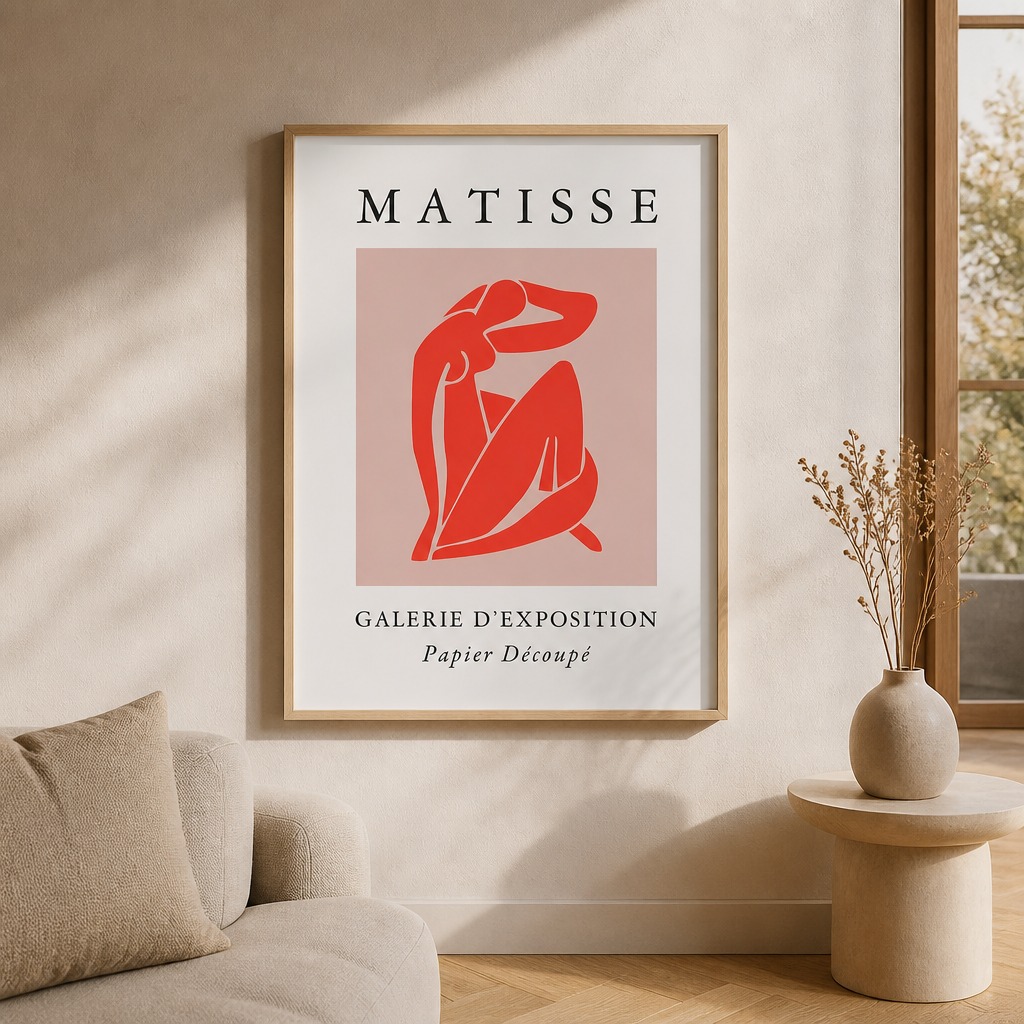
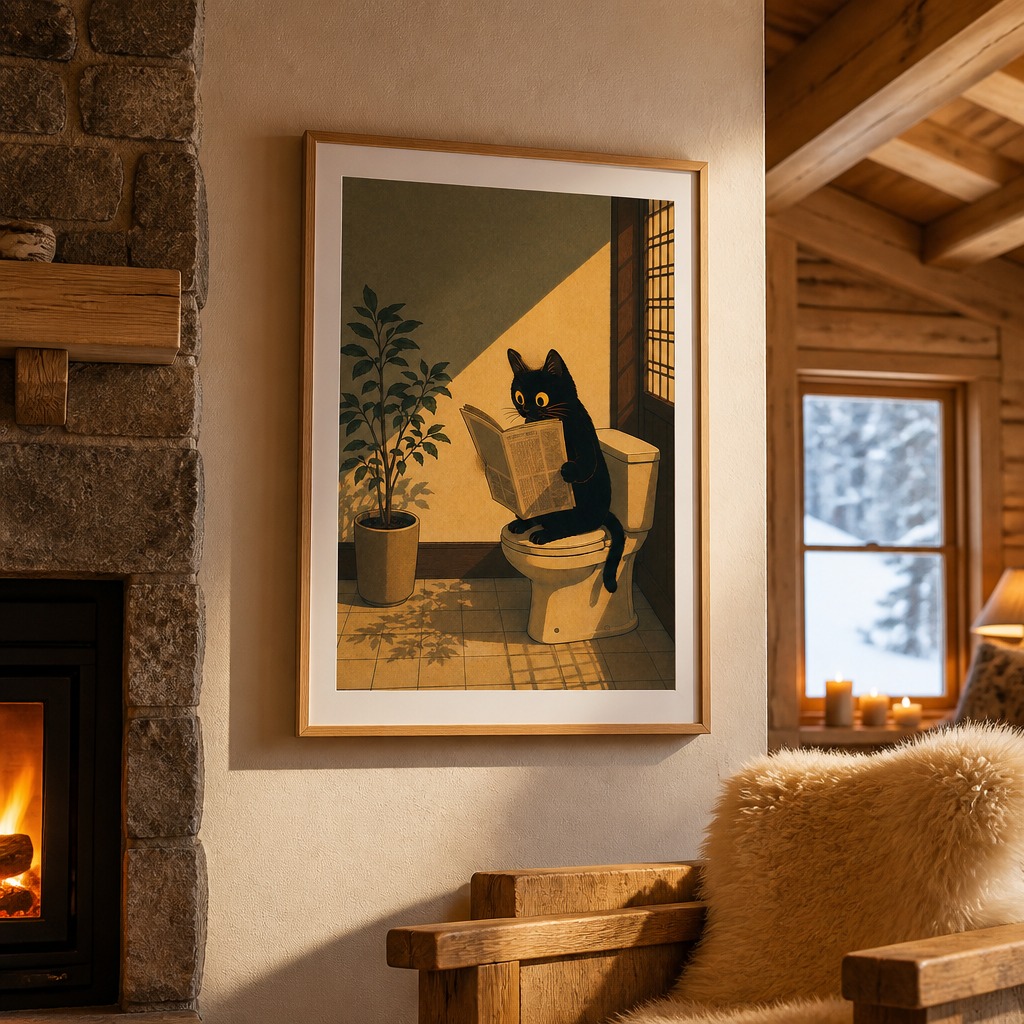
Both images generated from a single poster upload — no photography, no Photoshop.
Why room mockups matter for Etsy sales
Etsy's own research shows that listings with lifestyle photos — showing products in context — convert significantly better than product-only photos. For print sellers specifically, buyers are trying to visualise the poster in their own home. A room mockup does that work for them.
The challenge is that most sellers use the same 10–15 mockup templates from the same stock photo sites. If your minimalist botanical print is on the exact same beige couch as every other seller's botanical print, you lose the visual distinction that makes someone click your listing over the next one.
AI-generated mockups solve this because every room is generated fresh from your specific artwork. The lighting, shadows, and room composition are built around your poster — not around a placeholder someone swapped out.
What you need to get started
- Your poster artwork as a JPG or PNG file (any size works)
- A free account at PosterMock AI (no credit card required)
- About 60 seconds per mockup
Tip: Upload the highest resolution version of your artwork you have. The AI scales it correctly, but starting with a high-res file means sharper details in the final mockup.
Step-by-step: creating your first AI room mockup
Upload your poster
Go to postermockai.com/app.html and drag your poster JPG or PNG onto the upload zone. No account needed for your first two free generations.
Pick a room style
Choose from 14 room styles — Minimalist, Cozy, Scandinavian, Bohemian, Modern, and more. Free accounts include 5 styles. Think about which room style matches your poster's aesthetic and your target buyer's taste.
Choose frame and lighting
Select a frame type (thin black, thin white, natural wood, or frameless) and a lighting mood — natural daylight works for most styles, warm evening for cozy/moody posters.
Generate and download
Click Generate Room Mockup. In about 15–20 seconds, you get a 2000×2000 square image at 300 DPI — exactly the format Etsy recommends for listing photos. Download as JPEG or PNG.
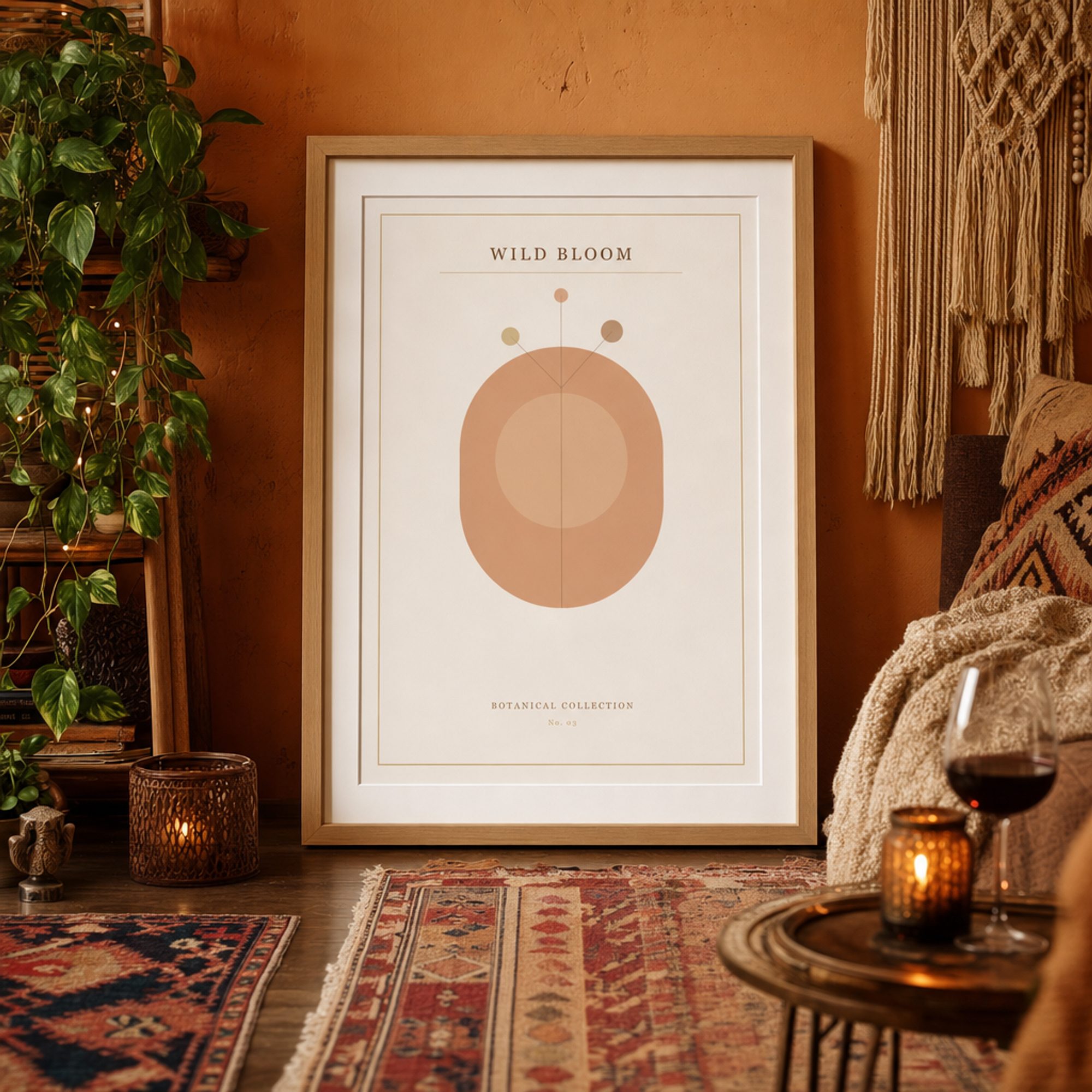
Bohemian style with custom scene details: fairy lights, throw blanket, and a glass of red wine added via the Pro personalisation prompt.
How AI room mockups compare to traditional options
| Method | Cost | Unique rooms | Time per mockup | Output size |
|---|---|---|---|---|
| PosterMock AI | Free – $7.99/mo | Yes, AI-generated | ~20 seconds | 2000×2000 300 DPI |
| PlaceIt | $14.95/mo | No, stock photos | ~2 minutes | Varies |
| Smartmockups | $9/mo | No, stock photos | ~2 minutes | Varies |
| Photoshop | $22/mo + time | Yes | 30–60 minutes | Custom |
| Photographer | $200–500/session | Yes | Days | High |
Tips for better Etsy mockups
Match the room style to your buyer
A minimalist typography print sells better in a Scandinavian or minimalist room. A botanical illustration works well in a bohemian or cozy setting. Think about who's buying your print and what their home likely looks like — then pick the room that matches.
Generate multiple styles for the same poster
Etsy allows up to 10 listing photos. Use the same poster in 3–4 different room styles and include them all. Buyers scroll through listing photos — seeing the print in different rooms dramatically increases the chance one of them matches their home.
Pick the print size you actually sell
When you upload your poster, the app detects its proportions and offers the standard print sizes that match (for example 12×18, 24×36 or A2). Choose the size your listing promises, so the frame in the mockup is the same shape and a realistic size next to the furniture. Not sure which sizes share a ratio? See our poster print sizes by aspect ratio guide.
Add scene details with the Pro prompt
If you upgrade to Pro, you can add a custom scene description — "a glass of red wine on the coffee table, fairy lights on the shelf, a cozy throw blanket" — and the AI weaves those details naturally into the room. This makes your mockups look styled and editorial rather than generic.
What about Etsy's image requirements?
Etsy recommends listing photos that are at least 2000 pixels on the shortest side, in a square or landscape ratio, at 72 DPI minimum. PosterMock AI outputs at 2000×2000 pixels and 300 DPI — well above Etsy's minimum, and the square format fits Etsy's thumbnail grid perfectly.
Create your first AI room mockup free
No sign-up required. Upload your poster and get a photorealistic room scene in 20 seconds.
Try free — no account needed →2000×2000 · 300 DPI · 14 room styles · Instant download
Frequently asked questions
Can I use these mockups commercially on Etsy?
Yes. The mockup images generated from your artwork are yours to use on any platform — Etsy, Redbubble, your own shop, social media. The AI builds a unique room scene around your poster and you own the output.
Do the mockups look realistic enough for Etsy?
Yes. The AI generates genuine room scenes with natural shadows, lighting, and depth — not a flat composite. Buyers won't be able to tell it wasn't photographed in a real room. The output quality is comparable to professional interior photography.
How many mockups can I create for free?
Guest users (no sign-up) get 10 free credits — enough for 2 room generations. Free accounts get 25 credits per month (5 rooms). Pro accounts at $7.99/month get 750 credits (150 rooms) plus all 14 styles, leaning placements, and the custom scene prompt.
What poster file formats are supported?
JPG and PNG. Any size works — the tool automatically resizes your poster to the optimal size before sending it to the AI. Upload your highest resolution version for the sharpest results.