Etsy Listing Photos for Wall Art: A Full Set in One Click
One mockup is enough for a thumbnail, but it isn't a listing. Buyers scroll through every photo before they buy wall art. They want to see the print in a couple of rooms, look at it up close, and check that it fits the frame they already own.
Until now, building that set in PosterMock AI meant generating one image at a time, then making a size chart somewhere else. The new Etsy listing pack does all of it from one upload: four room scenes, a close-up and a size chart, numbered in the order they should go in your listing.
Every image in this article is a real, unedited pack from the app, made from one botanical print.
What a wall art listing needs
Strong wall art listings on Etsy usually follow the same pattern. Each photo answers a different question a buyer has:
- The main photo. The print in a bright, believable room. This is the photo Etsy shows in search results, so it's the one that gets the click.
- A second angle. Another view of a room, so the first photo doesn't look like a lucky one-off.
- A close-up. The paper, the colours and the detail of the artwork. This answers "will it look cheap?"
- Other rooms and placements. Hung on a wall, leaning on a shelf, in a darker room. This helps buyers picture it in their own home.
- A size chart. Which sizes are available and how big they really are. A clear chart saves you answering the same size question in your messages.
What the listing pack makes
Here is the pack for our test print. The four rooms were picked by hand, and the kitchen was picked twice on purpose.
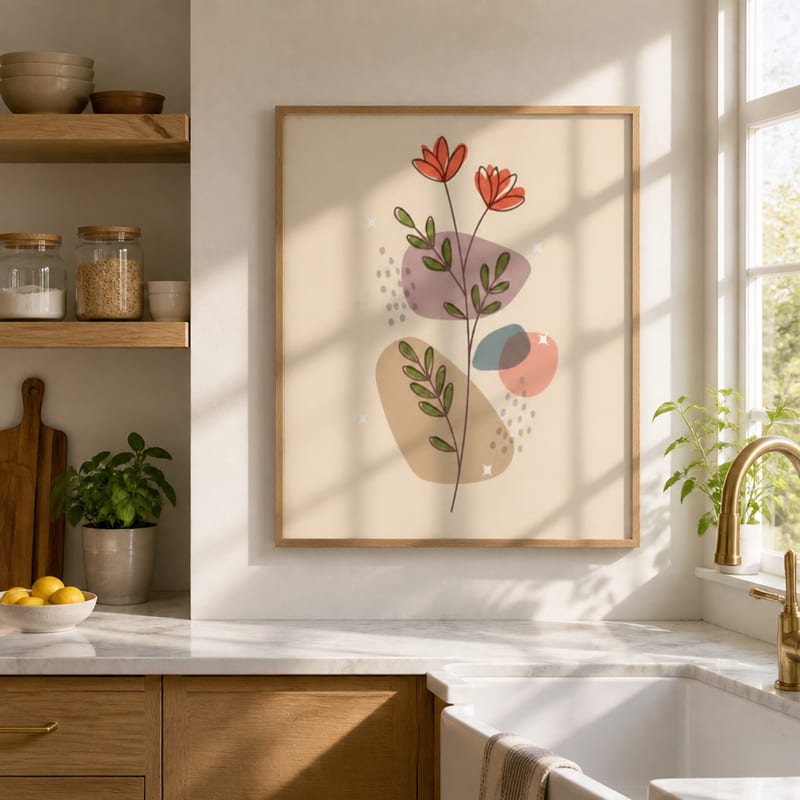
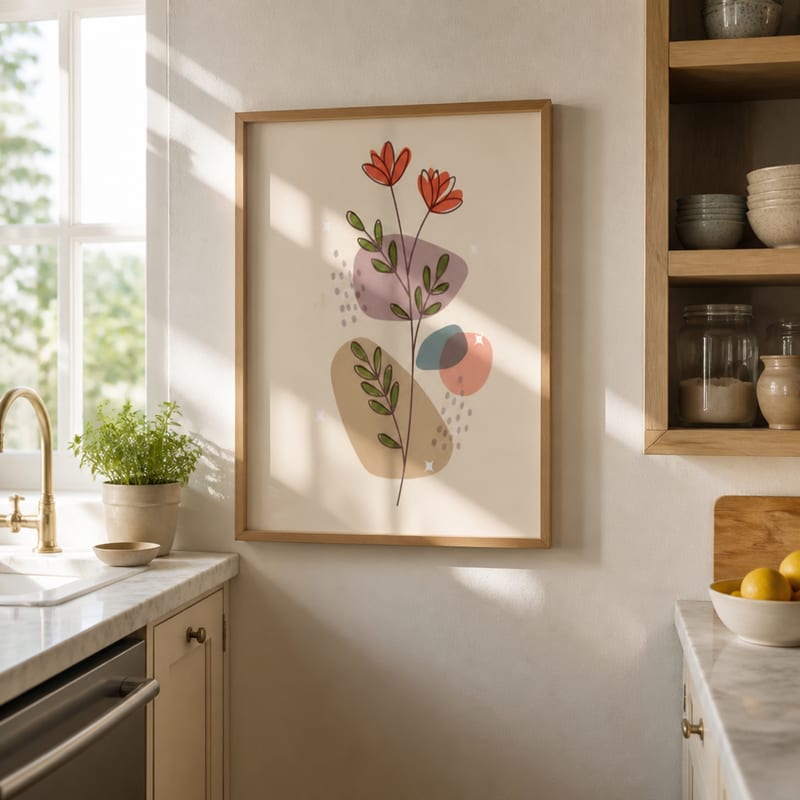
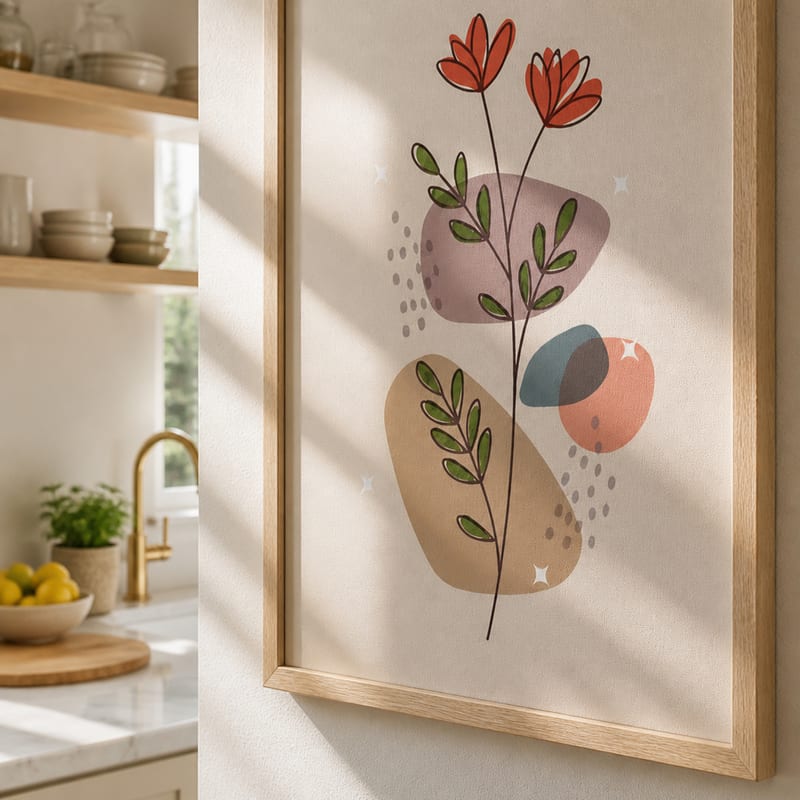
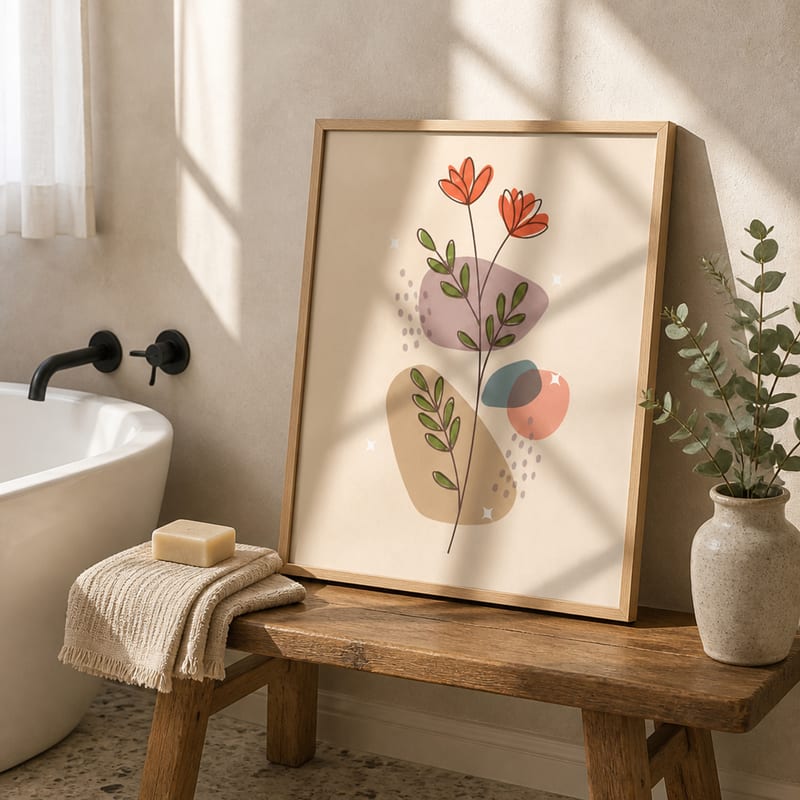
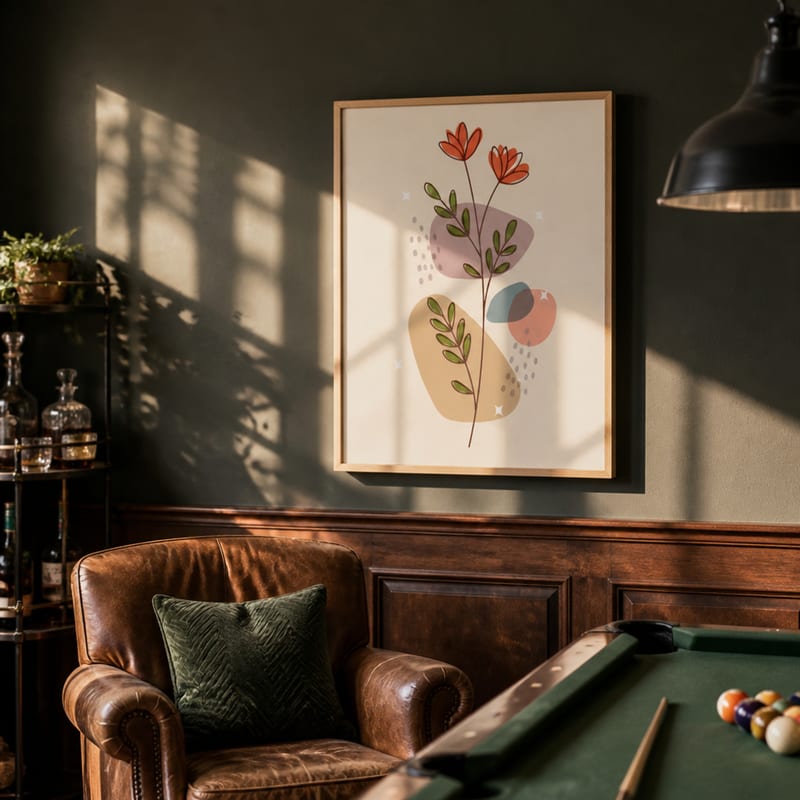
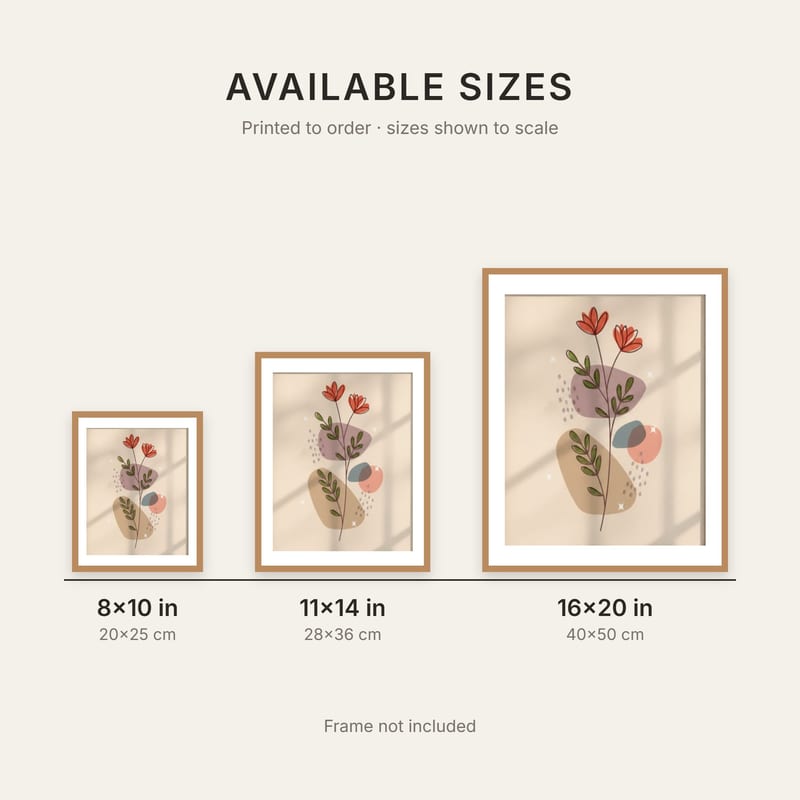
One pack, in listing order: kitchen, kitchen from the other side, close-up, bathroom (leaning), game room, size chart
Each photo is 2000×2000 px. The download is one ZIP with the files named 01-kitchen.jpg to 06-size-chart.jpg, so you can drag them into Etsy in the right order.
Picking the rooms
You choose all four rooms from the full list of 18 styles, and each one can be hung or leaning. A few tips:
- Put your best room first. Photo 01 is your thumbnail. Pick the room that suits your niche best and that's bright enough to read at a small size.
- Pick the same room twice if it's the right one. If your print belongs in a kitchen, two kitchen photos make sense. The second one is shot from a different side of the room, so you don't get two copies of the same picture.
- Mix hung and leaning. A leaning shot on a bench, shelf or counter feels more casual, and it shows the print from a slightly different angle.
- Add one contrasting room. A darker room, like the game room above, shows how the colours hold up away from bright daylight.
Not sure which rooms suit your print? Our room style guide for every poster niche goes through all 18.
Your settings carry over. The pack uses the frame, mat, lighting and print size you picked for single mockups, so every photo in the set matches.
The size chart
The size chart is drawn from your artwork, not from a template. The app reads your artwork's proportions and lists every standard print size it fits without cropping, then draws them side by side at their real relative size. Our test print is 4:5, so the chart shows 8×10, 11×14 and 16×20 in. A 2:3 print would show sizes like 12×18, 20×30 and 24×36 in instead.
You pick two settings before you generate:
- Physical print or digital download. This changes the wording. Physical prints say "Frame not included". Digital downloads say the file prints at every size shown and that nothing is shipped.
- Units. Inches, centimetres, or both. Sizes that are almost the same, like 16×20 in and 40×50 cm, share one frame with both labels.
The chart has no PosterMock branding on it, and it costs no credits. If you want to understand why some sizes fit your artwork and others don't, see our poster print sizes and aspect ratio guide.
How to make a pack
- Open the app and upload your poster.
- Choose your frame, mat and lighting as usual.
- Open Etsy Listing Pack under the Generate button and pick your four rooms.
- Leave the close-up on (or switch it off), and choose the size chart wording and units.
- Click Generate pack. It takes about 20 seconds, because all the photos are made at the same time.
- Click Download all (ZIP). The room photos are also saved to your library.
What it costs
A full pack is 25 credits: 5 for each of the four rooms, 5 for the close-up, and nothing for the size chart. Without the close-up it's 20. That's about 4 packs a month on Starter ($2.99) and about 30 on Pro ($7.99).
The listing pack is included with the Starter and Pro plans. It isn't part of the free trial, but the trial does include every room style, so you can test the rooms one at a time first.
Make your next listing in one click
Upload a poster and get room scenes, a close-up and a size chart, ready for Etsy.
Open the app →2000×2000 · 18 room styles · Size chart in inches and cm
Frequently asked questions
Is the listing pack included in the free trial?
No. The listing pack is part of the Starter and Pro plans. The free trial includes every room style, so you can test single mockups first and upgrade when you want full packs.
What happens if one of the photos fails?
You still get the rest of the pack, and the 5 credits for the photo that failed are refunded automatically.
Does the size chart work for landscape and square art?
Yes. The chart follows your artwork's orientation and only lists sizes that match its ratio. If no standard size matches, it shows one custom size cut to your artwork's exact ratio.
Can I use the photos in my Etsy listings?
Yes. Paid plans include commercial use, and the size chart carries no PosterMock branding.