AI Tote Bag Mockup Generator for Etsy Sellers
Search "tote bag mockup" and you'll find the same handful of stock photos over and over — a canvas tote on a hook, another one on a wooden table, maybe one held by a stock model whose face has appeared on a hundred other Etsy listings. Buyers browsing tote bag shops start to recognize the templates before they recognize your design.
PosterMock AI's tote bag tool builds the product photo fresh around your specific design instead of pasting it onto a stock scene. Upload your artwork once, and it can appear on a natural canvas tote hanging on a hook, laid flat, held by a model on the street or in a studio, draped over a chair, or out at a market — five real scenes, five bag colors, none of them a shared template.
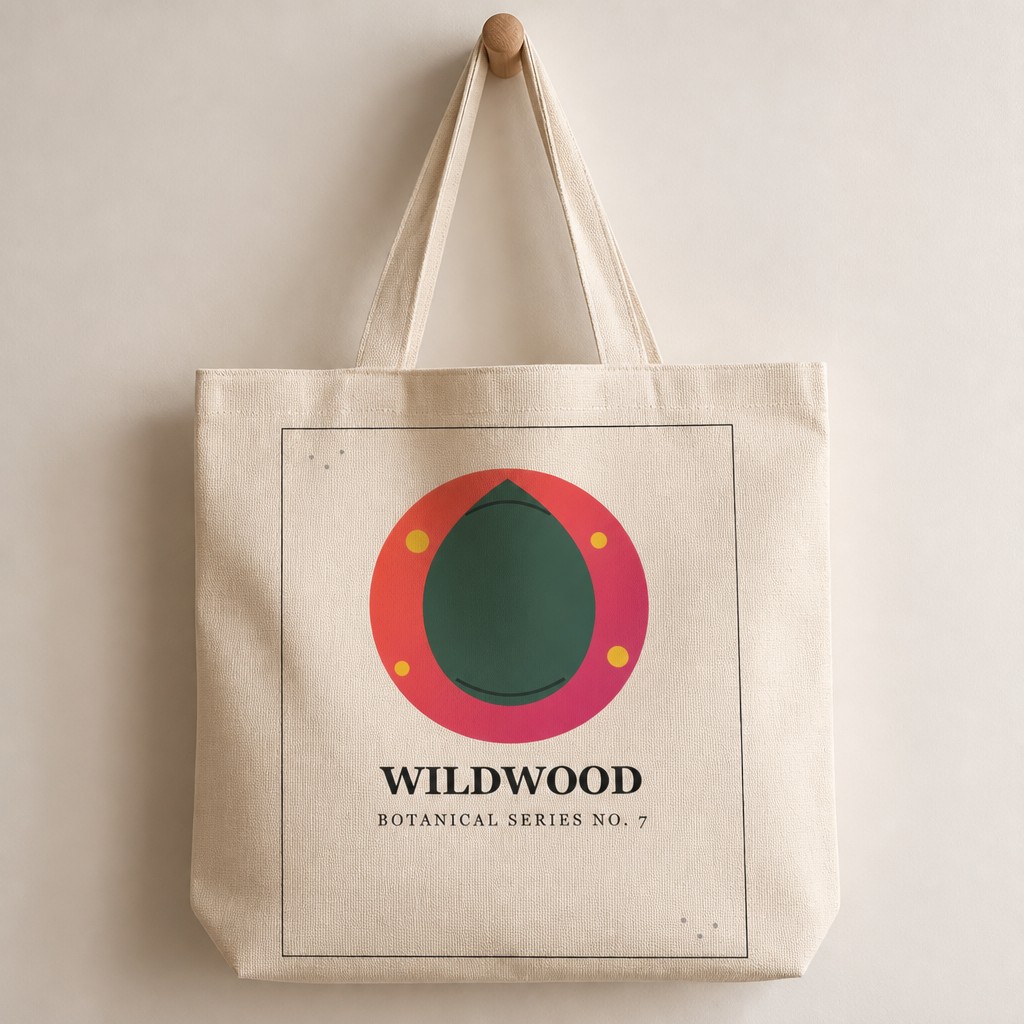
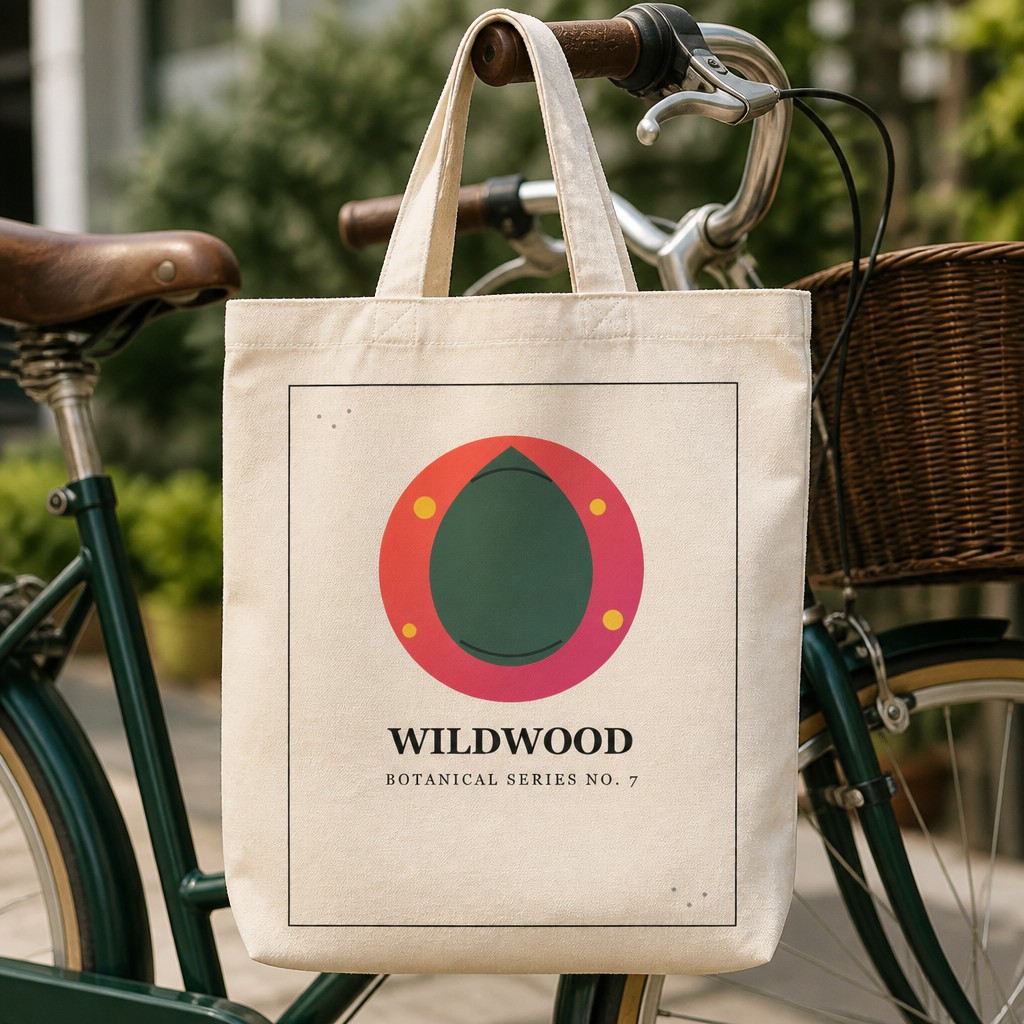
Both generated from a single uploaded design — no template file, no Photoshop.
What you need to get started
- Your artwork as a JPG or PNG (a transparent background keeps edges cleanest)
- A free PosterMock AI account, or none at all — guests get free daily generations
- About 20–30 seconds per mockup
Step-by-step: generating a tote bag mockup
Switch to Tote Bag mode
At postermockai.com/app.html, click the "Tote Bag" tab in the product rail — same account, same credits as posters and stickers.
Upload your design
Drag in your artwork. The AI places it naturally on the bag's canvas panel, following the fabric's folds and shading.
Pick a scene
Hanging and Flat Lay are free. Held (by a model — pick a gender and a street or studio setting), Chair, and Market are Pro.
Choose a color
Natural, Black, and White are free. Denim and Navy are Pro — five colors covers most Etsy tote listings without needing a second tool.
Generate and download
2000×2000px at 300 DPI, ready for an Etsy listing photo, in about 20–30 seconds.
Scenes at a glance
The bag hanging from a wall hook or peg against a soft, neutral background — a clean, universal product shot.
Shot from directly above on a clean surface — the design reads clearly with no perspective distortion.
Carried by a model — choose male or female, and a street or studio setting — for a lifestyle shot that shows real-world scale.
Draped casually over the back of a chair — a relaxed, editorial context that works well as a secondary listing photo.
Out in the world — on a bicycle handlebar or market stall — the scene that sells the "carry this every day" feeling.
How it compares
| Tool | Price | Mockup type | Unique per design |
|---|---|---|---|
| PosterMock AI | Free · $7.99/mo | AI-generated scene | Yes |
| Placeit | $14.95/mo · $7.47/mo annual | Stock template | No |
| Canva Mockups | Free · $15/mo | Stock template | No |
| Printful Mockup Generator | Free (with Printful account) | Stock template | No |
Worth knowing: the Held scene needs a model in the frame, so it's the one scene where picking a gender and setting actually changes the composition — Hanging, Flat Lay, Chair, and Market stay product-only shots.
See your tote bag design as a real product photo
Upload a design, pick a scene and color, and get a listing-ready mockup in under 30 seconds.
Try free — no account needed →2000×2000 · 300 DPI · No watermark · No sign-up
Frequently asked questions
Does the design wrap around the bag or sit flat?
It sits on the front canvas panel and follows the fabric's natural folds and shading — the AI renders it as printed material, not a flat sticker pasted on top.
Can I use these mockups commercially on Etsy?
Yes — anything generated is yours to use in listings, social media, or anywhere else, on any plan.
Is this the same tool as the poster and sticker generators?
Same app, same account and credits — Tote Bag is a third mode alongside Poster and Sticker. See our guides on AI room mockups for Etsy listings and AI sticker mockups if those are also part of your shop.