AI Sticker Mockup Generator for Etsy Sellers
Most sticker mockup tools work the same way: pick a stock photo of a laptop or a desk, paste your design on top, done. It's fast, and it's also why so many Etsy sticker listings look interchangeable — everyone's stickers end up on the exact same laptop, at the exact same angle, from the same template pack.
PosterMock AI's sticker tool works differently. Instead of pasting your design onto an existing photo, it generates the entire product photo fresh — the surface, the lighting, the shadows — built around your specific design. Upload a design once, and it can appear as a die-cut sticker on a laptop, a water bottle, a notebook, or as a full sticker sheet with props, each one a unique image rather than a shared template.
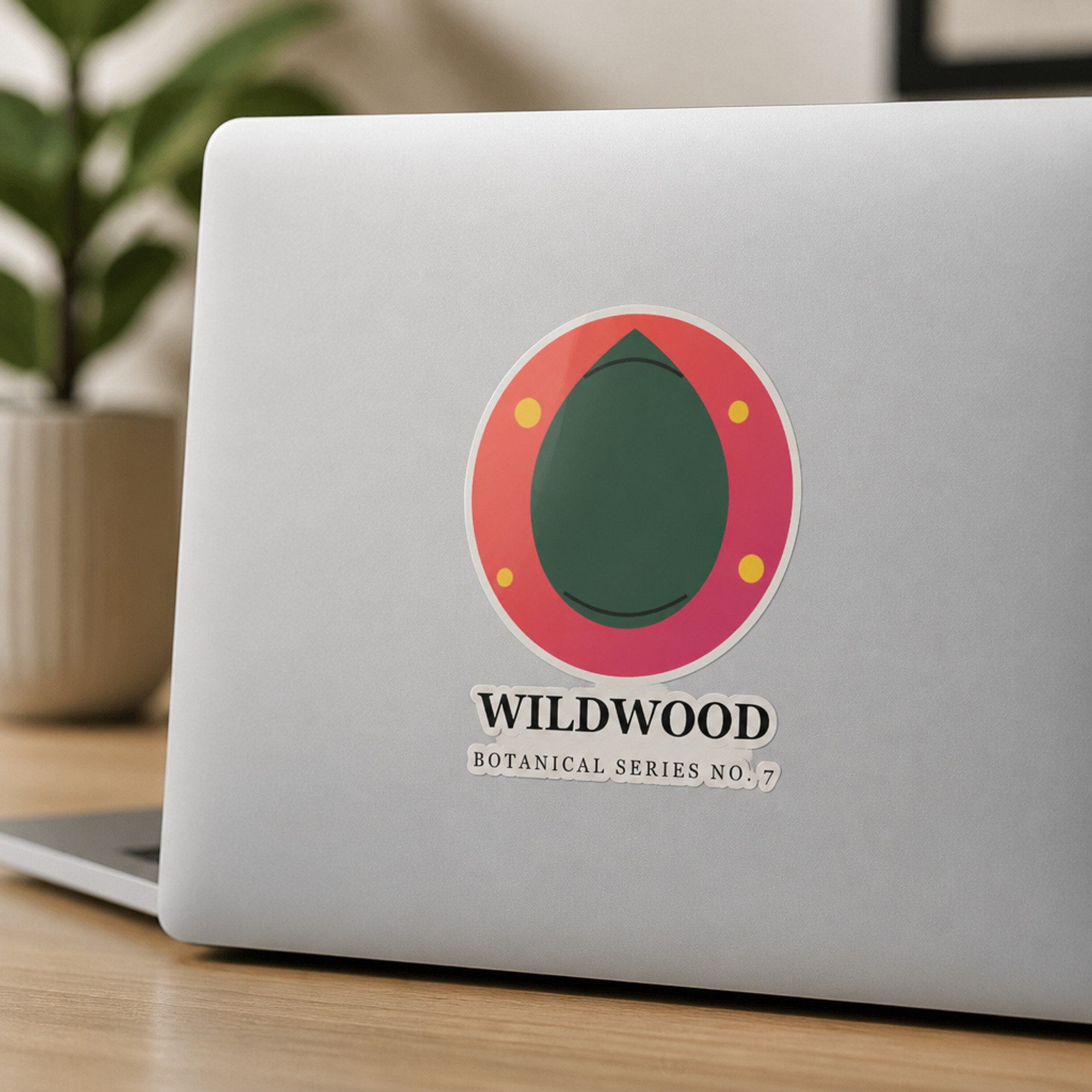
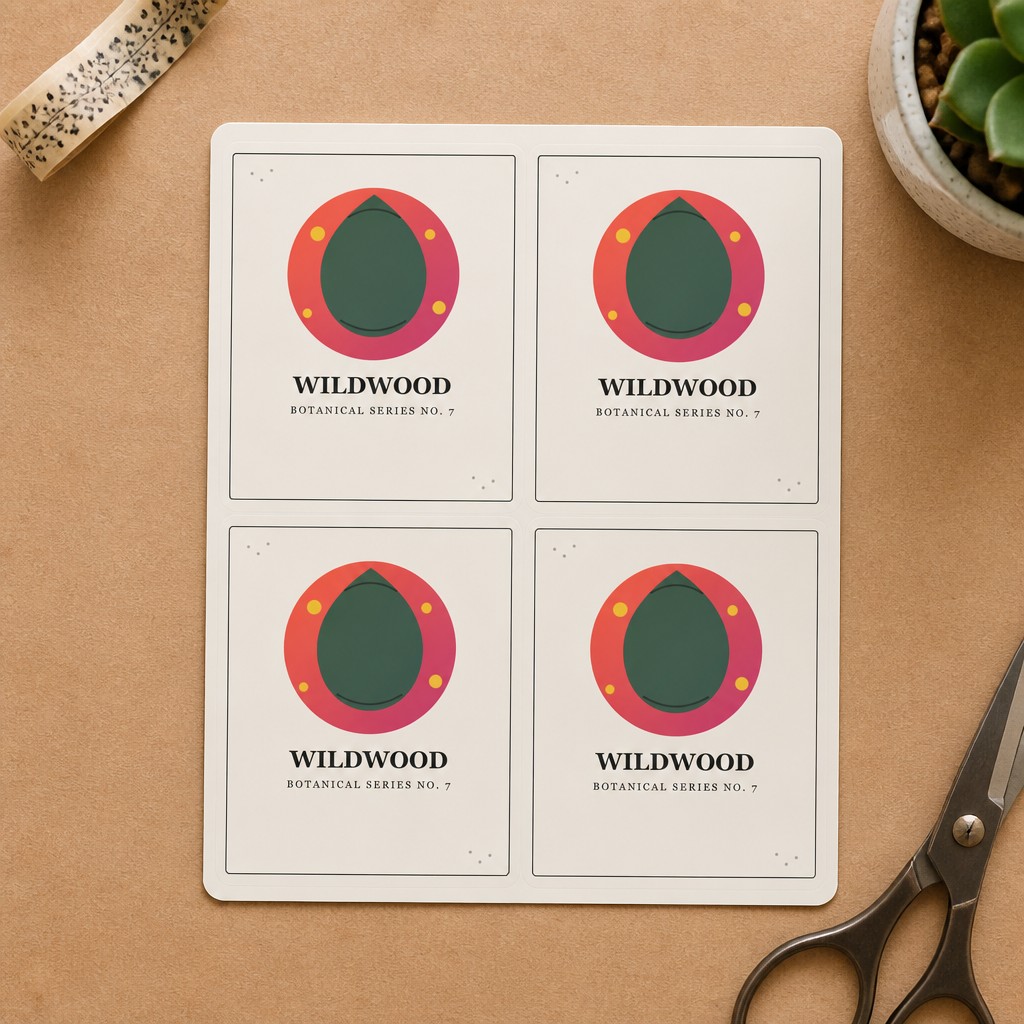
Both generated from a single uploaded design — no template file, no Photoshop.
What you need to get started
- Your sticker artwork as a JPG or PNG (transparent background works best for die-cut results)
- A free PosterMock AI account, or none at all — guests get free daily generations
- About 20–30 seconds per mockup
Step-by-step: generating a sticker mockup
Switch to Sticker mode
At postermockai.com/app.html, click the "Sticker" tab at the top of the tool — the same uploader and workflow you'd use for a poster, just aimed at a different product.
Upload your design
Drag in your sticker artwork. If it has transparent padding around the shape, that's fine — it's ignored automatically.
Pick a surface
Flat Lay and Laptop are free. Water Bottle, Notebook, and Sticker Sheet (a 2×2 grid on kraft paper with styling props) are Pro.
Choose a finish
Glossy and Matte are free. Holographic — a real, frequently-searched sticker niche — is Pro, and renders genuine iridescent sheen rather than just a color filter.
Generate and download
2000×2000px at 300 DPI, ready for an Etsy listing photo, in about 20–30 seconds.
Surfaces at a glance
The sticker alone on a clean wooden desk surface, shot from directly above — the simplest, most universal product shot.
Applied to the lid of a closed laptop — the most common context buyers picture when shopping for decorative stickers.
Wraps naturally around the curve of a steel bottle, with a realistic subtle warp at the edges rather than looking pasted flat.
On the cover of a kraft-paper journal — a cozier, more editorial context than a laptop or bottle.
Four copies of your design arranged in a clean grid on kraft paper with washi tape, a small plant, and scissors — the classic "sticker pack" listing photo.
How it compares
| Tool | Price | Mockup type | Unique per design |
|---|---|---|---|
| PosterMock AI | Free · $7.99/mo | AI-generated scene | Yes |
| Mockey AI | Free | Stock template | No |
| Placeit | $14.95/mo · $7.47/mo annual | Stock template | No |
| Canva Mockups | Free · $15/mo | Stock template | No |
Worth knowing: the Sticker Sheet mockup currently shows four copies of the same design, not a mixed assortment of different designs from your shop — it's meant as a "here's the product" shot for one listing, not a full-catalogue flat lay.
See your sticker design as a real product photo
Upload a design, pick a surface, and get a listing-ready mockup in under 30 seconds.
Try free — no account needed →2000×2000 · 300 DPI · No watermark · No sign-up
Frequently asked questions
Do I need a transparent-background file?
It helps but isn't required. A transparent PNG gives the cleanest die-cut edge; a square or rectangular JPG still works, the AI treats the design content as the sticker shape.
Can I use these mockups commercially on Etsy?
Yes — anything generated is yours to use in listings, social media, or anywhere else, on any plan.
Is this the same tool as the poster/room mockup generator?
Same app, same account and credits — Sticker is one of four modes alongside Poster, Tote Bag, and T-Shirt. See our guides on AI room mockups for Etsy listings, AI tote bag mockups, and AI t-shirt mockups if those are also part of your shop.