Mannequin vs. Worn T-Shirt Mockups: Which Gets More Etsy Clicks?
Every t-shirt listing eventually has to answer the same two questions in its photos: what does the print look like, and how does the shirt actually fit a person. A worn mockup and a mannequin mockup each answer one of those questions better than the other — which is why the strongest listings usually don't pick just one.
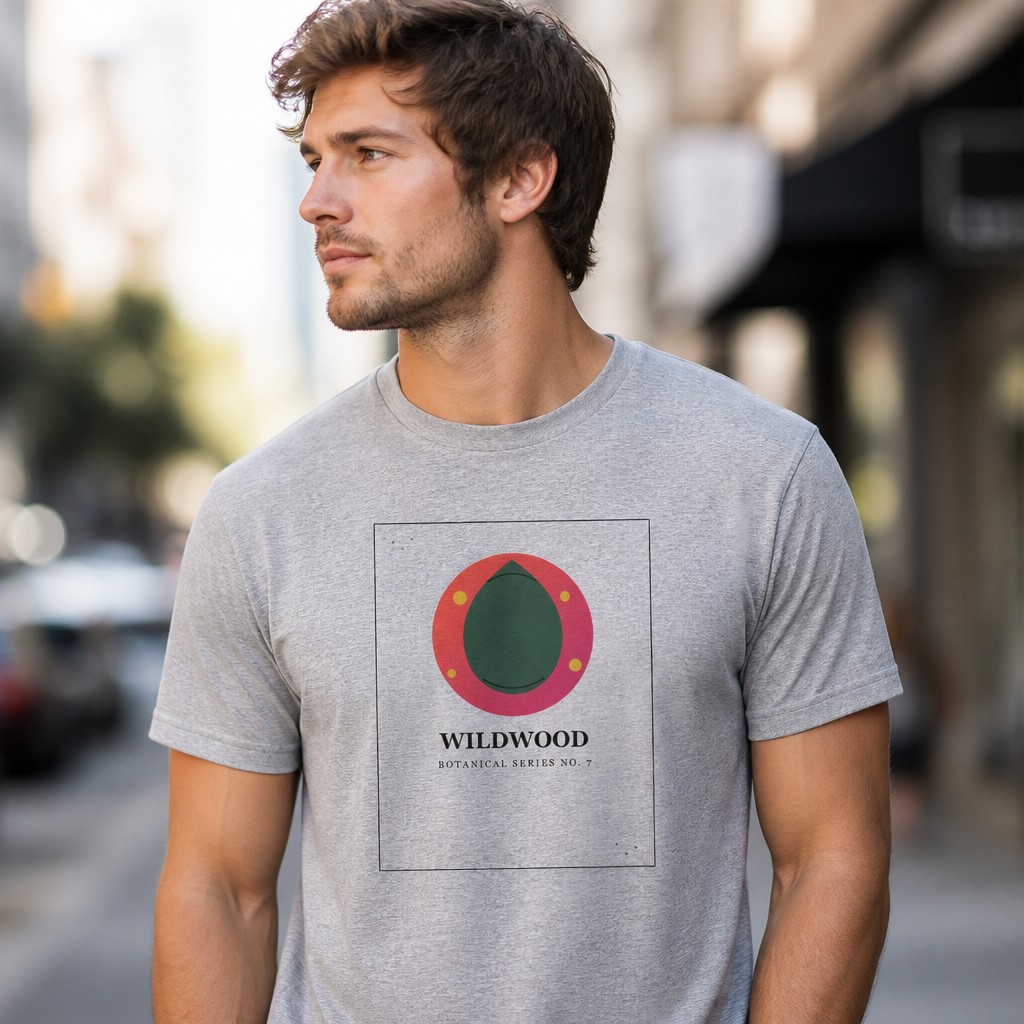
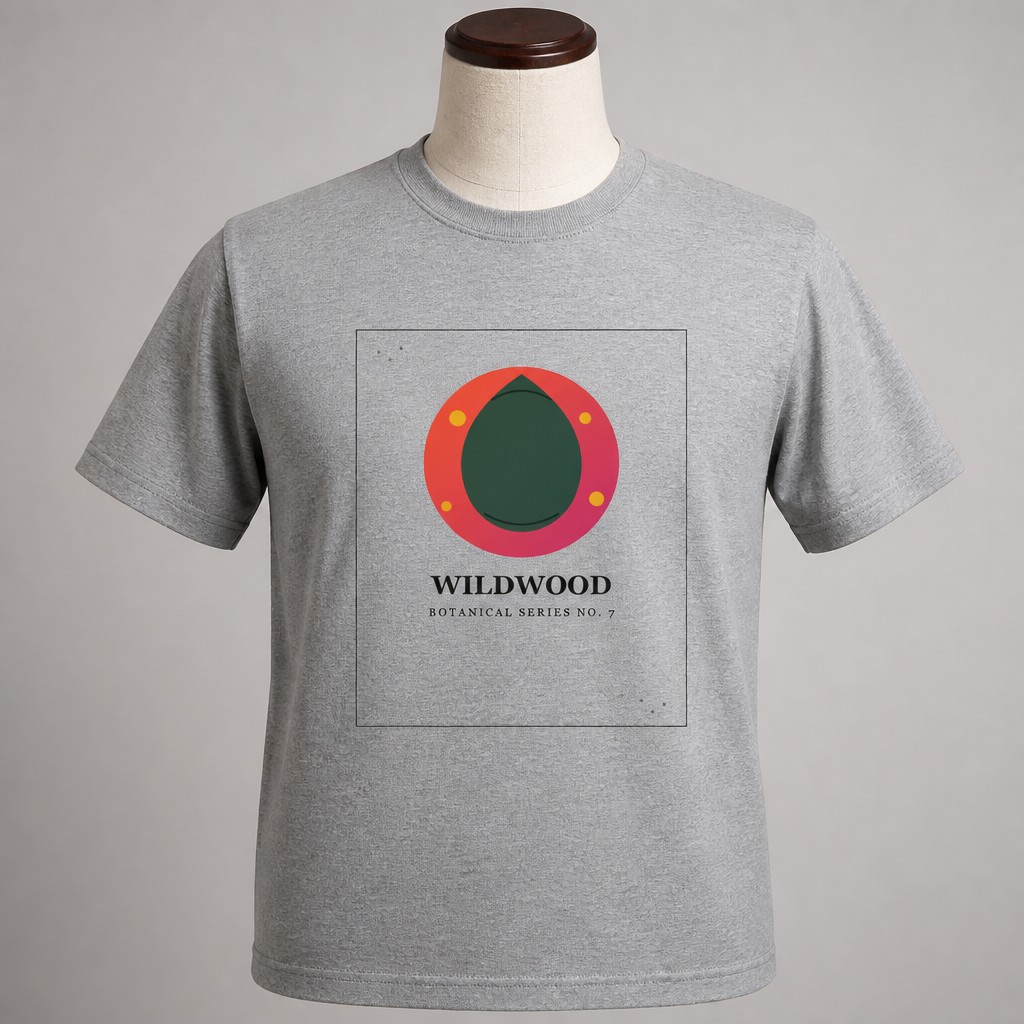
Worn (left) answers fit; mannequin (right) answers "what does the print look like, unobstructed."
What each scene is actually good at
| Scene | Answers | Works best for |
|---|---|---|
| Worn | Fit, drape, how it looks on a real body | Most listings — the relatable, default choice buyers expect |
| Mannequin | Clean, unobstructed view of the print | Minimalist or design-forward brands where the print is the focus |
| Flat Lay | Exact proportions and placement | "What you get" reference photos |
| Hanging | Full silhouette without a body | Simple, catalog-style presentations |
| Folded | Retail-style presentation | Gift-oriented or multi-item bundle listings |
Why worn usually wins the lead-photo spot
Search results reward photos that answer a buyer's first question fastest, and for apparel that question is almost always "how would this look on me." A worn mockup answers it instantly — scale, drape, and how the print sits across the chest are all visible in one glance. That's also why worn shots dominate on Etsy, Amazon, and every major apparel marketplace: it's not convention for its own sake, it's the photo that resolves the most uncertainty per second of attention.
Why mannequin still earns a place in the gallery
A worn photo comes with tradeoffs a mannequin shot doesn't — folds, shadows, and a model's pose can all slightly distort how the print reads. A mannequin mockup removes those variables, showing the design at its most legible. For shops selling detailed illustration work, fine linework, or text-heavy designs, that clarity is worth including even if worn stays the lead photo.
Fit accuracy matters here too: a worn mockup implies a specific fit on that body type. If your shirt runs oversized, boxy, or fitted, make sure the worn photo doesn't visually contradict your own size chart — the same accuracy principle that applies to frame and finish choices elsewhere.
A gallery order that covers both questions
Lead with Worn
This earns the click by answering fit and drape immediately — the single highest-value photo for most apparel listings.
Follow with Mannequin or Flat Lay
Gives buyers a clean, unobstructed look at the actual print once they're already interested.
Mock up every color you sell
Heather Grey, White, Black, Navy, and Red are all available — generate whichever you actually list as variants.
Add Hanging or Folded for gift-style listings
If your shirt is positioned as a gift item, a folded, retail-style photo reinforces that framing.
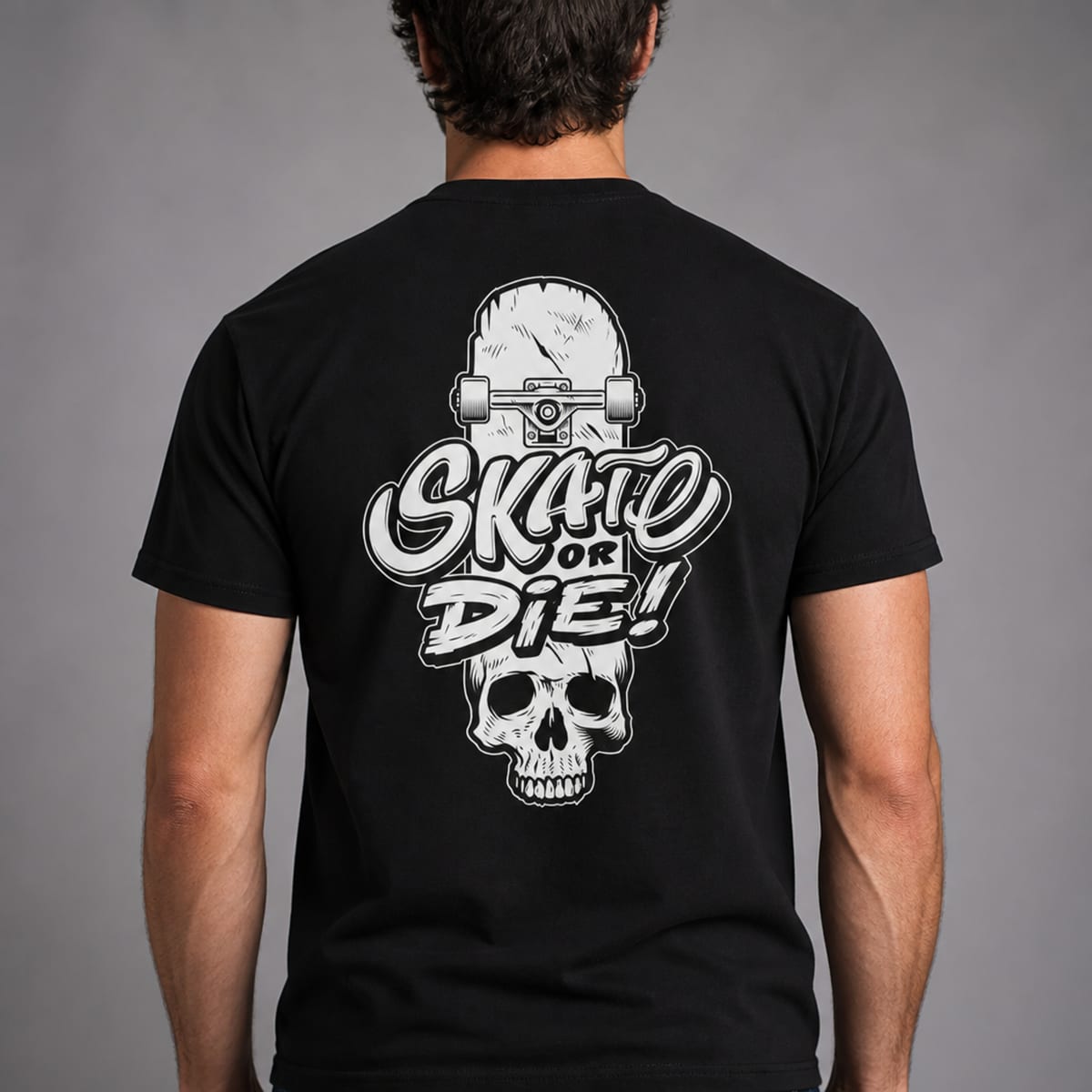
A worn mockup in context does double duty — fit and lifestyle framing in one photo.
Generate both scenes from one design
Upload once and see it Worn, Flat Lay, Hanging, Folded, or on a Mannequin, across 5 shirt colors.
Try free — no account needed →Worn & Flat Lay free · Hanging, Folded & Mannequin on Pro
Frequently asked questions
Should my first listing photo be worn or on a mannequin?
Worn, for most shops — it answers the fit and drape question a buyer has before they've read any sizing details, which is usually what earns the click in search. Mannequin works as a strong first photo specifically for minimalist or design-forward brands where the shirt itself is the focus.
Do I need both a worn and a mannequin mockup?
Not strictly, but using both covers more buyer questions in one gallery — worn answers "how does it fit," mannequin answers "what does the print actually look like without a body's folds and shadows."
Does the model's build affect how buyers judge sizing?
Yes, which is worth being deliberate about. A worn mockup implies a fit on that specific body type — if your shirt runs oversized or fitted, make sure the worn mockup doesn't visually contradict your size chart.
Can I generate the same design as worn, mannequin, flat lay, hanging, and folded?
Yes — Worn and Flat Lay are available free, and Hanging, Folded, and Mannequin are available on PosterMock AI's Pro plan, all generated from the same uploaded design across 5 shirt colors.