The Best PlaceIt Alternative for Etsy Sellers in 2026
PlaceIt is the default choice for most Etsy sellers who need room mockups. It's well-known, easy to use, and has thousands of templates. But there's a problem every serious seller eventually runs into: everyone else is using the exact same templates.
Search Etsy for "minimalist botanical print" and you'll find dozens of listings with the identical beige living room mockup — same sofa, same lighting, same angle. PlaceIt's templates are stock photos, and stock photos get shared across hundreds of thousands of sellers. The moment you use a popular template, you look like everyone else.
There's also the price. PlaceIt charges $14.95/month (or $74.88/year), which is hard to justify when you're starting out and not yet sure how many sales your listings will generate.
This article compares the best PlaceIt alternatives for Etsy sellers in 2026, and explains which one is the right choice depending on your situation.
The core problem with PlaceIt for Etsy sellers
PlaceIt works by letting you upload your artwork into a pre-made template — a photo of a room someone took years ago, with a blank frame on the wall. You fill the frame; PlaceIt composites it in.
This approach has two structural weaknesses for Etsy sellers specifically:
- No exclusivity. Every seller on PlaceIt has access to the same templates. Your mockup for a botanical print might be indistinguishable from a competitor's mockup for an entirely different print, just because you both chose the same "Scandinavian living room" template.
- No workflow leverage. If you sell 50 different prints, you need to create a separate mockup for each one, from scratch, every time you add a new design. There's no way to reuse a room you've already set up.
For casual sellers with a small catalogue, this is fine. For serious sellers adding new designs regularly, it becomes a significant time sink.
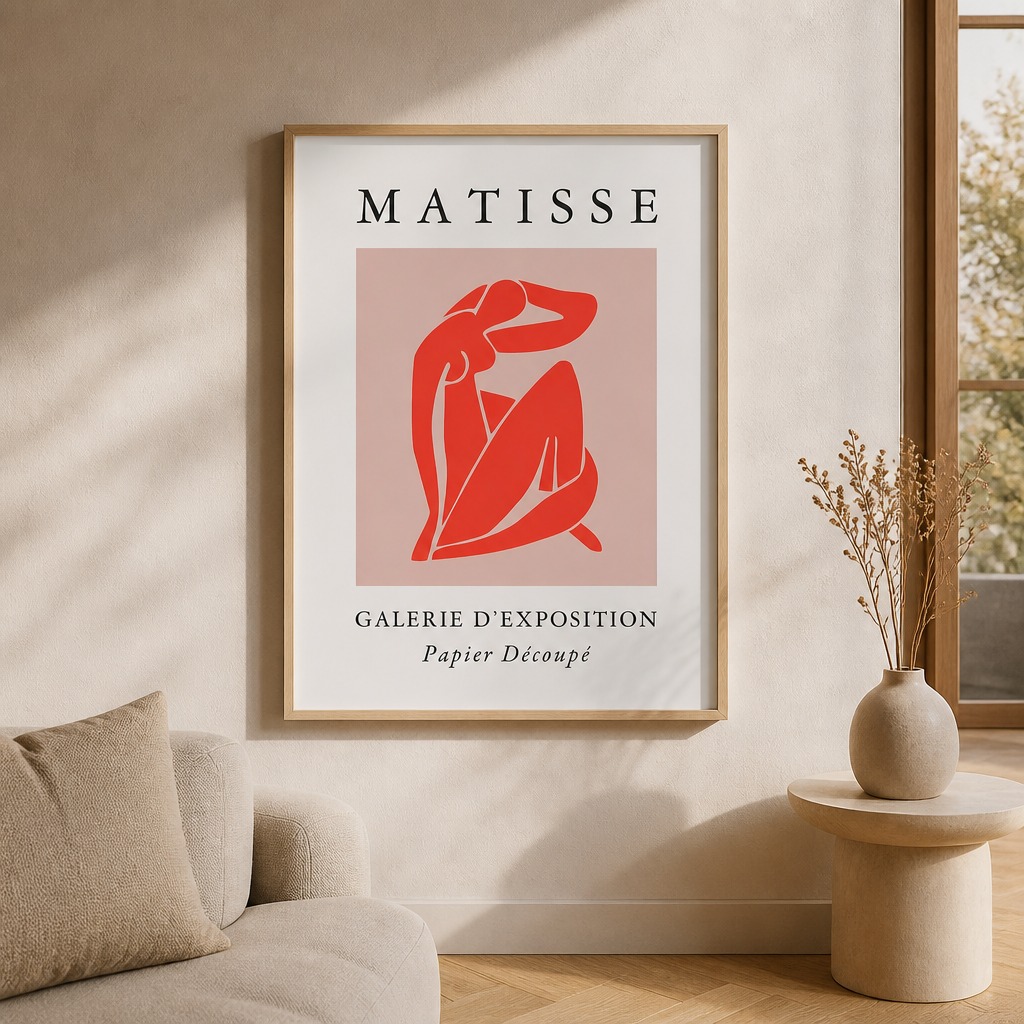
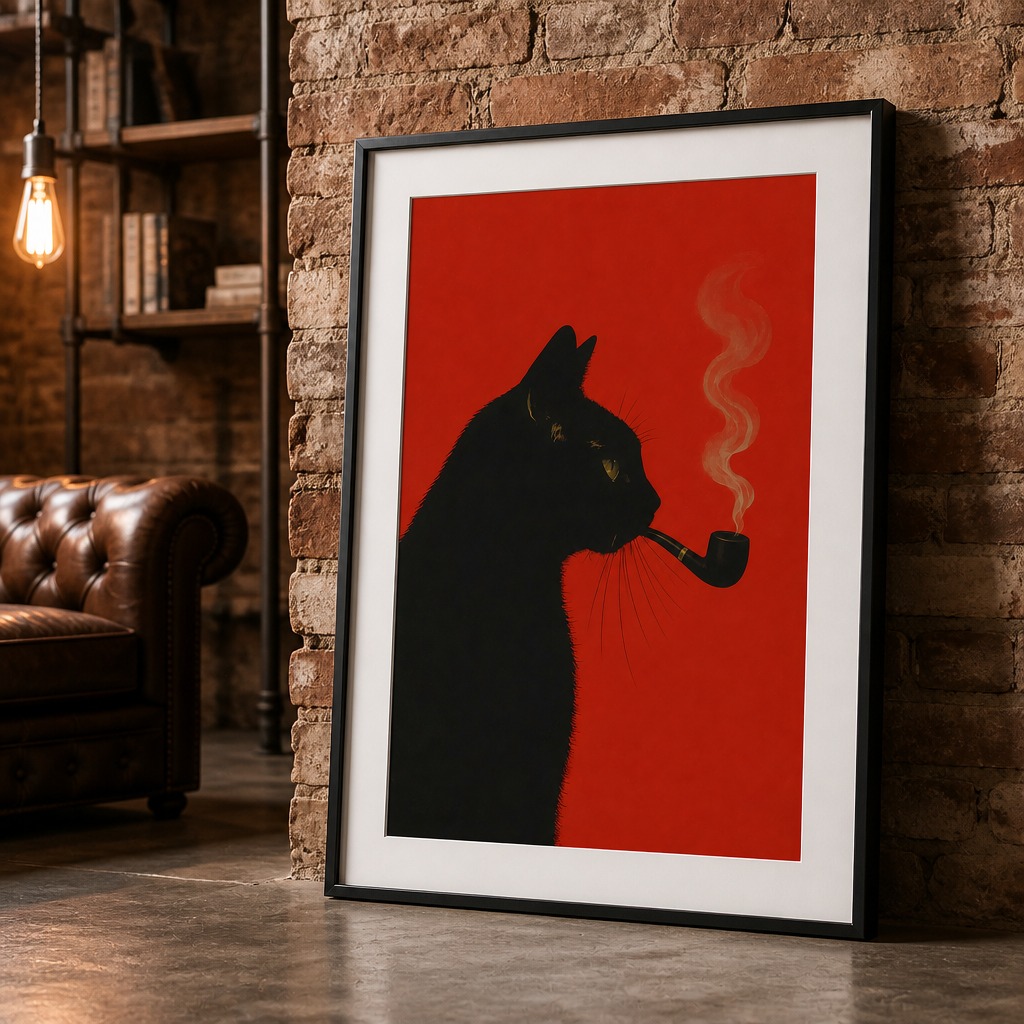
Every room is generated fresh from your artwork — not a shared stock photo template.
PlaceIt alternatives compared
| Tool | Price | Unique rooms | Bulk workflow | Output size | Free tier |
|---|---|---|---|---|---|
| PosterMock AI | Free – $7.99/mo | AI-generated | AI poster swap | 2000×2000 300 DPI | Yes |
| PlaceIt | $14.95/mo | Stock photos | Manual, one by one | Varies | No |
| Smartmockups | $9/mo | Stock photos | Manual, one by one | Varies | Limited |
| Canva | Free – $15/mo | Stock photos | Manual | Custom | Yes |
| Photoshop | $22/mo + skill | Custom | Hours of work | Custom | No |
The alternatives, one by one
Instead of pasting your poster into a stock photo, PosterMock AI generates a complete room scene from scratch around your specific artwork using AI. The result is a room that exists nowhere else — built for your poster, not repurposed from a shared template library. Generate once, save it as a room template, then swap any new poster into the same room in one click with AI. For sellers with large catalogues, this is a fundamentally different workflow: set up 3–4 room styles you like, and every new design you launch costs 5 credits and 30 seconds instead of 5 minutes.
If you specifically want stock photo templates and are looking to spend less than PlaceIt's $14.95, Smartmockups is the most direct alternative. Similar template library, lower price. The same structural limitations apply — stock photos, no workflow leverage, everyone has access to the same templates — but it's a clean tool and cheaper.
Canva has room mockup templates in its library. They're not as polished as dedicated mockup tools, and the output quality is variable. But if you're an occasional seller who needs one or two mockups and doesn't want to pay anything, Canva's free tier is usable. It doesn't scale well for sellers managing dozens of listings.
If you already know Photoshop well and want to create completely custom scenes — your own photography, your own compositing — Photoshop gives you the most control. The tradeoff is time: a single quality mockup takes 30–60 minutes, and the learning curve is steep if you're not already a designer. Not practical for most Etsy sellers.
The AI poster swap feature — the real workflow difference
The single biggest limitation of PlaceIt and every stock-photo alternative is that there's no way to reuse a room you've already created. Every new poster means starting over: find a template, upload your artwork, adjust, download, repeat.
PosterMock AI's Pro plan includes an AI poster swap feature that changes this completely. Here's the workflow:
- Generate a room you love — say, a minimalist white room with natural wood frame and morning light
- Save it as a room template
- When you launch a new print design, select that template and upload the new poster — AI replaces only the artwork inside the frame, keeping everything else identical
- You get a new mockup in about 30 seconds for 5 credits
For a seller with 50 prints and 3 room styles, this means 150 mockups from 3 initial generations rather than 150 separate sessions. That's the difference between mockups being a bottleneck and them being a non-issue.
Pro tip: Set up 3–4 room styles that match your brand aesthetic (one minimal, one cozy, one editorial) and use them as the base for every new listing. Your entire catalogue will have visual consistency, which strengthens your shop's brand identity on Etsy.
What about output quality for Etsy?
Etsy recommends listing photos that are at least 2000 pixels on the shortest side. PlaceIt's output varies by template — some are high resolution, many are not. Smartmockups is similar.
PosterMock AI outputs at 2000×2000 pixels at 300 DPI on every generation, regardless of the room style or template used. The square format fits Etsy's thumbnail grid perfectly and meets the technical spec for print-quality output.
Price comparison over 12 months
| Tool | Monthly | Annual cost | Mockups included |
|---|---|---|---|
| PosterMock AI Pro | $7.99 | $95.88 | 1,800/year (150/mo) |
| PlaceIt | $14.95 | $74.88 (annual plan) | Unlimited templates |
| Smartmockups Pro | $9 | $108 | Unlimited templates |
PlaceIt's annual plan ($74.88/year billed upfront) is actually cheaper than PosterMock AI Pro month-to-month. If budget is the only factor and you don't mind committing a year upfront, that's worth knowing. But if you want unique rooms, a workflow that scales with your catalogue, and no upfront commitment, PosterMock AI wins on value.
Note on PlaceIt's pricing: The $14.95/month figure is the monthly plan. PlaceIt's annual plan is $74.88/year ($6.24/month), which makes the monthly comparison less dramatic. Factor this in if you're a committed seller planning to use it consistently.
Which one should you use?
Use PosterMock AI if you want mockups that look different from everyone else's, you have more than 10 listings and need a scalable workflow, or you want to try before committing to any paid plan.
Use Smartmockups if you specifically want stock photo templates and are price-sensitive — it's cheaper than PlaceIt with a similar library.
Use PlaceIt if you're already a subscriber, happy with the template library, and the annual plan pricing makes sense for your volume.
Use Canva if you need an occasional mockup and don't want to pay anything at all.
Try the PlaceIt alternative free
No account needed. Upload your poster and get a unique AI-generated room in 20 seconds.
Generate a mockup free →2000×2000 · 300 DPI · No credit card · Cancel anytime
Frequently asked questions
Is PosterMock AI really free to try?
Yes — no account or credit card needed. You get 10 free credits as a guest (2 room generations). Create a free account to get 25 credits per month (5 rooms) and keep your mockup history. Pro is $7.99/month for 750 credits (150 rooms) and includes all 14 styles and the AI poster swap feature.
Does PosterMock AI work for landscape prints?
Yes. The app reads your artwork's shape when you upload it, so a landscape print automatically gets a landscape frame, and it suggests standard print sizes that match your file exactly. The AI builds the room composition around that frame shape.
Can I use the mockups on Etsy, Redbubble, and other platforms?
Yes. The mockup images are yours to use on any platform — Etsy, Redbubble, your own website, social media, or anywhere else. There are no platform restrictions on the output.
How does the AI poster swap actually work?
Generate a room with any poster, then save it as a template (Pro feature). When you upload a new poster and select that template, AI replaces only the artwork in the frame while keeping the room, lighting, furniture, and composition identical. Each swap costs 5 credits and takes about 30 seconds.