Background Remover for Print Designs
Take the background off a t-shirt design, sticker, logo or clipart, whether it's white, black or any solid colour, and download a transparent PNG at full size, ready for print on demand. Photos work too. No sign-up, no watermark, and your file never leaves your device.
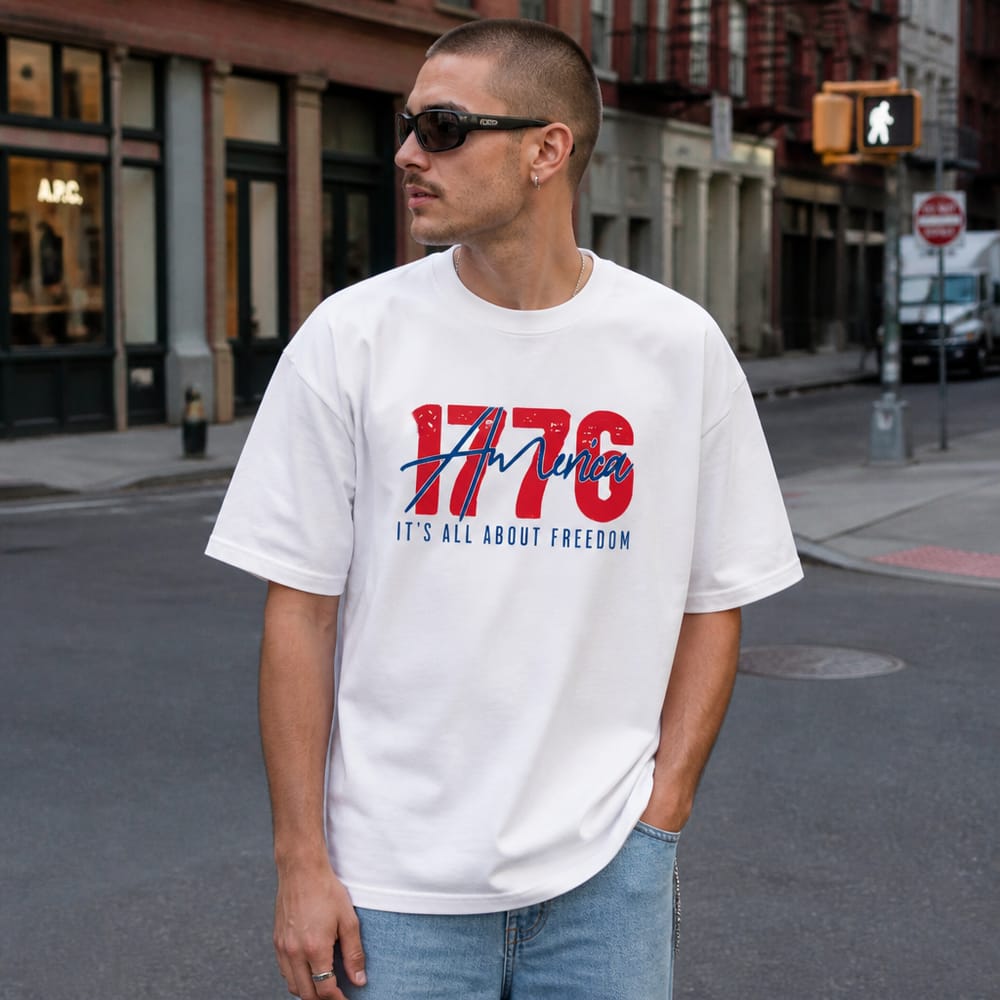
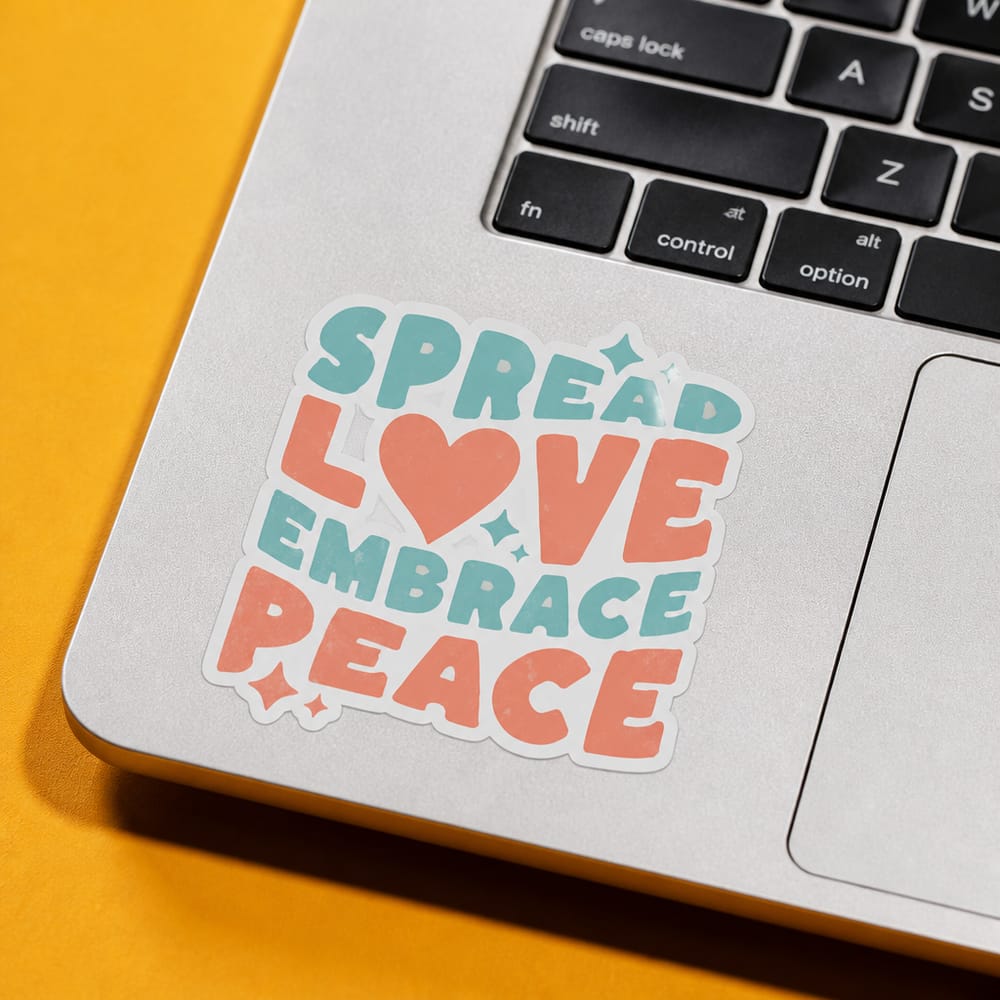
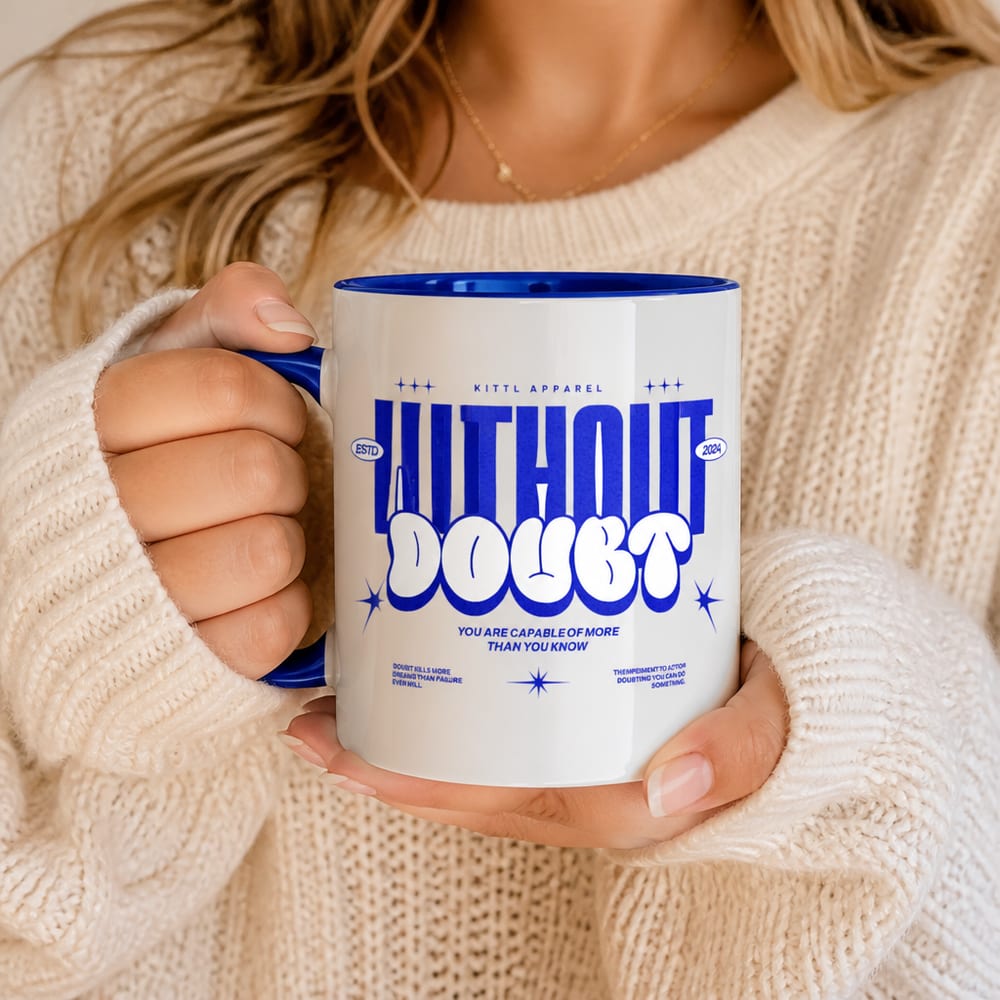
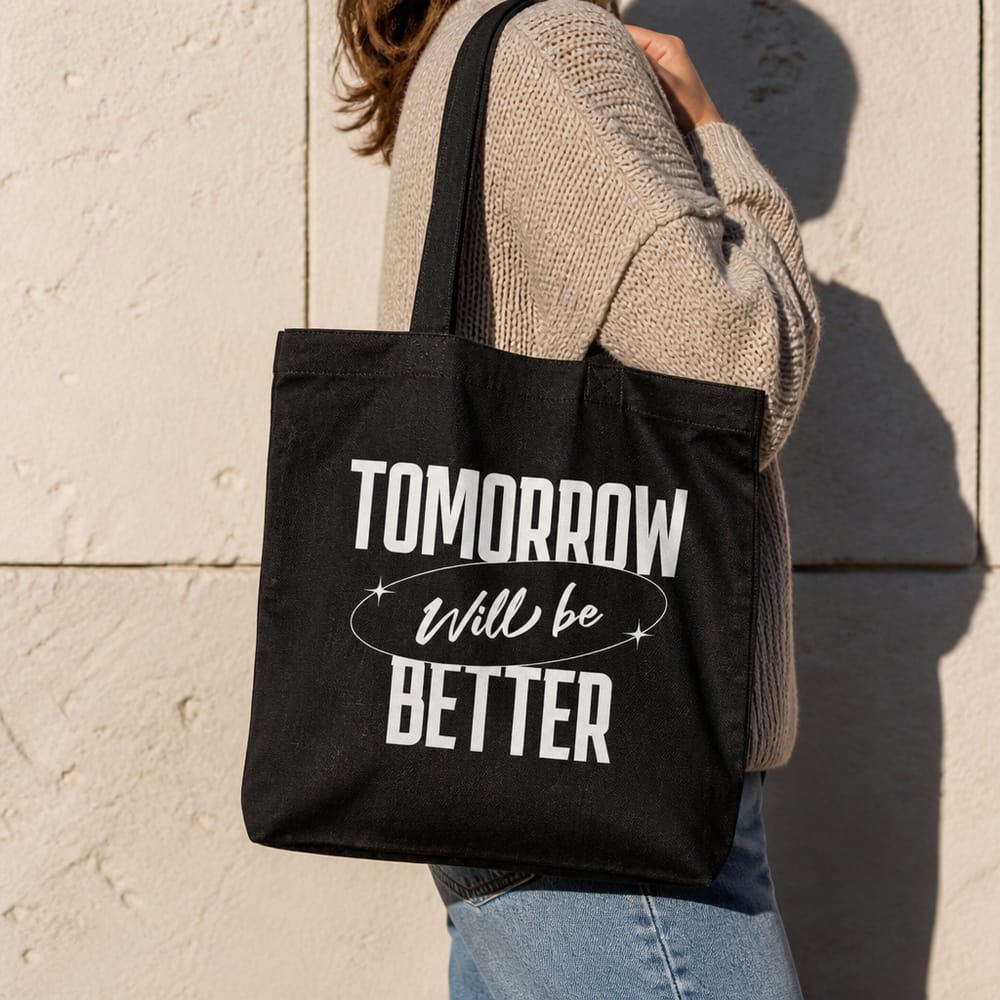
Two modes: exact for designs, AI for photos
Drag the sliders. Everything below is real output from this page, not retouched. The tool picks the mode for you from the edges of your image, and you can switch any time.
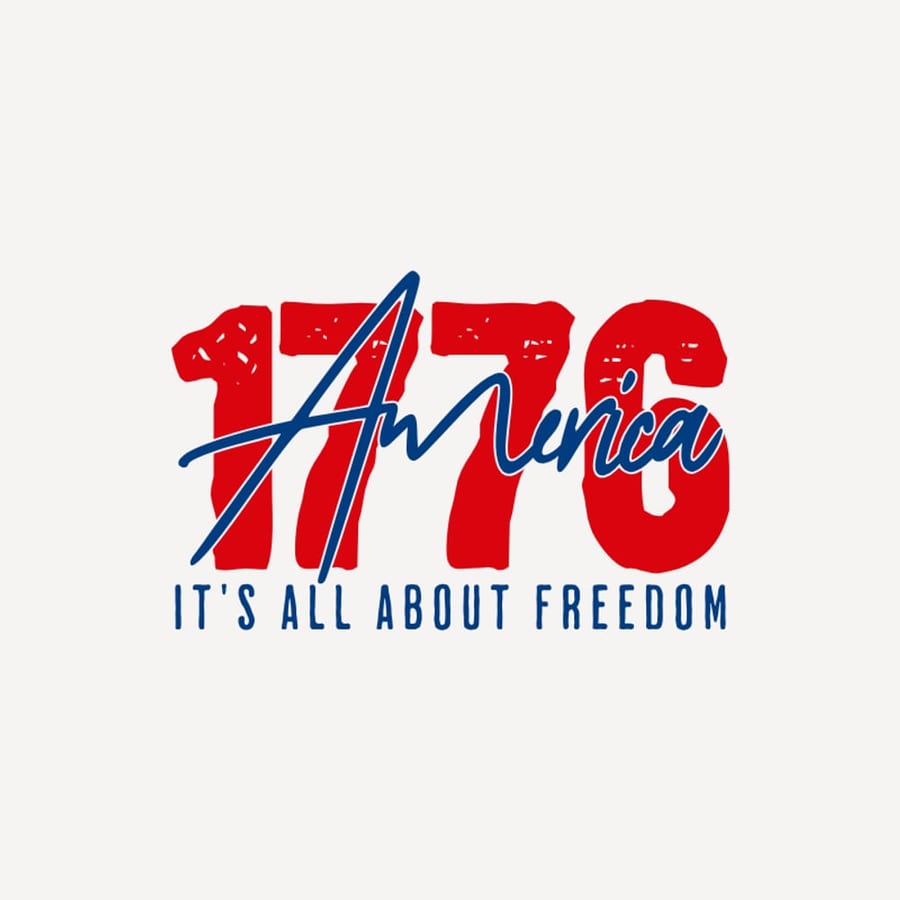
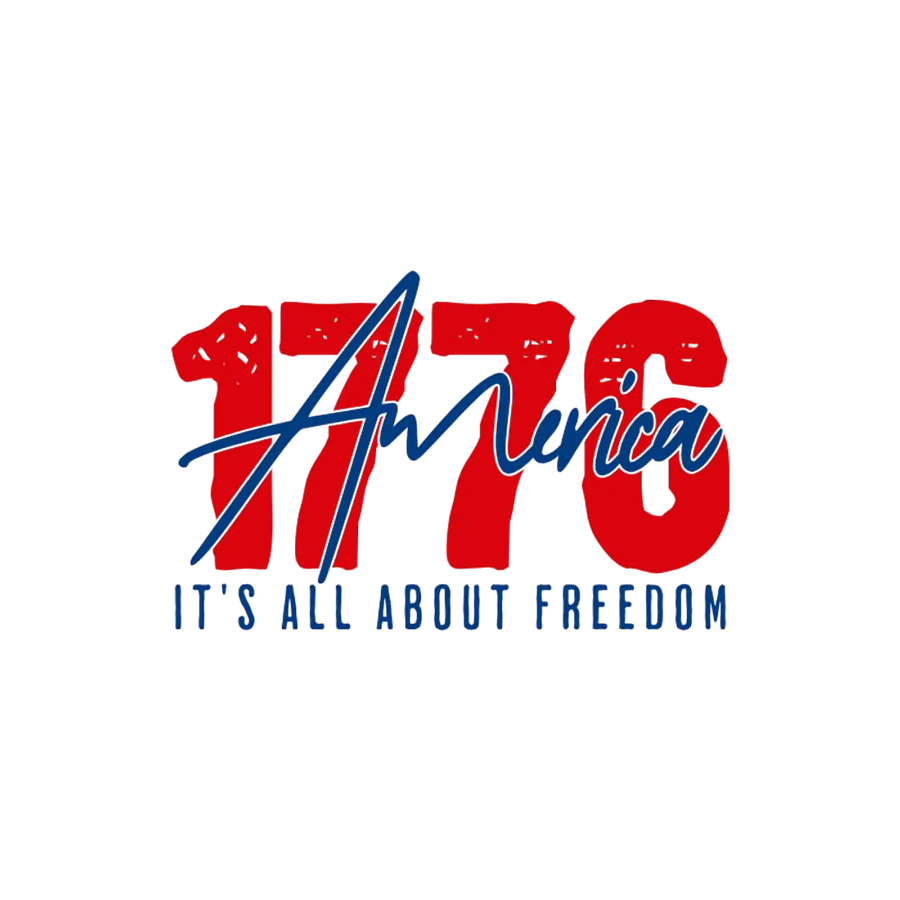
T-shirt designs, stickers, logos and clipart
Made for artwork on a plain background, the way most designs come out of Canva, Procreate, Illustrator or an AI image tool. The background can be any single colour: white, cream, black, grey or a bright colour. It reads that colour from the edges of your image, removes it, and keeps every pixel of the design.
- No white halo. The soft pixels around each edge are blended out, so the design sits cleanly on a black or coloured shirt.
- White inside the design stays. Only background that touches the edge is removed, so a white fill in a letter or a face survives. Set holes to Remove too for distressed or grunge designs like this one, so the shirt shows through the texture.
- Click to clean up. A leftover patch, like the middle of an O, disappears with one click on the preview.
- Any solid colour. White is the most common, but a design on black, navy or pink works the same way. Gradients and textured or photo backgrounds need Photo mode.
- Full size. A 4500 × 5400 px file comes out at 4500 × 5400 px.
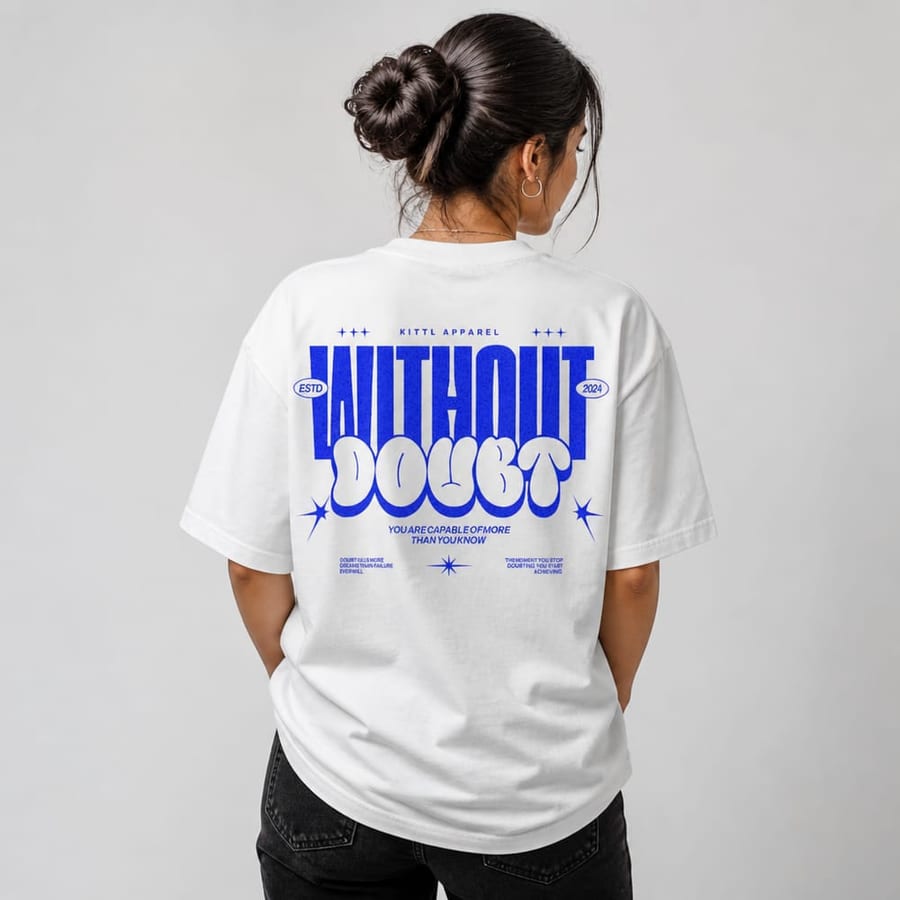
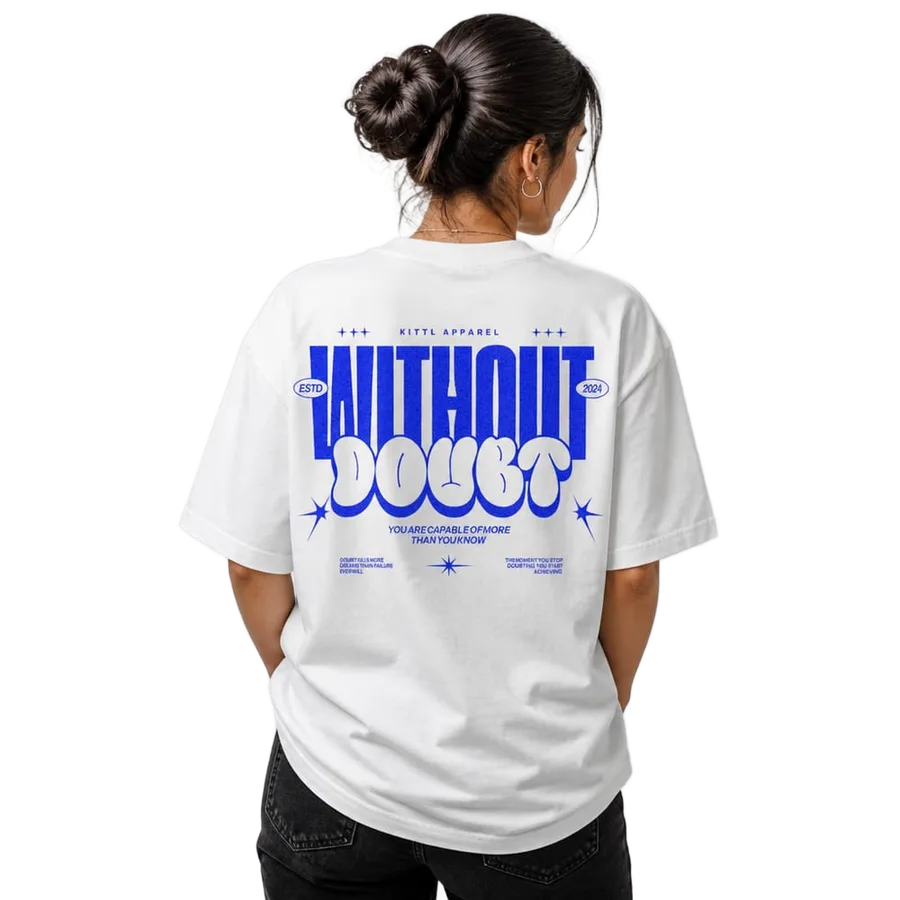
Products, people and pets
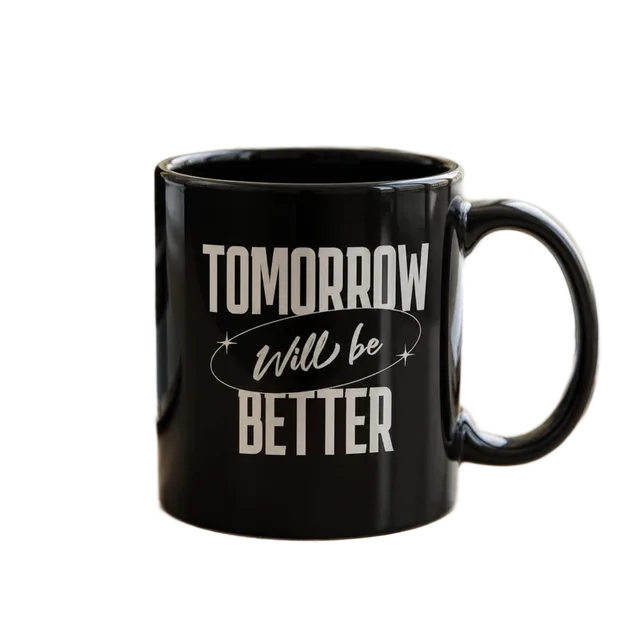
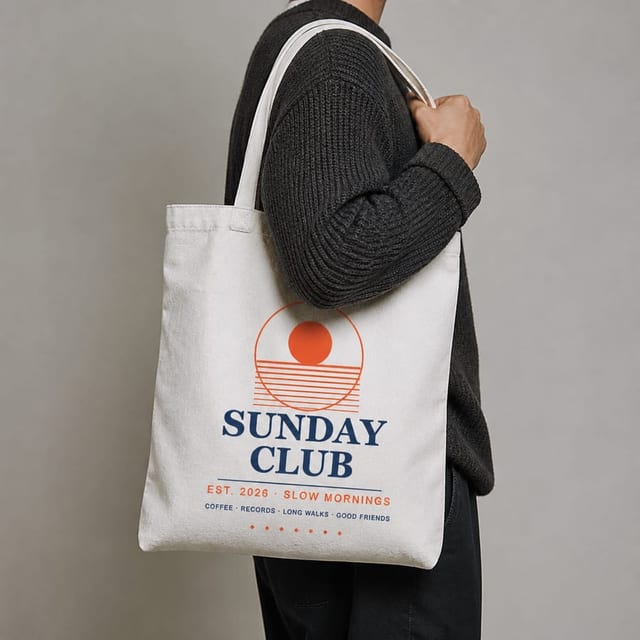
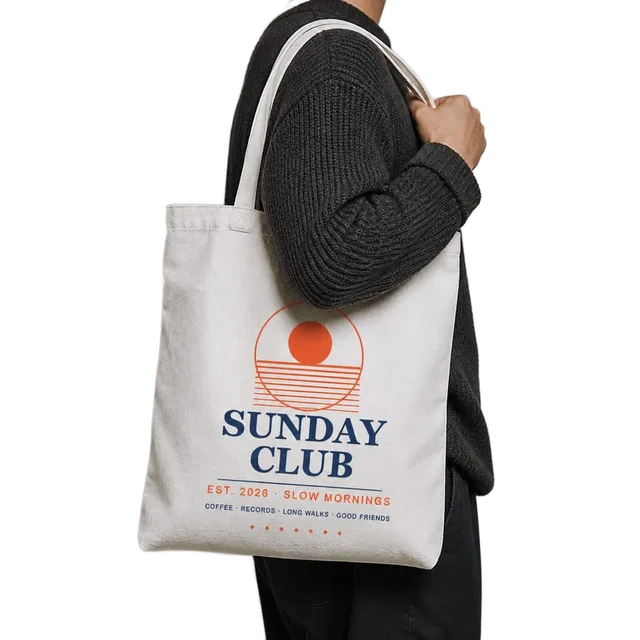
For photos where the background isn't one flat colour: a street, a room, a café table. An AI model finds the main subject (a person, a mug, a bag, a bottle) and cuts it out, hair and handles included. Use it for product shots on a clean background, profile pictures, or a photo you want in a collage or ad.
- Private. Your photo is never uploaded to our server.
- Fast. A few seconds on most computers in Chrome or Edge; phones and older machines take longer.
- Click to clean up. If a patch of background is left, like the wall showing between a bag's handles, click it and it's gone.
- Best with one clear subject. Busy scenes, glass and very pale objects on pale backgrounds are harder; you may see soft or see-through patches.

A clean PNG in four steps
- Drop in your file. JPG, PNG or WebP. Use the biggest version you have; the PNG comes out at the same size.
- Check the mode. Design is picked for artwork on a plain background of any colour, Photo (AI) for everything else. Switch if it guessed wrong.
- Check the edges. Use the colour dots under the preview to see it on white, black or a shirt colour. In Design mode, raise the tolerance if specks remain, or click any leftover patch.
- Download the PNG. Then put it on a t-shirt, sticker, mug or tote in the mockup generator, with one click.
Print on demand needs a transparent PNG
Printful, Printify, Redbubble, Merch by Amazon and most other print on demand sites print every pixel you upload. A design saved on a white (or any coloured) background prints as a box around the design on the shirt. A transparent PNG prints only the design.
Most AI image tools and many design apps export on white, and most online removers shrink the file or charge credits for the full size. This one keeps your file's full pixel size, because the work happens on your own computer.
For the cleanest result, start from the largest file you have. A 4500 × 5400 px PNG is the size most print on demand sites ask for on a t-shirt.
Background remover FAQ
Is the background remover really free?
Yes. There are no credits, no sign-up and no watermark, and the PNG keeps your file's full size.
Is my design uploaded anywhere?
No. Your file is processed inside your browser and never sent to our server, in both modes.
Which mode should I use?
Design mode for artwork on a plain background of any one colour (white, black or any other): t-shirt designs, stickers, logos, clipart. It is exact and keeps white parts inside the design. Photo mode uses AI for photos of products, people or pets on a busy background.
Why does white inside my design stay white?
Design mode only removes background that touches the edge of the image, so white fills inside letters and shapes are kept. To clear an enclosed gap, like the middle of an O, click it in the preview, or set holes to Remove too.
What file do I get?
A PNG with a transparent background at your design's full pixel size, ready for Printful, Printify, Redbubble, Merch by Amazon and other print on demand sites.
Photo mode is slow or fails. Why?
Photo mode does the work in your browser. On a computer with Chrome or Edge it takes a few seconds; on older machines and phones it can take 10 to 30 seconds, and some phones run out of memory. Design mode works everywhere.
Transparent PNG ready? Put it on a shirt.
Upload your design and get a photorealistic t-shirt, sticker, mug or tote mockup in about 20 seconds. Free, no sign-up.
Try the t-shirt mockup generator