Glossy vs. Matte vs. Holographic Sticker Mockups: Which Finish Sells Best on Etsy?
Frame choice on a poster mockup is cosmetic — the frame in the photo usually isn't part of what ships. Finish on a sticker mockup is different: glossy, matte, and holographic are real, physical materials, and whichever one shows up in your listing photo is a promise about what arrives in the mail. Get the finish right in the mockup and you're showing an accurate product photo. Get it wrong and you're setting up the same "this isn't what I ordered" message that a mismatched frame causes on posters.
So before finish is a style question, it's an accuracy question. Once that's settled, it's worth thinking about which finish actually helps a specific design sell.
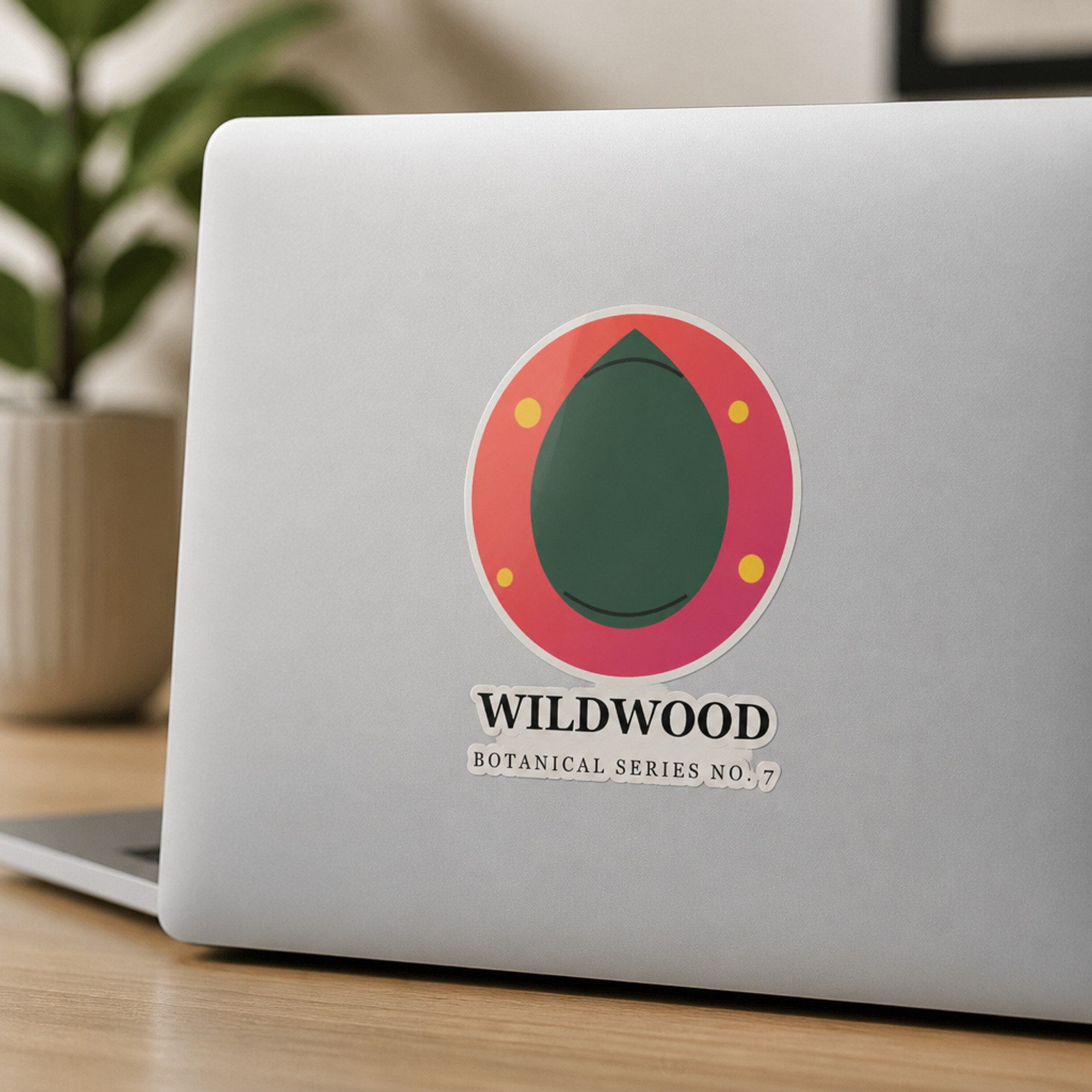

Same design, different surfaces — finish should stay consistent with whatever actually ships.
What each finish actually communicates
A buyer scrolling Etsy search results reads finish almost instantly, even without consciously naming it — it shows up as a gut feeling about quality and price before they've read a single word of your listing.
| Finish | Reads as | Works best for |
|---|---|---|
| Glossy | Vibrant, high-shine, classic "sticker" | Bold illustrations, cartoons, fandom art — the safest general-purpose default |
| Matte | Muted, premium, no glare | Minimal line art, typography, photography-based designs, "aesthetic" branding |
| Holographic | Rainbow shimmer, novelty, eye-catching | Kawaii, celestial, fandom, and anything meant to feel like a collectible or upgrade |
Matching finish to design style
A few patterns hold up consistently across sticker shops that sell well:
- Bold, flat-color illustrations (cartoons, mascots, chunky line art) almost always read best glossy — the shine reinforces the "fun, collectible" feel the art is already going for.
- Fine detail and photography-style designs tend to lose clarity under glare, so matte keeps small text and gradients legible in the mockup and in person.
- Anything meant to feel premium or limited — a "collector's edition" die-cut, a design you're pricing above your other listings — benefits from holographic specifically because it visually justifies the higher price before the buyer reads a word of the description.
Etsy specifics: the finish shown in your primary photo should match your default listing option exactly. If holographic is a paid upgrade rather than the base product, show glossy or matte as the lead photo and holographic clearly labeled as a variant further down the gallery — not the other way around.
Should you show more than one finish?
Only if you actually sell more than one. If your listing has a finish dropdown with glossy and holographic as real options, mocking up both is useful — it shows buyers exactly what each choice looks like before they pick. If you only print one finish, resist the temptation to generate a flashier holographic shot "just to see how it looks" and use it as your lead photo. It'll get clicks from buyers expecting a product you don't sell, and that gap shows up later as a return or a bad review.
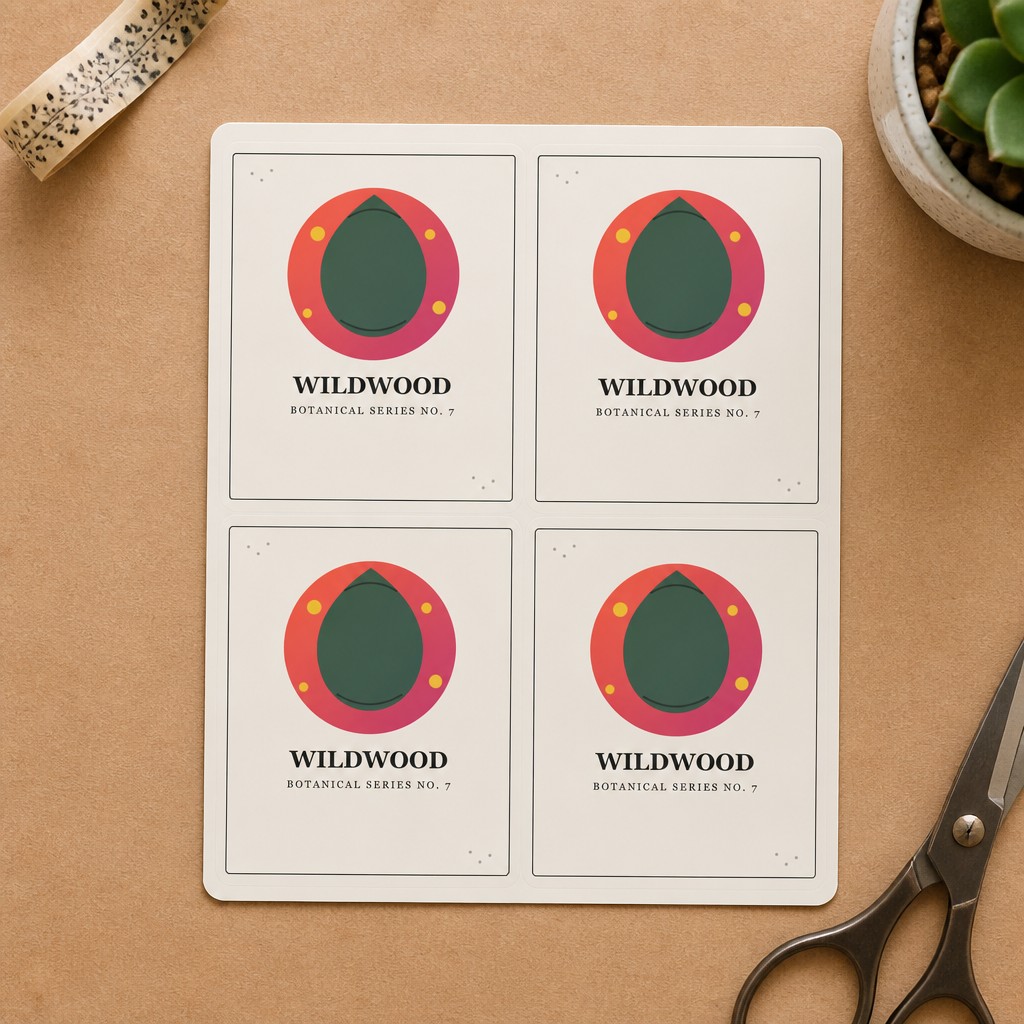
A full sticker sheet mockup works well for showing an entire collection's finish and style in one photo.
Generating all three finishes from one upload
Because PosterMock AI generates finish as part of the AI render rather than compositing a texture overlay onto a fixed template, the same uploaded design can produce a genuinely different-looking glossy, matte, and holographic version — each with its own light behavior and surface detail. That makes it fast to just generate all three and compare them side by side instead of guessing from a style guide, then keep only the one (or two) that match what you actually ship.
See your design in all three finishes
Upload once and generate glossy, matte, and holographic sticker mockups across six surfaces in about 20 seconds each.
Try free — no account needed →Flat Lay & Laptop free · Water Bottle, Notebook & Sheet on Pro
Frequently asked questions
Can I show more than one finish in my listing photos?
Only if you actually sell more than one finish as a variant. If holographic is an upgrade option, a mockup showing it earns its place in the gallery. If you only print glossy, keep every listing photo glossy — showing a finish a buyer can't actually choose sets up a mismatch at unboxing.
Which finish should I pick if I only offer one?
Glossy is the safest single default — it photographs well across almost any design style and matches what most buyers picture when they think "sticker." Matte is a strong alternative if your brand leans minimal or your designs are text- or photo-heavy, since it avoids glare in the mockup and in real use.
Does holographic actually mockup differently, or is it just a filter?
PosterMock AI generates the holographic version as a distinct image — the AI renders the rainbow shimmer, light refraction, and surface texture specific to holographic vinyl, rather than applying a color overlay to a glossy render.
Do I need different mockups for different surfaces and finishes?
Not necessarily, but it helps. You can generate the same design across all three finishes and all six surfaces (Flat Lay, Laptop, Water Bottle, Notebook, Phone Case, Sticker Sheet) from a single upload, then pick whichever combination best represents your actual product.