8×10 Frame
Mockup Generator
Upload a 4:5 print, pick 8×10 in the size menu, and get a real room with the frame drawn at its true size: about 20×25 cm, next to real furniture.
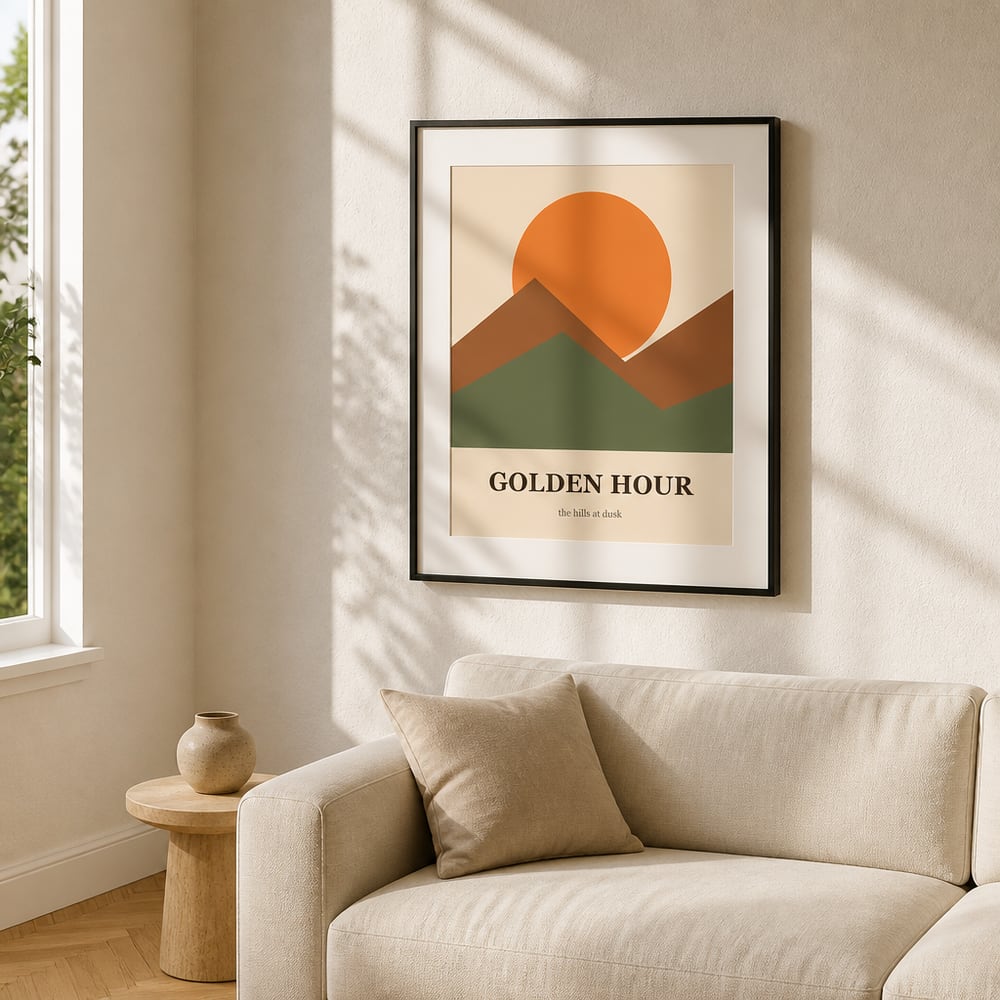
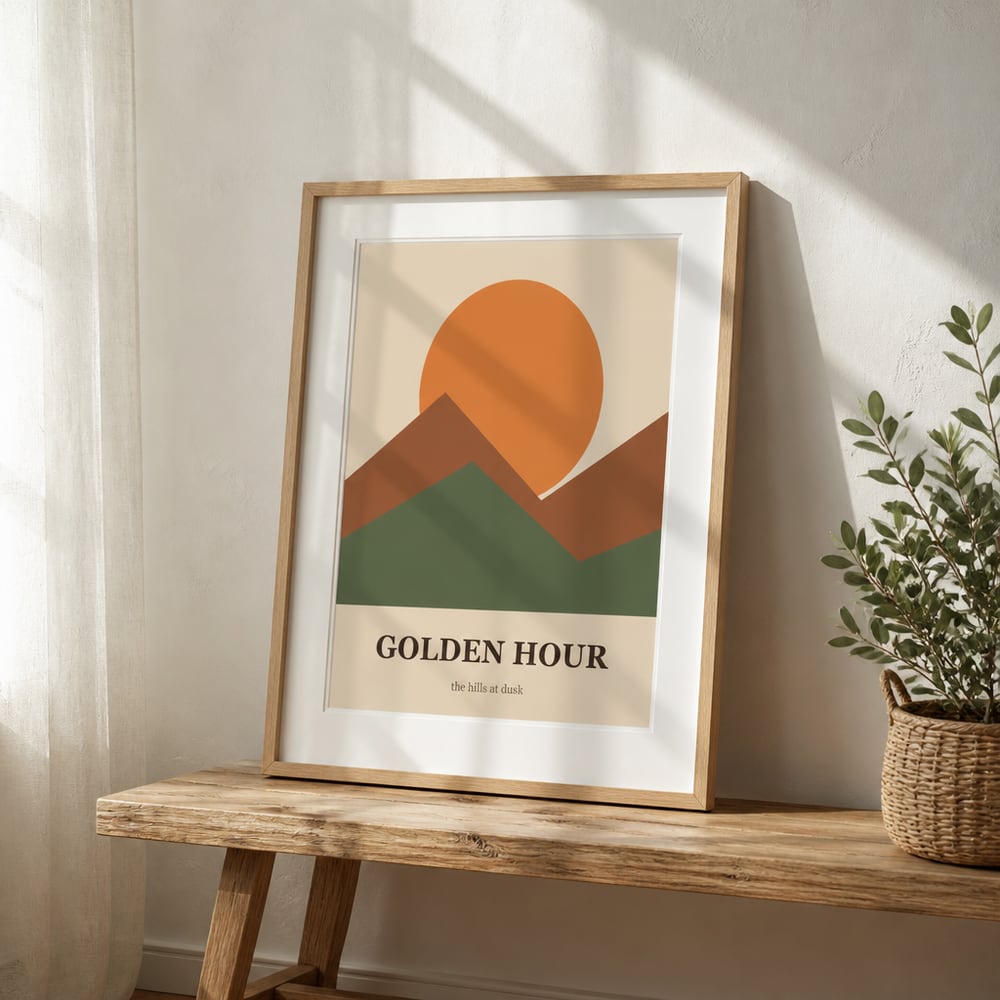
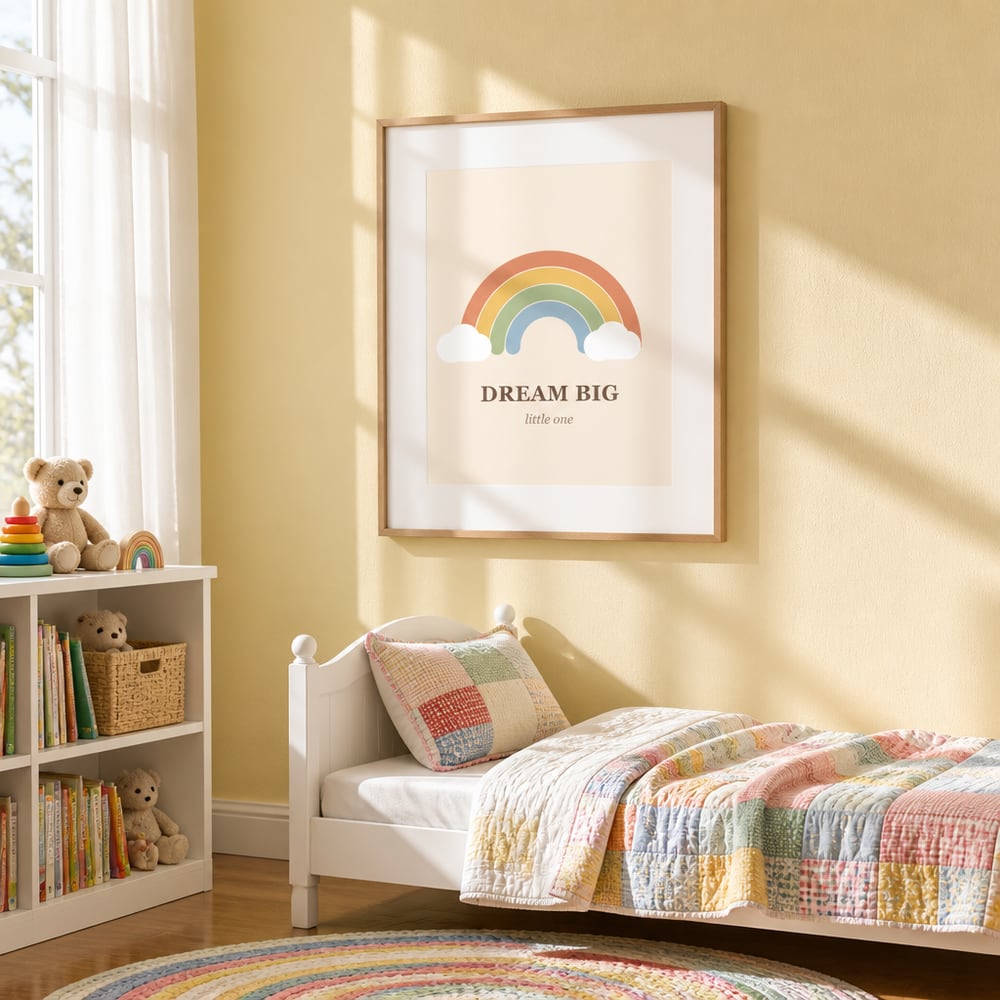
A 4:5 file in. An 8×10 frame out.
The app reads your file's ratio and only offers sizes that fit it. Pick 8×10 and the AI draws the frame at that size, with your art filling the opening: never stretched, never cropped.

Every photo made from one upload.
No stock templates: each scene is generated fresh around the design, so your listing doesn't look like everyone else's.
How to make a 8×10 frame mockup
Three steps, about a minute. Your first mockups are free and you don't need an account.
Upload a 4:5 file
An 8×10 print is a 4:5 ratio (2400×3000 px at 300 DPI). Not 4:5 yet? The free resizer makes one.
Choose 8×10 in the size menu
A 4:5 file can be shown as 8×10, 11×14, 40×50 cm or 16×20. The menu starts on 16×20, so switch it to 8×10.
Pick a room and frame
Black, white or wood, with or without a mat, in natural, warm or bright light. Download a 2000×2000 photo in about 20 seconds.
Six free rooms, sixteen more on Pro
Minimalist
FreeWarm white plaster walls, a light oak floor and a low linen sofa.
Scandinavian
FreeBright white walls, a pine floor and sheer linen curtains.
Cozy
FreeTerracotta walls, a brown velvet sofa and a hand-knit throw.
Home office
ProA walnut desk: a natural spot for a small 8×10 print.
Kids' room
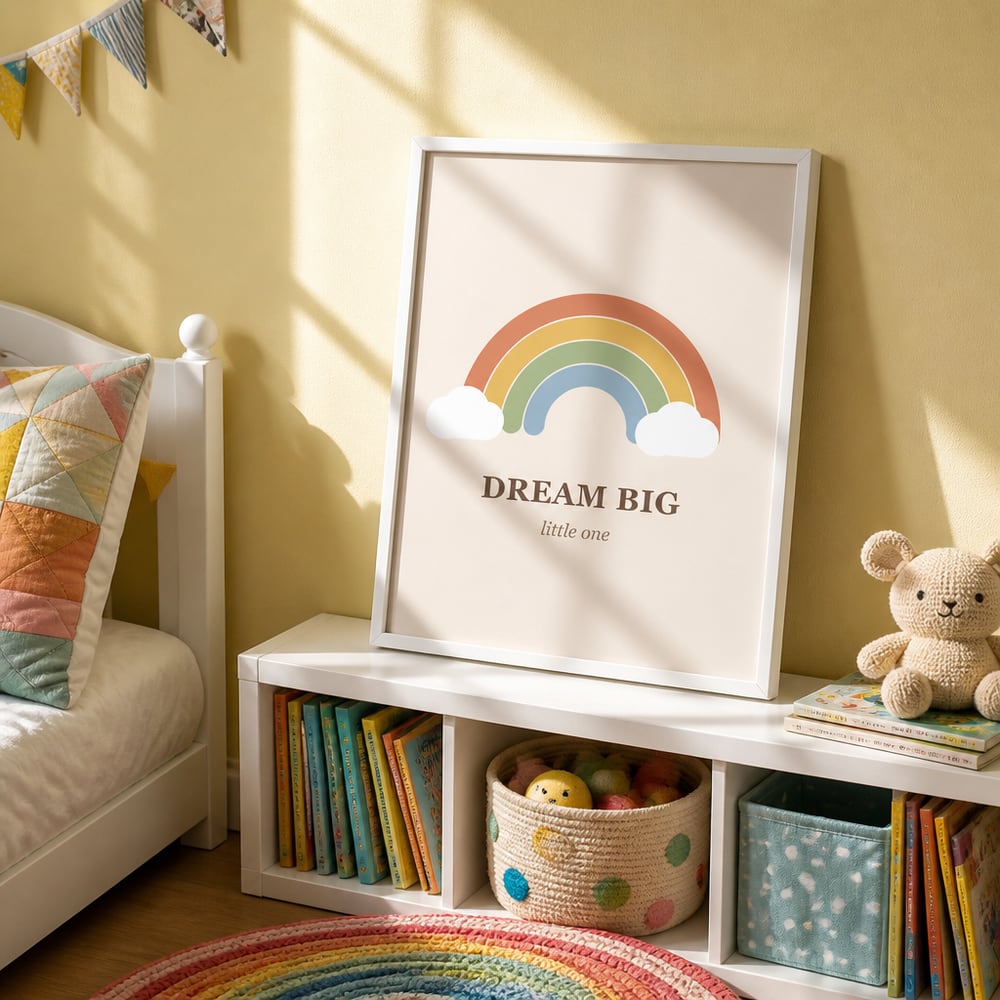
ProPastel walls above a small bed, for nursery prints.
Kitchen
ProA farmhouse kitchen with oak shelving and a marble counter.
Not another shared template.
Unique to your shop
Template sites give every seller the same few photos. Here the scene is generated for your design, so no two listings look alike.
Built to look like a real photo
Each generator was tuned against real product photography: true material texture, natural light and believable people. How we do it.
No Photoshop, no PSD files
No smart objects to edit and nothing to install. Upload in the browser and download a finished photo.
| Tool | Price | How the photo is made | Unique to your design |
|---|---|---|---|
| PosterMock AI | Free · packs from $1.99 | AI-generated scene | Yes |
| Placeit | $14.95/mo | Stock template | No |
| Canva Mockups | Free · Canva Pro | Stock template | No |
| Printful Mockup Generator | Free with Printful | Stock template | No |
Competitor prices as listed on their sites in 2026, monthly billing.
Get a better 8×10 frame listing photo
8x10 Frame mockup generator FAQ
Is the 8x10 frame mockup generator free?
Yes. You can make 1 mockup a day as a guest with no account. A free account starts with a 7-day Pro trial and 15 mockups, then adds 25 credits a month. Six room styles and every frame, mat, size and light option are free.
What file do I need for an 8x10 mockup?
A 4:5 image, such as 2400×3000 px (8×10 inches at 300 DPI). Files within about 3% of 4:5 also work. Other ratios won't show 8×10 in the menu, because the art would be cropped or stretched.
Can I show my 8x10 print with a mat?
Yes. Turn the mat on and the print gets a white mat about 5 to 7 cm wide inside the frame.
Can I use the mockups commercially?
Yes. Everything you generate is yours to use in Etsy, Shopify or Pinterest listings and ads, with no watermark.
What size are the images?
Every mockup is a 2000×2000 pixel square at 300 DPI, which fits Etsy's recommended listing photo size.
See your 8×10 print on a real wall.
One free mockup a day as a guest. No account, no card, no watermark.
Make an 8×10 mockup