PosterMock AI
vs Canva Mockups
Canva Mockups, built on Smartmockups which Canva bought in 2021, places your design into template photos inside the Canva editor you may already use. PosterMock AI generates a new photo around each design. Here is how they differ, and when each is the better pick.
Which one should you use?
- You already pay for Canva Pro and design your art in Canva, so mockups are one click away.
- You need devices, books, packaging or other products PosterMock doesn't make.
- You want your design reproduced pixel for pixel, including tiny text.
- You want listing photos that don't share a template with other Canva users.
- You sell wall art and want real rooms at the right print size, with frames, mats and sets of 2 or 3 prints.
- You don't want a design-suite subscription just for mockups: packs start at $1.99 and never expire.
PosterMock AI vs Canva Mockups at a glance
| PosterMock AI | Canva Mockups | |
|---|---|---|
| How the photo is made | Generated by AI around your design | Template photos: your design is placed into a pre-shot photo |
| Unique to your listing | Yes: a new scene for every design | No: the same templates are available to every Canva user |
| Products | Posters and framed prints, t-shirts, mugs, stickers, tote bags | Apparel, mugs, prints, devices, books, packaging and more |
| Free plan | 1 mockup a day with no account; a free account starts with a 7-day Pro trial | Some mockups free with Canva Free; more with Canva Pro |
| Paid price | Packs from $1.99 (20 mockups), never expire · Pro $7.99/mo for 150 mockups | Included with Canva Pro (about $15–18/mo depending on region and date) |
| Commercial use | Yes, free and paid | Yes, under Canva's licence |
| Watermark | No | No, on templates your plan includes |
| Image size | 2000×2000 px, 300 DPI | Varies by template |
| Video mockups | No | Some animated mockups |
| Design editor | No: upload a finished design | Yes: the full Canva editor |
| Your design reproduced pixel for pixel | Close, not exact: small text can shift, so check before listing | Yes: your file is placed into the template as is |
Canva Mockups details come from its public site and 2026 reviews, checked in November 2026. Prices are monthly in USD and change often, so confirm on their site. This page is written by PosterMock AI.
Template vs generated scene
A template tool drops your file into a photo someone shot once and sells to everyone. That keeps every pixel of your design exact, but the scene is shared. PosterMock AI photographs a new scene around your design each time: the light and shadow fall across your art, and the room is yours alone. The trade-off is that very small text can shift, so check each image before you list it.
A scene nobody else has
Every photo is generated for your design, so your listing doesn't share a stock photo with hundreds of other shops.
Pay per mockup, not per month
Credit packs from $1.99 for 20 mockups never expire. Pro is $7.99 a month if you list every week.
Built for wall art
22 room styles, real print sizes from 5×7 to A1, frames, mats, leaning or hanging, and sets of 2 or 3 prints in one room.
What PosterMock AI makes
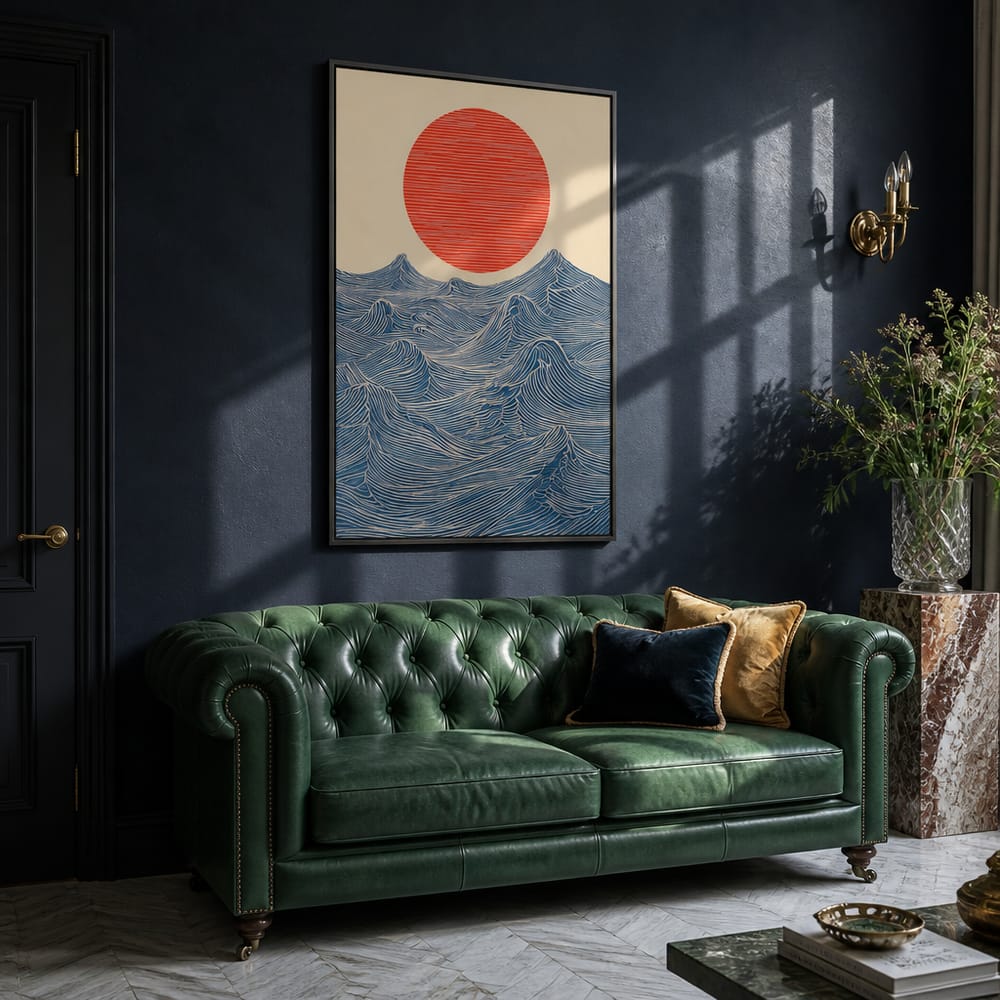
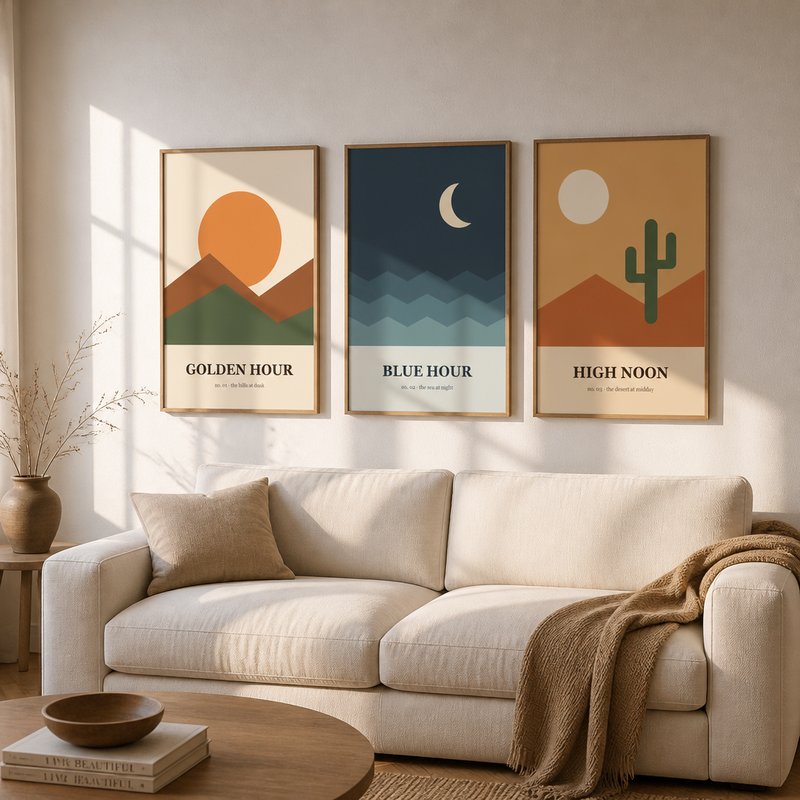
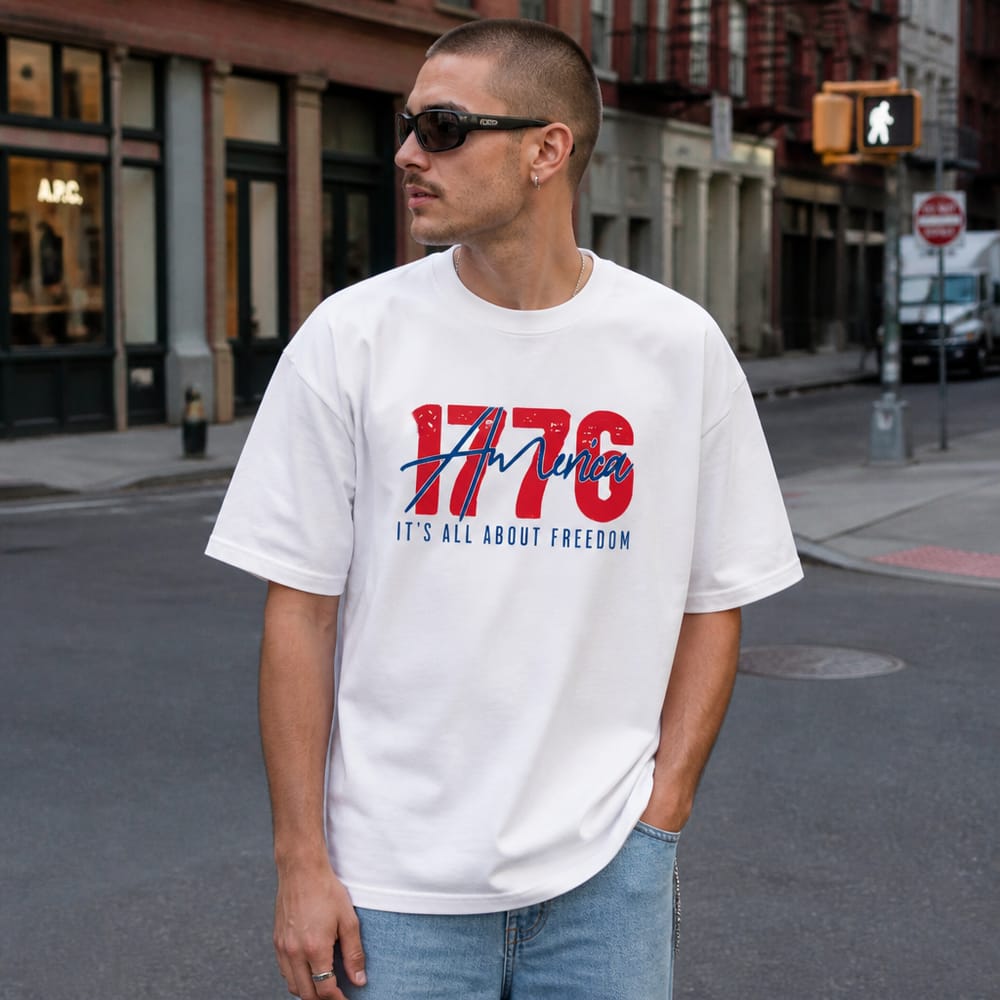
Each photo generated from one flat design upload, with no editing afterwards.

PosterMock AI vs Canva Mockups FAQ
Is Canva Mockups the same as Smartmockups?
Yes, in effect. Canva bought Smartmockups in 2021 and moved its mockups into Canva. The standalone Smartmockups site shut down in September 2024.
Is PosterMock AI cheaper than Canva?
If you only need mockups, usually yes: one free mockup a day, credit packs from $1.99 that never expire, or Pro at $7.99 a month. If you already pay for Canva Pro for design work, its mockups cost you nothing extra.
Which looks more realistic?
Canva mockups are real photos, so the scene itself is always photographic; the limit is that the scene is shared. PosterMock AI builds a new photographic scene around your design, with light and shadow falling across it. Small text in your design can shift slightly, so check each image before listing.
Can I use both?
Yes. Many sellers design in Canva, then upload the finished PNG to PosterMock AI for their lead listing photo.
Try it on your own design.
One free mockup a day as a guest. No account, no card, no watermark.
Make a free mockup